AI
14 minutes reading time

AI in code review can shorten review time. However, AI acts as an amplifier. Without good processes and workflows, it can also increase review backlog or push delays into later workflow stages.
If your processes are good, it’s time to pick a good AI code review tool.
At this point, the question is not which tool generates more comments. Rather, it’s whether it reduces PR cycle time, shortens time to first review, or lowers post-merge rework at the team level.
Some tools add inline suggestions. Others extend existing static analysis inside your CI/CD pipelines. In some cases, they increase review activity without reducing backlog age or improving deployment stability.
The issue is delivery impact, not installation.
In this article, we'll compare the top 10 tools based on review mechanisms and workflow impact. Here, you will also learn how to connect AI-assisted signals to measurable outcomes, such as lead time for changes and change failure patterns.
|
Tool |
Primary Focus |
AI Review Type |
Integrations |
Best For |
Pricing Tier |
|
GitHub Copilot |
PR Assistance |
Suggestions, PR Summaries |
GitHub, IDE |
GitHub teams |
Paid ($19/user/mo) |
|
CodeQL |
Security |
Semantic Analysis |
GitHub, CI/CD |
Enterprise security teams |
Enterprise ($30/committer/mo) |
|
Snyk Code |
Security |
Static Analysis |
GitHub, GitLab, IDE |
Security-focused teams |
Freemium ($1,260/yr/dev) |
|
DeepCode |
Security |
Hybrid |
GitHub, GitLab, IDE |
Snyk users |
Paid (Snyk plans) |
|
Codacy |
Code Quality |
Hybrid |
GitHub, GitLab, Bitbucket |
PR gate enforcement |
Freemium ($21/dev/mo) |
|
SonarQube Cloud |
Code Quality |
Static Analysis |
GitHub, GitLab, CI/CD |
Large codebases |
Freemium ($32/mo) |
|
Amazon CodeGuru Reviewer |
Security |
Semantic Analysis |
AWS, GitHub, CI/CD |
AWS Java/Python teams |
Paid (LOC-based) |
|
Pull Request Review Bots |
PR Assistance |
Suggestions, Hybrid |
GitHub, GitLab, Bitbucket |
Automated PR guardrails |
Freemium ($20–40/user/mo) |
|
Sourcegraph Cody |
Architecture |
Semantic Analysis |
GitHub, Sourcegraph |
Multi-repo enterprises |
Enterprise ($49/user/mo) |
|
Tabnine |
Code Quality |
Suggestions |
GitHub, IDE |
Privacy-sensitive orgs |
Paid ($59/user/mo) |
AI code review tools are agents that analyze pull requests and code changes to flag defects, risks, and structural issues before or during human review. They evaluate bugs, security vulnerabilities, style violations, performance issues, and maintainability patterns directly inside your existing workflow.
However, not all tools operate the same way. For example:
Adoption is already widespread.
According to the 2025 State of AI Code Quality, 82% of developers use AI coding tools daily or weekly, and 20% use five or more. That level of usage means the question is no longer whether AI will appear in reviews. Instead, it’s: how does it change review latency, rework patterns, and merge decisions?
Side note: Watch this short clip to see how AI reviews pull requests in parallel with human reviewers without disrupting your workflow.
This takes us to our next point.
You can use AI code review tools to reduce review latency and improve merge decisions without adding more senior reviewer hours. Let’s examine the operational shifts you should expect:
Here's what we think about this: AI amplifies your existing process. If review ownership and sequencing are unclear, AI accelerates that confusion. If your workflow is measured and stable, AI compounds its gains.
Next, let's see which tools you can use.
Pro tip: If you want to tighten your review standards, check out our in-depth guide to a practical developer code review checklist. It walks you through the essential steps that keep pull requests clean, focused, and production-ready.
The top AI code review tools you should evaluate first are GitHub Copilot, CodeQL, Snyk Code, DeepCode, and others in this list because they shape review behavior at scale.
We’ve selected them based on review depth, workflow fit, and impact on security & dependency risk.
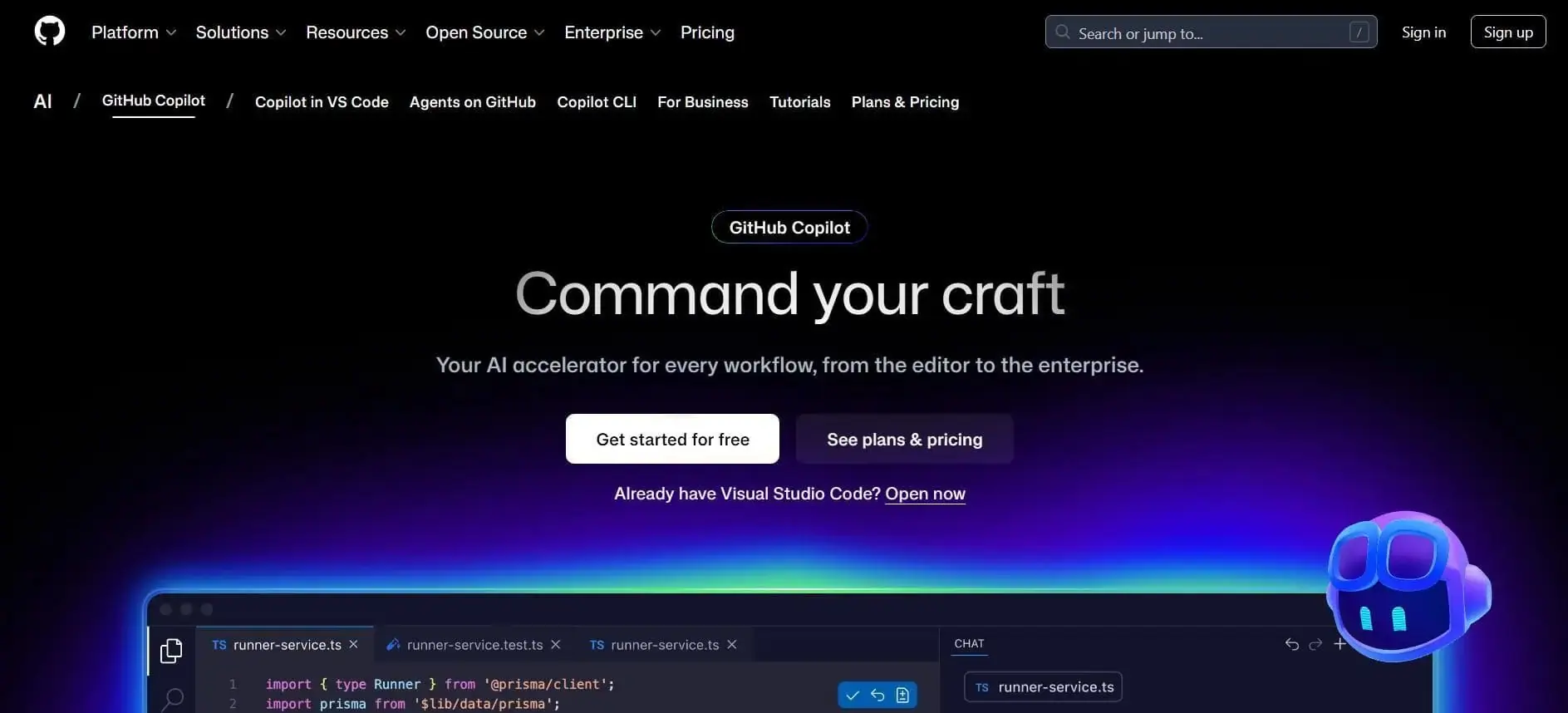
GitHub Copilot extends generative AI to PR reviews by adding automated summaries, inline feedback, and suggested fixes directly within GitHub and supported IDEs. As a result, review time shifts from clarifying “what changed” to validating architectural and logic decisions.
Copilot can analyze changes across languages, propose edits that you can apply with a click, and operate within existing review threads rather than outside your workflow. We like that it reduces clarification cycles before human review begins.
For example, Duolingo reported a significant drop in median review turnaround time and an increase in PR throughput after adoption.
Pros:
Cons:
Pricing: There's a free paid plan for individuals, and businesses can start at $19/user/month
Best For: Teams already reviewing in GitHub that want AI support without changing their workflow.
Website: GitHub Copilot
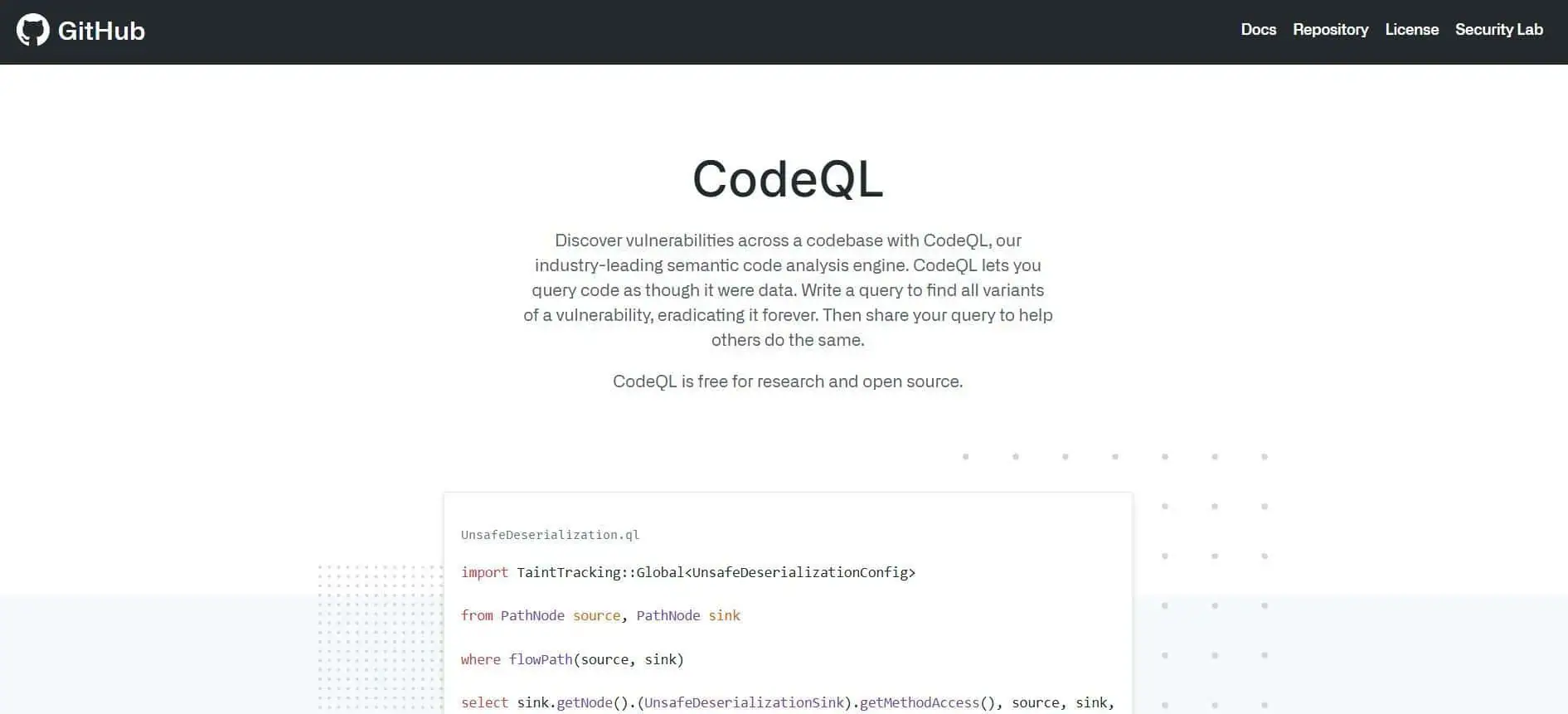
CodeQL, part of GitHub Advanced Security, performs semantic code analysis to detect security and quality issues by querying code as structured data.
Instead of matching simple patterns, it traces data flows and relationships across files, which makes variant analysis practical across large repositories. Results appear directly as code-scanning alerts in pull requests, so findings enter the review workflow rather than a separate dashboard.
We like that you can write custom queries to detect organization-specific patterns, especially when compliance or domain rules extend beyond standard checks. That flexibility extends your static analysis coverage without replacing your existing CI/CD pipeline.
Pros:
Cons:
Pricing: Part of GitHub Code Security, which starts at about $30 per active committer per month for private repositories.
Best For: Security teams on GitHub that need scalable variant analysis.
Website: CodeQL
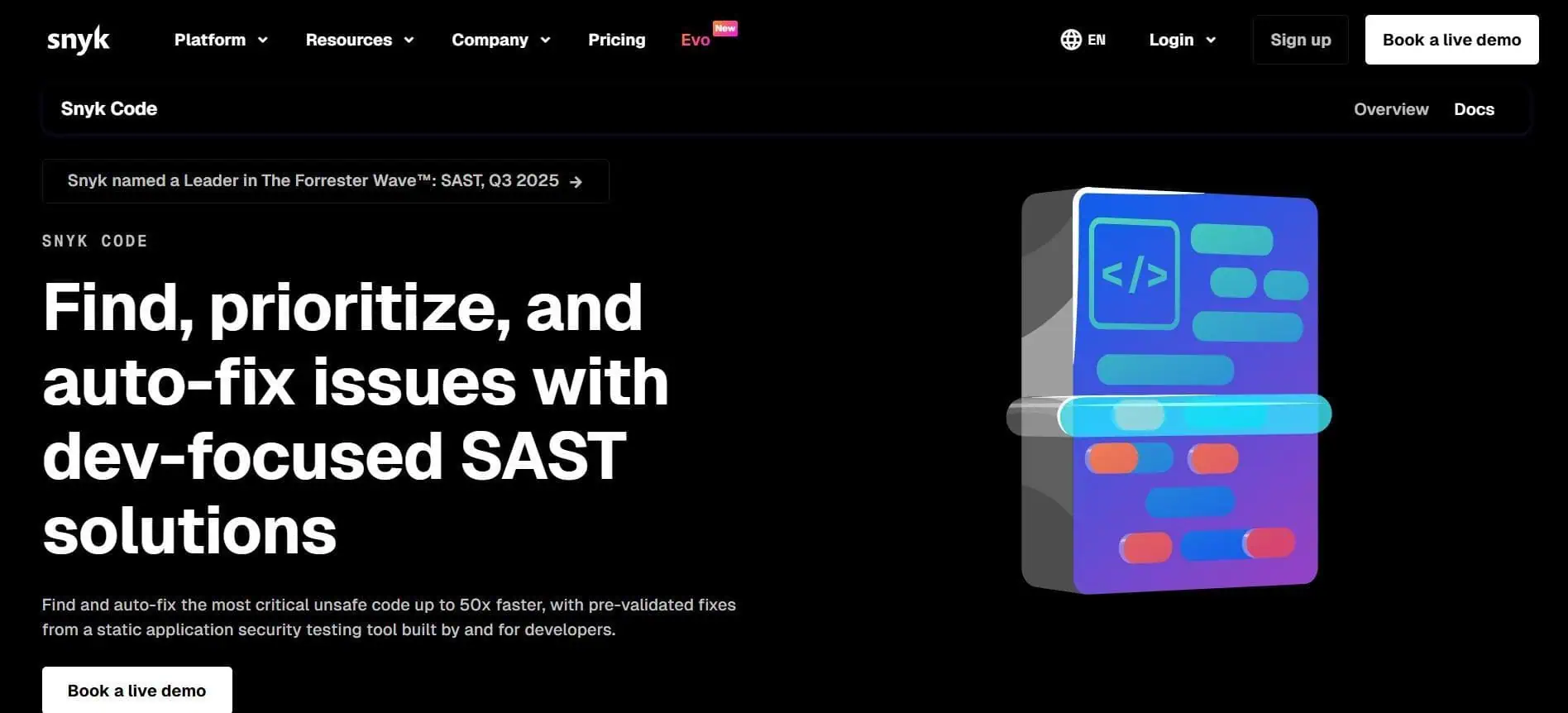
Snyk Code is an AI-powered static analysis engine that identifies security vulnerabilities directly within your IDE and pull request workflow. Instead of exporting results to a separate dashboard, findings appear inline with explanations and suggested fixes.
That placement changes behavior: issues are addressed before merge decisions. We also appreciate that Snyk pairs detection with actionable guidance.
Pros:
Cons:
Pricing: There's a free tier available, and the Ignite plan starts at $1,260/year
per contributing developer.
Best For: Teams prioritizing security-focused scanning embedded in PR workflows.
Website: Snyk Code
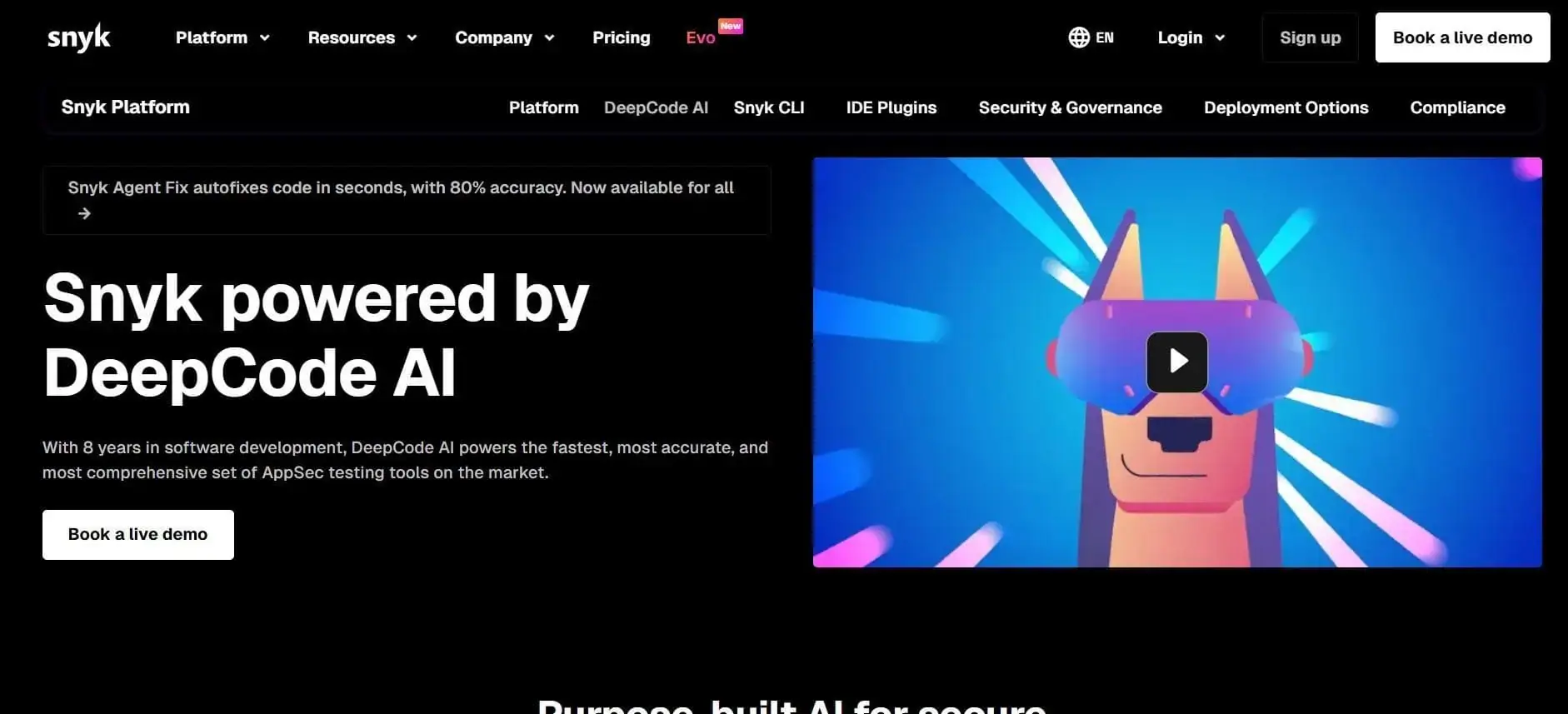
DeepCode is the ML-based code review engine now integrated into Snyk Code, acting as the intelligence layer behind its security analysis. It combines symbolic reasoning with generative AI and is trained on security-specific datasets to analyze data flows and propose fixes.
Our team appreciates DeepCode's focus on variant detection at scale. Snyk reports analysis across 25M+ data flow cases and support for 19+ languages, which matters when you manage large, multi-repo environments.
Pros:
Cons:
Pricing: Included within Snyk platform plans.
Best For: Teams already standardizing on Snyk for security-focused review and prioritization.
Website: DeepCode
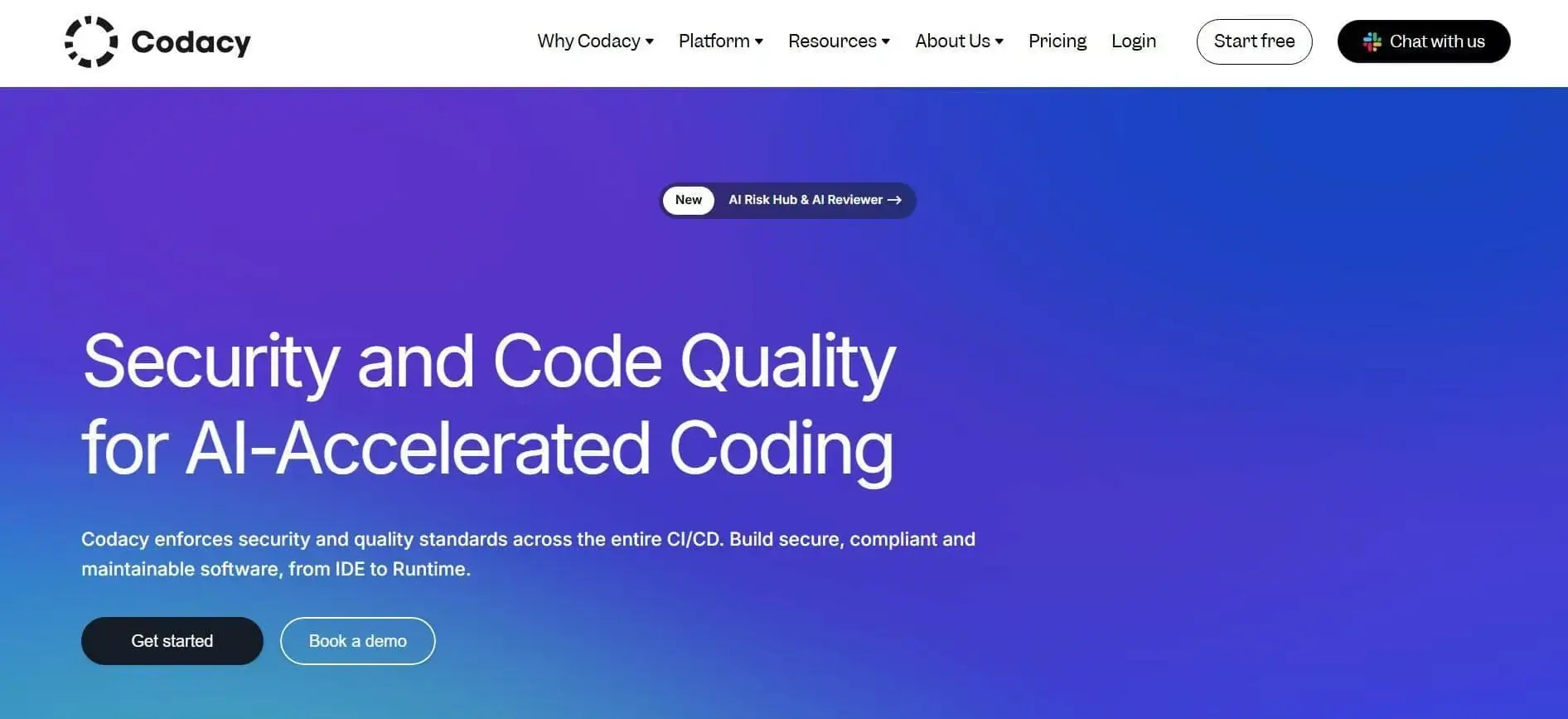
Codacy provides automated solutions for code quality analysis with AI-assisted insights embedded directly in pull requests. It surfaces PR-level quality status, duplication, complexity, and coverage signals before merge decisions.
In addition, its AI Reviewer blends deterministic checks with contextual reasoning to generate summaries and remediation suggestions inside review threads. We appreciate that quality gates and metrics are visible at the PR level, not only in aggregate dashboards, because that placement influences merge behavior in real time.
O.C. Tanner reports faster issue detection and measurable development cost savings after consolidating tooling into Codacy.
Pros:
Cons:
Pricing: Free tier available with paid plans starting at $21 per developer/month.
Best For: Teams wanting enforceable PR gates plus AI-supported explanations.
Website: Codacy
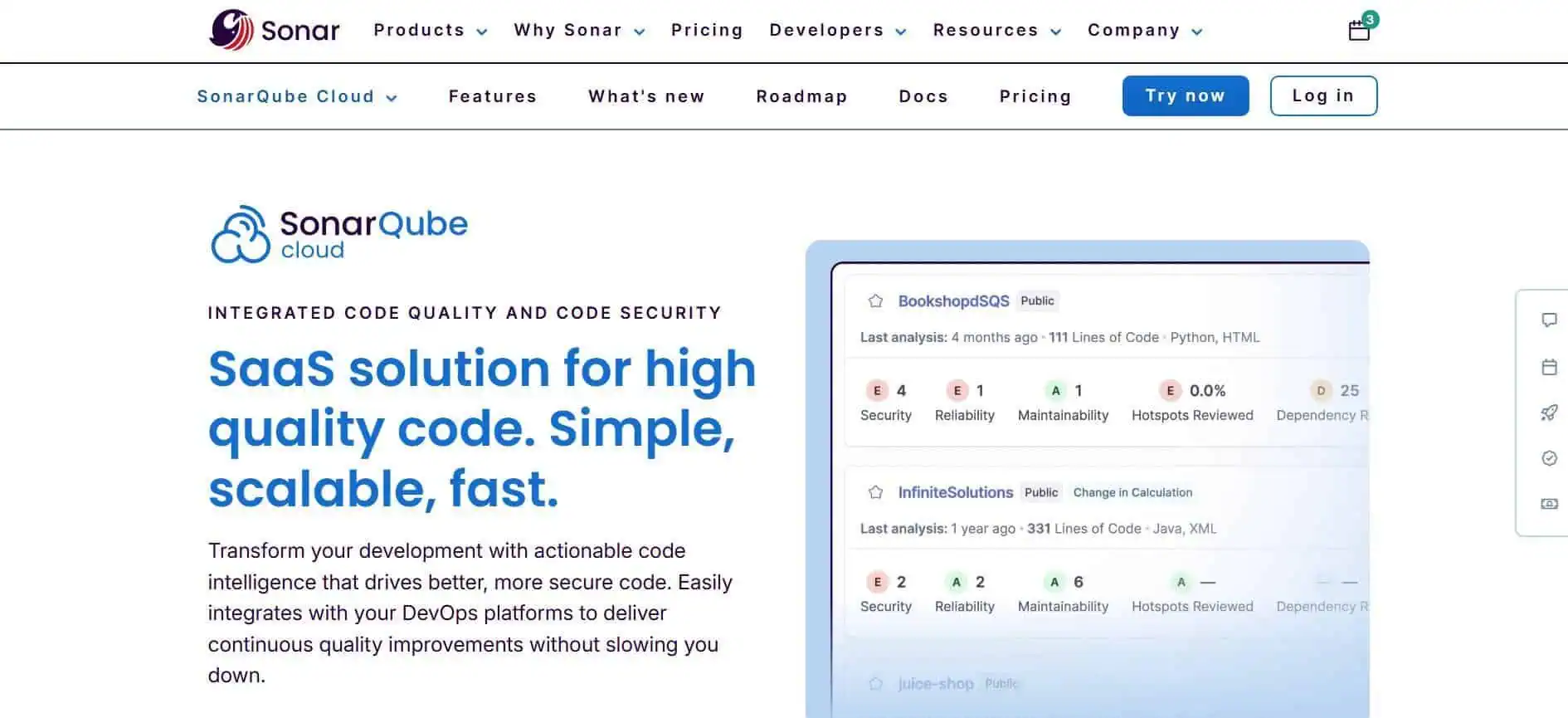
SonarQube Cloud is widely used to assess code quality and manage technical debt. It can scan changes that include code produced with AI code-generation tools, just as it scans human-written code. The platform analyzes pull requests against predefined quality gates and assigns a pass/fail status to the PR before merge.
That mechanism changes behavior because only “new issues” introduced by the PR affect the gate. We like that merge blocking is tied to explicit rule sets rather than informal review comments, which makes quality drift measurable over time.
Pros:
Cons:
Pricing: Free tier is available with paid plans starting from $32/month.
Best For: Teams enforcing strict PR gates across large codebases.
Website: SonarQube Cloud
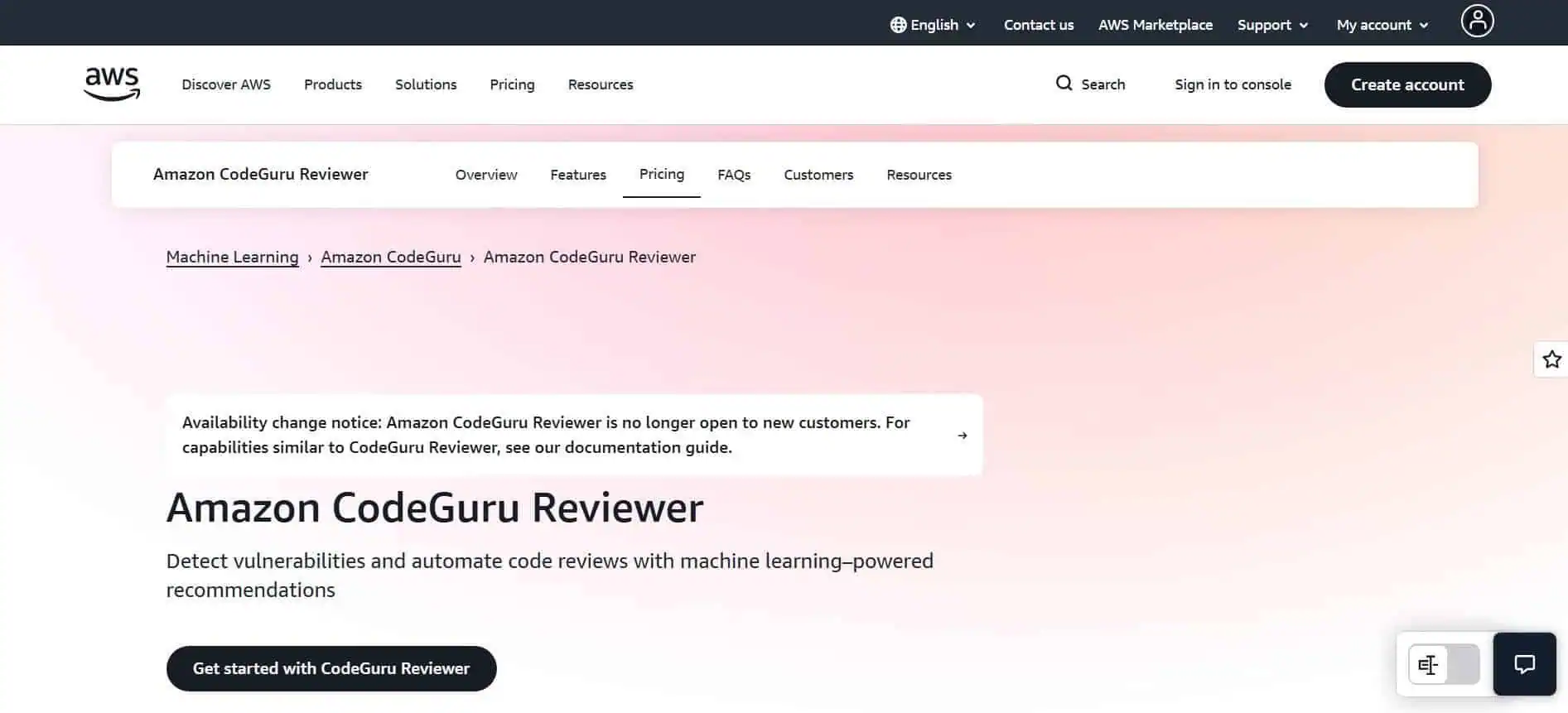
Amazon CodeGuru Reviewer provides ML-driven code reviews for Java and Python, optimized for AWS environments. It runs incremental reviews triggered by pull requests and surfaces recommendations in dashboards that track status, lines analyzed, and findings.
Also, the Security Detector applies dataflow analysis aligned to OWASP Top 10 and AWS best practices, which affects how you manage risk before merge. Our team appreciates that recommendations are tied to specific code paths because that supports more precise remediation.
Pros:
Cons:
Pricing: $10 for 100K LOC + $30 per each 100K LOC.
Best For: AWS-centric teams running Java or Python services.
Website: Amazon CodeGuru Reviewer
Tools such as CodeRabbit, PR-Agent, and Greptile act as automated reviewers inside your PR workflow. They use ML-backed rule sets to generate structured comments, enforce team standards, and in some cases, analyze the full repository rather than only the diff.
From our perspective, one advantage is that some variants index the entire codebase, shifting the review surface from line-level checks to broader architectural context. That shift affects review depth, rework rates, and the type of defects caught before merge.
Pros:
Cons:
Pricing: Typically seat-based or repo-based, usually ranging from free tiers to $20-$40 per user/month.
Best For: Teams seeking automated PR-level guardrails with configurable rule sets and measurable impact on PR cycle time and rework.
Websites: CodeRabbit, PR-Agent, and Greptile.
Sourcegraph Cody is an AI assistant built to understand and review large codebases by grounding responses in your actual repository context. It pulls data through Sourcegraph’s search and code intelligence layer, which allows review agents to analyze pull requests with cross-file awareness.
One thing we noticed is that PR review agents can be triggered automatically or via staged rollouts. This feature gives you governance over automation. Internally, Sourcegraph reports that its “Sherlock” system scanned hundreds of PRs and surfaced high-severity findings while reducing daily triage time.
Pros:
Cons:
Pricing: Enterprise Search starts at $49/user/month.
Best For: Large, multi-repo teams needing cross-codebase reasoning and adoption tracking.
Website: SourceGraph Cody
Tabnine provides AI-powered analysis and suggestions focused on consistency and quality across pull requests and IDE workflows. It evaluates changes against your team’s defined rules and coding expectations, which means its review guidance reflects your internal standards.
A point in its favor is that deployment options include cloud, on-premises, and air-gapped environments, as governance and data handling typically drive tool selection. Its privacy model emphasizes zero code retention through ephemeral processing, which addresses compliance concerns in regulated environments.
Pros:
Cons:
Pricing: $59 per user/month (annual subscription).
Best For: Organizations requiring strict privacy controls and flexible deployment.
Website: Tabnine
We evaluated AI code review tools based on measurable changes in pull request behavior inside active production repositories. The objective was to identify platforms that affect review speed, rework, or change stability in ways that can be tracked against delivery metrics.
As such, we focused on tools embedded directly in real pull request workflows. Each tool had to demonstrate impact on metrics such as PR cycle time, rework rate, defect escape, or change failure rate.
The selection criteria were:
The impact of code review tools is tracked by measuring concrete shifts in pull request flow, code stability, and deployment behavior before and after AI review adoption.
Installing a tool does not automatically lead to delivery improvement. Indeed, a repository can show high AI usage while PR cycle time and rework remain unchanged.
Therefore, measuring usage instead of outcomes would be a mistake. If you track suggestion counts or AI sessions without tying them to review throughput or stability metrics, you create activity metrics that look positive. However, they don’t show whether your AI code review tools did, in fact, reduce delays, defects, or hotfixes.
So, while adoption data matters, it must be interpreted in the larger context of your delivery performance.
Tracking impact requires monitoring review efficiency, code quality, behavior change, and delivery outcomes. These are the metric groups we will discuss below.
Review efficiency tells you whether AI changes how fast code moves through PR workflows. These are the metrics to monitor:

Efficiency without stability is not progress, so these are the quality signals that you can track:
Behavioral metrics show whether AI meaningfully changes how teams work. These are the indicators to track:
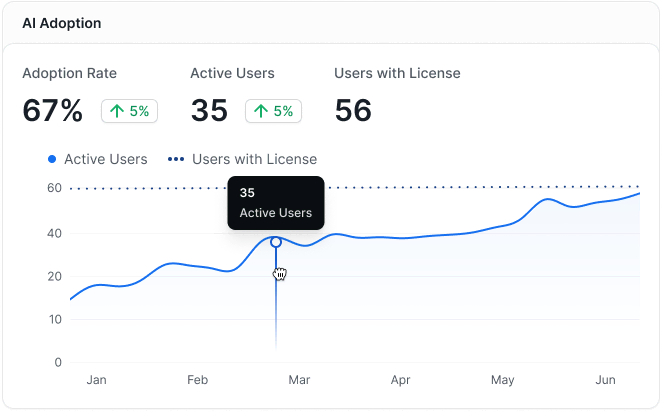
Delivery outcomes determine whether review improvements translate into business-relevant change. These are the key signals:
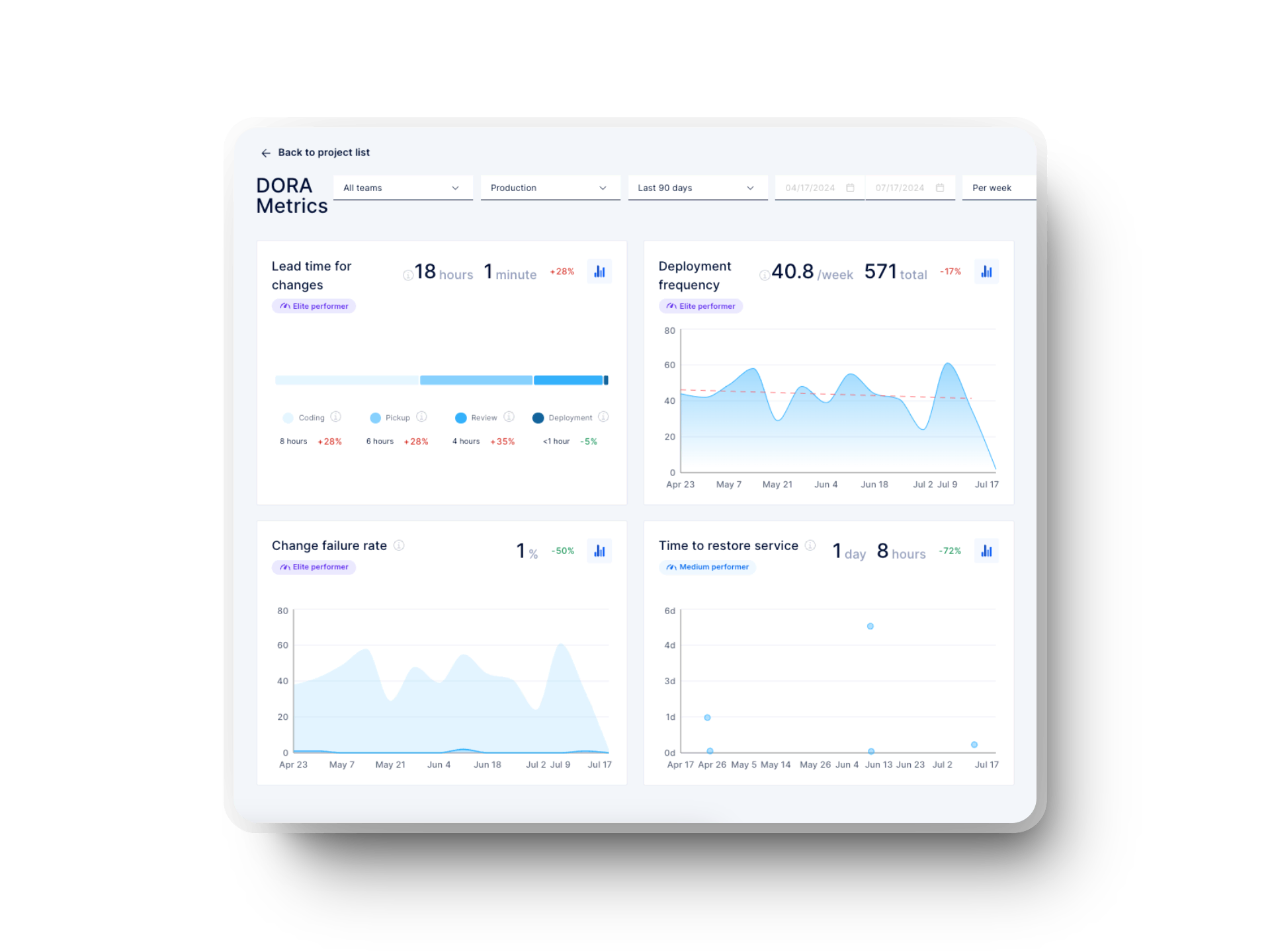
Tool signals must be aggregated across systems rather than viewed in isolation. You should analyze AI review data, PR metrics, and deployment metrics together.
Next, compare the pre- and post-adoption periods and, where possible, teams that implemented AI and those that didn’t. That comparison reveals whether performance shifts are attributable to review changes rather than unrelated process updates.
We also recommend avoiding vanity metrics. Suggestion volume alone does not indicate improvement.
Finally, track impact at the team and value stream level. This is where operational decisions are made, and measurable change becomes visible.
Selecting an AI code review tool is straightforward. However, proving that it improves PR cycle time, reduces rework, and stabilizes change failure rate requires disciplined measurement.
Throughout this guide, you saw that installation and usage do not equal delivery improvement. Real impact shows up in shorter review latency, lower backlog, fewer post-merge fixes, and healthier deployment patterns. Your focus should remain on behavior shifts within your workflow, then tie those shifts to DORA-level outcomes.
If you want to measure that impact across teams and value streams with clear, comparable data, contact Axify today. We’ll help you track AI adoption against real delivery results, and make the right engineering decisions based on those results.

The best AI code review tools for GitHub are GitHub Copilot, CodeQL, Snyk Code, and Sourcegraph Cody because they operate directly inside GitHub pull request workflows. Each one integrates with PR pipelines and surfaces findings as comments, alerts, or summaries that affect review behavior before merge.
AI code review tools are safe for proprietary code only when you validate their data handling, retention, and deployment model. Some vendors offer zero-retention processing, private hosting, or air-gapped options, while others rely on shared cloud inference.
AI code review tools cannot replace human reviewers. A recent study showed AI generated about 2.4x more suggestions than humans, yet identified only around 10% of the quality issues humans caught, with roughly 40% of its extra suggestions being meaningful. That means AI works best as an augmentation rather than a substitution.
ROI is measured by tracking changes in PR cycle time, rework rate, review backlog, and change stability before and after adoption. So usage metrics alone are insufficient. Financial impact appears when those workflow metrics improve at the team or value-stream level.
AI code review tools improve DORA metrics only if they change review latency and defect patterns in production repositories. If review efficiency increases and rework drops, deployment frequency and lead time can improve. Without measurable workflow shifts, DORA outcomes remain unchanged.