AI
14 minutes reading time

You might already track engineering metrics, but the hard part starts after you see a change in delivery trends. For example, an unusual cycle time increase, longer PR wait time, or lower deployment frequency leaves you asking where the delay started and what changed in the workflow.
Visibility is great, but a slow analysis of what you’re seeing leads to decisions that take too long. That’s how you turn a delivery issue into a planning issue, then into missed commitments.
But engineering intelligence assistants for leaders can help with insights, natural language queries, and decision support. Some assistants also expose engineering data through MCP servers, so leaders can query delivery metrics from tools like Claude instead of opening a dashboard.
In this guide, we explain what these assistants do and how to compare the best such tools.
Let’s get right to it.
Engineering intelligence assistants are AI-supported tools that analyze your delivery data, explain what changed, and point you to the workflow area that needs review.
They combine data from Git, Jira, CI/CD pipelines, pull requests, deployments, incidents, and planning work with analytics and AI-driven interpretation. That matters because engineering metrics need to be interpreted in context.
If lead time for changes rises, for example, the assistant should help you see whether the delay came from coding time, review queues, failed builds, deployment approvals, or blocked work.
As AI adoption becomes normalized across software teams, engineering intelligence assistants become even more useful.
A 2025 Google DORA report based on nearly 5,000 technology professionals found that 90% of respondents use AI at work. That means leaders now need to see whether AI changes delivery flow, review load, or stability.
However, these AI assistants don’t offer productivity reports; engineers don’t really know if using AI makes them productive. A good engineering intelligence assistant can fix this issue.
Note: Some tools connect software engineering intelligence data to MCP servers, so you can ask questions in Claude. That is useful, but it is still the second-best option compared with a native intelligence layer like Axify Intelligence.
Leaders use engineering intelligence assistants because they need good insights they can act on, plus practical help making decisions based on their real delivery trends.
Basically, an intelligence assistant for engineering teams can help you:
Those benefits set the criteria for judging each assistant.
We evaluated these tools by how well they help you move from delivery data to a clear operational decision. The criteria focus on what you can verify, review, and act on.
Here’s what each assistant needs to do to make this list:
Disclaimer: Axify is included in this list, but we evaluated it against the same criteria as every other tool. It belongs here because Axify connects delivery metrics, workflow context, AI-generated explanations, and recommended actions inside one decision layer.
With clear criteria, the six assistants are now easier to compare. So, let’s do that next.
The engineering intelligence assistants in this guide are Axify, Allstacks, Faros AI, DX, Swarmia, and LinearB. Each tool gives you a different way to connect delivery data with the decisions you need to make across planning, review queues, CI/CD, deployment health, and team workflow.
Here are the tools worth reviewing first if you want more than a dashboard that reports what already happened.
| Tool name | Key feature(s) | Best for |
| Axify | AI-powered delivery triage, root-cause analysis, anomaly detection, executive-summary insights, natural language delivery queries, before-and-after AI adoption impact, MCP server | Actionable delivery insights and decision support |
| LinearB | Native MCP server, Claude Desktop/Claude Code/Copilot Chat support, natural-language queries, report generation | Querying engineering metrics through AI clients |
| Allstacks | AI and ML forecasting, delivery risk detection, Deep Agents, prescriptive recommendations, follow-up triggers | Predicting delivery risk |
| Faros AI | Engineering knowledge graph, AI impact measurement, agent context, roadmap forecasting, cost capitalization reporting, Microsoft/Azure integrations | Engineering context for AI agents |
| DX | System metrics, developer feedback, experience sampling, DevEx analysis, AI adoption insights | Developer experience metrics |
| Swarmia | Workflow bottleneck detection, working agreements, alerts, daily digests, exception reviews | Team workflow habits |
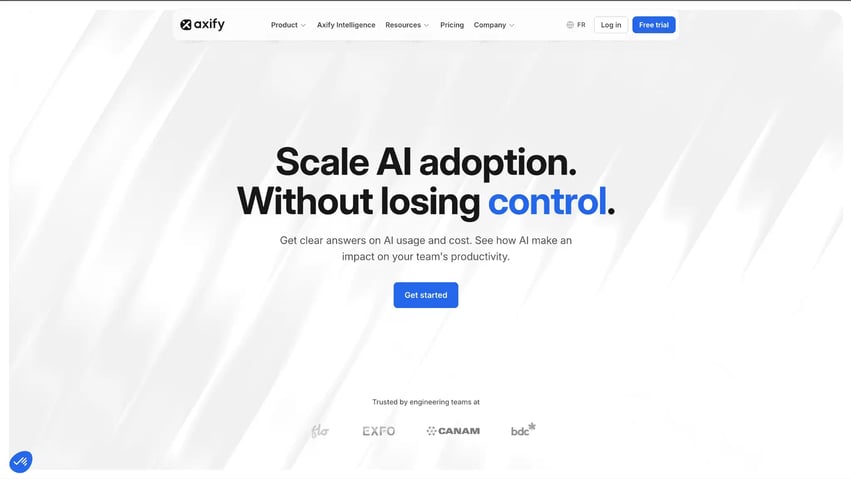
Axify works as an AI-powered decision partner that:
For example, if delivery time rises, Axify Intelligence can help you trace whether work is sitting idle in review, pull requests are too large, or your team has too many active tasks in progress.
From there, the intelligence layer gives you executive summary-style insights and a natural language interface to query delivery performance. It also explains why certain metrics changed, so the review starts closer to the real constraint.
The AI Adoption and Impact feature measures AI’s impact across your entire development cycle to identify whether AI is improving your metrics and productivity. You can use this data across teams to identify friction points introduced by AI and justify your investment in AI tools.
Besides, its MCP server lets you ask questions about engineering metrics, AI adoption, team health, or weekly team performance directly in AI clients such as Claude, using natural language. The MCP server is read-only at launch, permission-scoped through OAuth, and built to respect the same access controls already configured in Axify.
Pros:
Cons:
Pricing: Free trial available; Pro starts at $29 USD per active contributor / month (billed annually), Enterprise on quote.
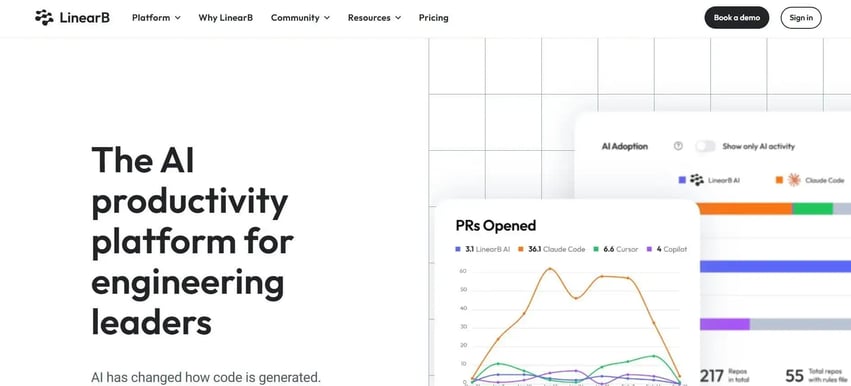
LinearB fits teams that want engineering intelligence inside the AI tools already used during daily work. Its native MCP server lets leaders connect LinearB data to Claude Desktop, Claude Code, and Copilot Chat, then ask questions in natural language.
Instead of opening another dashboard on LinearB, a manager can ask about pull requests, delivery metrics, benchmarks, AI usage, or team performance inside the AI assistant. LinearB can also generate reports and provide recommendations through that interface.
This makes LinearB a clear AI interface-layer option. It does not replace the need for clean delivery data, but it makes engineering intelligence easier to access from tools where leaders and teams already work.
Pros
Cons
Pricing: Starting at $29 per contributor per month for Essentials.
Allstacks fits the part of engineering intelligence focused on future delivery risk. Instead of only reviewing what already happened, it uses AI and ML models to predict risks, delays, and timeline changes from your historical engineering activity.
That makes it useful when planning risk is the main question. For example, a roadmap item may still appear “on track” in a status report because the target date has not changed. But the underlying delivery data may show that requirements are still changing, dependent work has not started, or review queues are growing. Similar past projects with those conditions may have finished later than planned.
Allstacks is built to surface those risks earlier, then connect them to forecasting and decision insights. Its Deep Agents and Intelligence Engine can recommend actions, propose assignees, and trigger follow-ups, which moves the platform closer to action support than standard reporting.
Pros:
Cons:
Pricing: Starting at $400 per contributor per year for Premium.
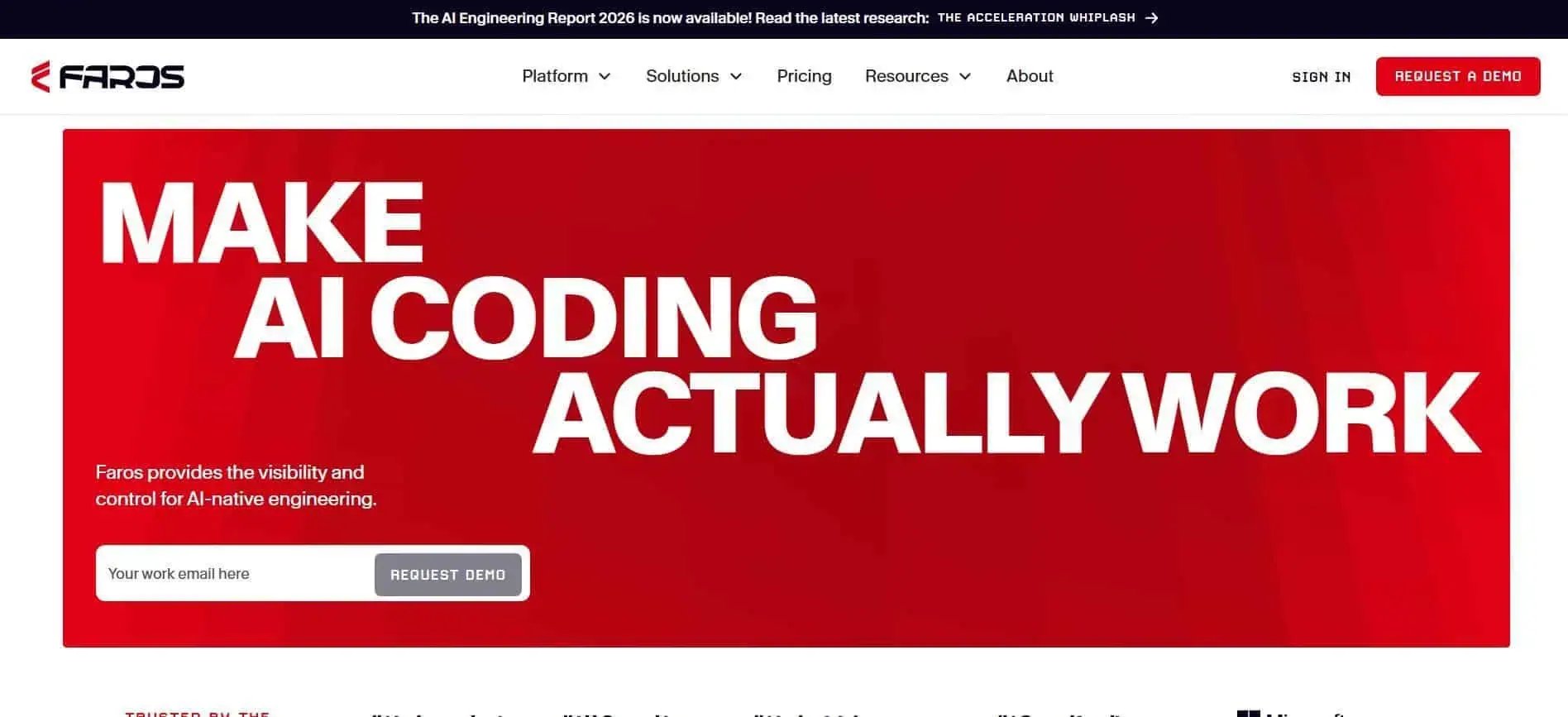
Faros AI organizations that want to make AI-assisted and agentic development more reliable across complex engineering environments. Its platform connects SDLC data, tickets, pull requests, architecture decisions, dependencies, and team workflows into a shared engineering context layer.
That context supports two main use cases. First, it helps leaders measure whether AI adoption improves productivity, quality, roadmap delivery, and ROI. Second, it gives AI coding agents more institutional knowledge, so generated work is more aligned with existing patterns, internal standards, and past review feedback.
Faros also has a broader enterprise angle. Beyond developer productivity and DORA metrics, it supports use cases such as AI maturity benchmarking, roadmap predictability, Microsoft/Azure engineering visibility, and automated software cost capitalization reporting. That makes it stronger for large organizations that need engineering intelligence connected to AI transformation, finance reporting, and enterprise governance.
Pros:
Cons:
Pricing: Custom quote.
DX is practical when you need more context around performance changes than Git or Jira data can provide. It combines system metrics with developer feedback, experience sampling, and DevEx metrics, so leaders can review both the workflow result and the team experience behind it.
That matters because longer cycle time may come from review load, unclear requirements, poor local environments, too many meetings, or low confidence in a new toolchain.
DX helps connect those causes with delivery outcomes, so the discussion moves from “performance changed” to “which friction point changed during the same period?”
This also makes DX useful for AI tool adoption decisions. If teams adopt AI assistants, leaders can review whether the tools reduce task time, shift effort into review, or create extra rework.
Pros:
Cons:
Pricing: Custom quote.
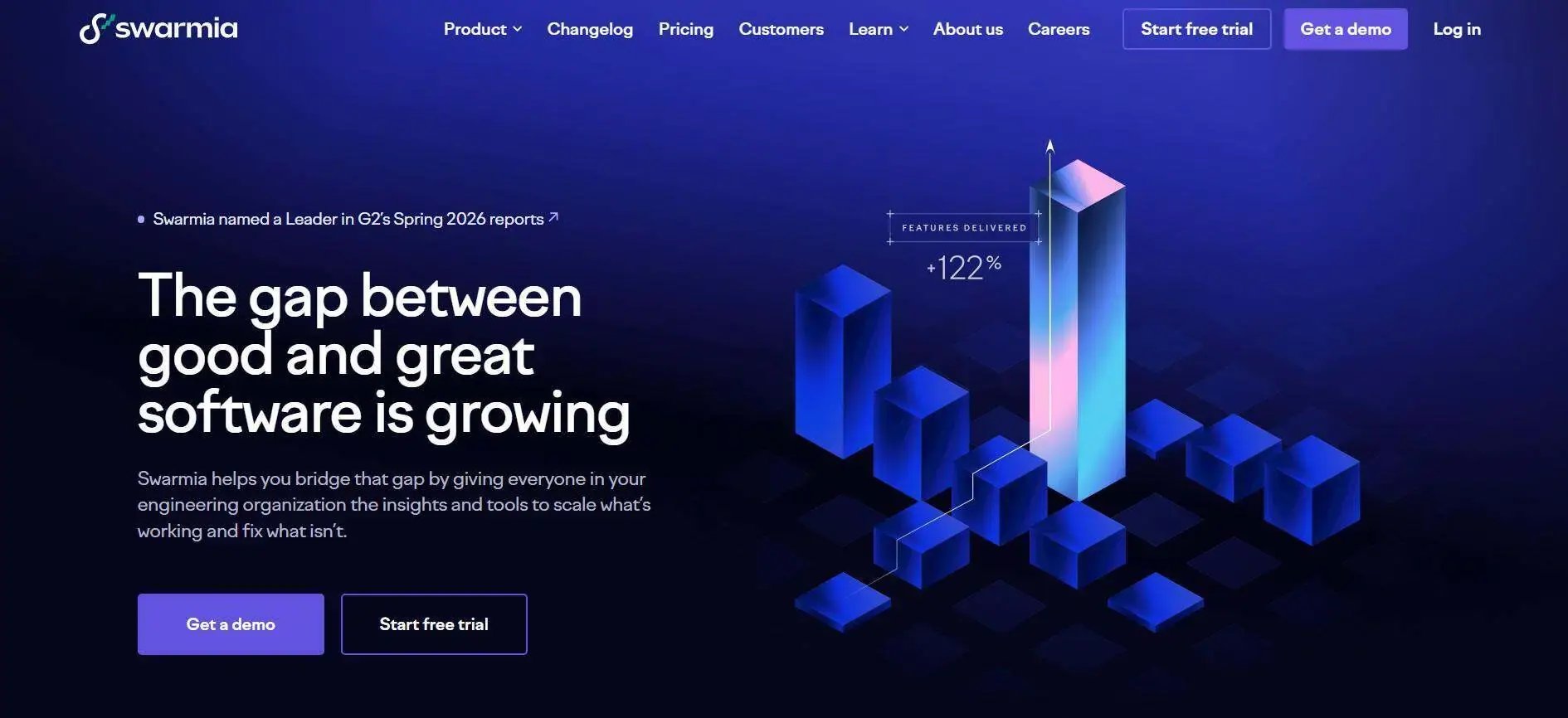
Swarmia fits teams that need to turn delivery signals into better team habits. It identifies blockers, shows where work is slowing down, and gives teams practical tools to resolve those issues through working agreements, alerts, daily digests, and exception reviews.
That matters when the issue is a repeated workflow pattern. For example, if code review keeps slowing delivery, Swarmia can surface review delays and nudge the team through Slack or Microsoft Teams.
The next step is changing the workflow. This includes setting review expectations, reducing work in progress, or discussing exceptions during team rituals.
The caveat is that Swarmia is closer to actionable engineering insights than full AI decisioning. It helps teams act on bottlenecks, but it is less focused on AI-generated root-cause analysis or predictive delivery recommendations.
Pros:
Cons:
Pricing: Starting at $25 (€22) per developer per month, billed annually, for one module.
| TL;DR: AI coding assistants and engineering intelligence assistants answer different questions. Coding assistants help developers create work. Engineering intelligence assistants help leaders understand what that work did to delivery performance. |
AI coding assistants help developers write code faster inside their existing workflow. Tools like GitHub Copilot and Cursor support autocomplete, boilerplate generation, code explanation, debugging, and refactoring. The developer stays in control, and the AI reduces friction around the work.
Engineering intelligence assistants don’t help developers produce code directly. They help leaders understand whether delivery is improving, where bottlenecks are forming, and what changed across tickets, pull requests, builds, deployments, incidents, and DORA metrics.
That distinction matters because faster coding doesn’t automatically mean faster delivery.
AI may reduce coding time while increasing review load, QA effort, rework, or deployment risk. An engineering intelligence assistant should help you see whether AI-assisted work improved the full delivery system or simply moved pressure to another stage.
Pro tip: AI coding agents and engineering intelligence assistants solve different problems. Read our guide on AI coding assistants to compare the tools that support developers during code creation.
Choose an engineering intelligence assistant by checking whether it turns real delivery data into a specific workflow decision you can review and act on.
Here are the criteria that matter most:
A useful assistant should support human verification instead of replacing leadership judgment. That is what separates decision support from generic AI tooling.
Engineering intelligence assistants matter because they help you move from metric review to workflow action. A dashboard can show that cycle time rose or deployment frequency dropped, but it does not always show whether review queues, failed builds, blocked work, or unclear ownership caused the change.
The right assistant connects those signals across your delivery flow and gives you a clearer next step.
Axify takes this further with delivery explanations, AI-generated summaries, and recommendations tied to your team’s actual data. With MCP support, Axify can also bring those answers into AI clients like Claude, so leaders can query live delivery data where they already work.
Book a demo with Axify today to see how it can accelerate your delivery and productivity.

An engineering intelligence assistant explains what changed and what to review next. It connects tickets, PRs, builds, deployments, and incidents so you can trace the workflow cause behind a metric shift. Meanwhile, traditional analytics tools mainly show metrics
Engineering intelligence tools usually analyze DORA metrics, value stream metrics, AI metrics and code quality signals. The value comes from seeing how those metrics affect delivery planning.
They help improve delivery performance by showing where work slows down and which workflow action deserves review. For example, rising review time may point to unclear ownership, oversized PRs, or too few reviewers.
They are worth it for small teams if delivery work already spans several tools, services, or managers. If everyone still shares the same context daily, lighter reporting may be enough.
Axify connects delivery metrics with workflow context, causes, and recommended actions that you can take to fix your team’s issues. That makes it different from generic AI coding tools, because it supports leadership review instead of code creation.