AI
11 minutes reading time

AI coding assistants have rapidly surged in popularity between 2024 and 2025, becoming an integral part of daily workflows for development teams. This trend is reflected in the 2024 Stack Overflow Developer Survey: 76% of respondents said they already use or plan to use AI tools in their development process, and 62% were already using them that same year. A clear sign that AI-powered development is becoming the new standard.
But the growing list of tools makes it hard to see which ones actually improve productivity and help you maintain solid code quality. So to help you out, our engineers at Axify tested the leading options to understand which assistants truly reduce friction and speed up delivery.
Here, you’ll compare real tool behavior and see what matters during adoption. You’ll also learn how these tools impact software delivery speed and review cycles.
Keep reading below.
| Tool | Type | Best for | Price |
| GitHub Copilot | Assistant with agents | GitHub-based teams | Business $19/user/mo; Enterprise $39/user/mo |
| Cursor | AI-first editor | Fast repo-aware editing | Free; paid from $20/mo |
| Qodo | Review assistant with agent workflows | PRs, tests, quality checks | Free; Teams from $30/user/mo annually |
| Replit AI (formerly Ghostwriter) | Browser coding assistant | Prototypes and learners | Free; Core from $20–$25/mo |
| Tabnine | Pair programming assistant | Secure code completion | From $39/user/mo annually |
| Gemini Code Assist | Pair programming assistant | Google Cloud and Android teams | Free; Standard $19/user/mo annually |
| Sourcegraph Cody | Repo-aware assistant | Large codebases | Enterprise from $16,000/year |
| JetBrains AI Assistant | IDE assistant | JetBrains IDE users | Free; paid $10–$60/30 days |
| CodeGeeX | Multilingual assistant | Multi-language coding | Lite about $6.46/mo |
| Figstack | Code explanation tool | Docs and code understanding | Free; Pro $300/mo |
| Claude Code | AI coding agent | Multi-file agentic work | Free; Pro from $17–$20/mo |
| Atlarix | Codebase memory agent | Architecture context | Free; Pro $19/mo |
| OpenCode | Open-source coding agent | Terminal-first control | Free; Go $10/mo |
| Codex | Delegation-first coding agent | Larger assigned tasks | ChatGPT plans from $20/mo; API by tokens |
| Pieces for Developers | Context/snippet assistant | Saving code context | Free; Pro $8.99/mo |
| Codiga | Static analysis tool | Automated code checks | Free; Silver $10/mo |
| ChatGPT | General AI coding assistant | Debugging and architecture help | Free; Plus $20/mo; Pro $100/mo |
| Amazon Q Developer | Cloud coding assistant | AWS-heavy teams | Free; Pro $19/user/mo |
| Warp.dev | AI terminal assistant | Terminal workflows | Free; Build from $20–$25/mo |
| Kilo Code | Lightweight coding agent | Small coding tasks | Free; Kilo Pass from $19/mo |
An AI coding assistant is a tool that helps you generate code. It interprets your natural language prompts and offers you intelligent code suggestions similar to a lightweight pair programmer.
These tools sit in your editor, and are conversational and best for immediate local context, whether you’re writing new logic or reviewing past decisions.
More and more teams show increased interest and adoption, which is why the AI coding market is booming. In fact, an analysis of VS Code extensions found 1,085 assistants, with over 90% released in the last two years.
As Scott Wu, CEO of Cognition explains, the reason is simple:
“AI has automated all the repetitive, tedious work. The software engineer’s role has already changed dramatically. It’s not about memorizing esoteric syntax anymore.”
- Scott Wu, CEO of Cognition
An AI pair programming tool (or AI assistant) helps you while you code, while an AI coding agent can plan and complete larger code changes across files with your review.
Some tools now sit between both categories.
Cursor, Replit AI, and Qodo include agent-like workflows but still keep parts of the assistant model. GitHub Copilot is similar: autocomplete works like an assistant, while Agent Mode or Workspace makes it behave more like an agent.
At Axify, we tested several AI-powered coding assistants across real projects to see which ones actually help you ship faster. We focused on the same signals we track inside Axify every day.
These include how quickly work moves, how many review cycles a change requires, and how well a tool adapts to your coding style. And because we measure developer performance and collaboration through engineering delivery metrics, we applied that same lens while comparing assistants.
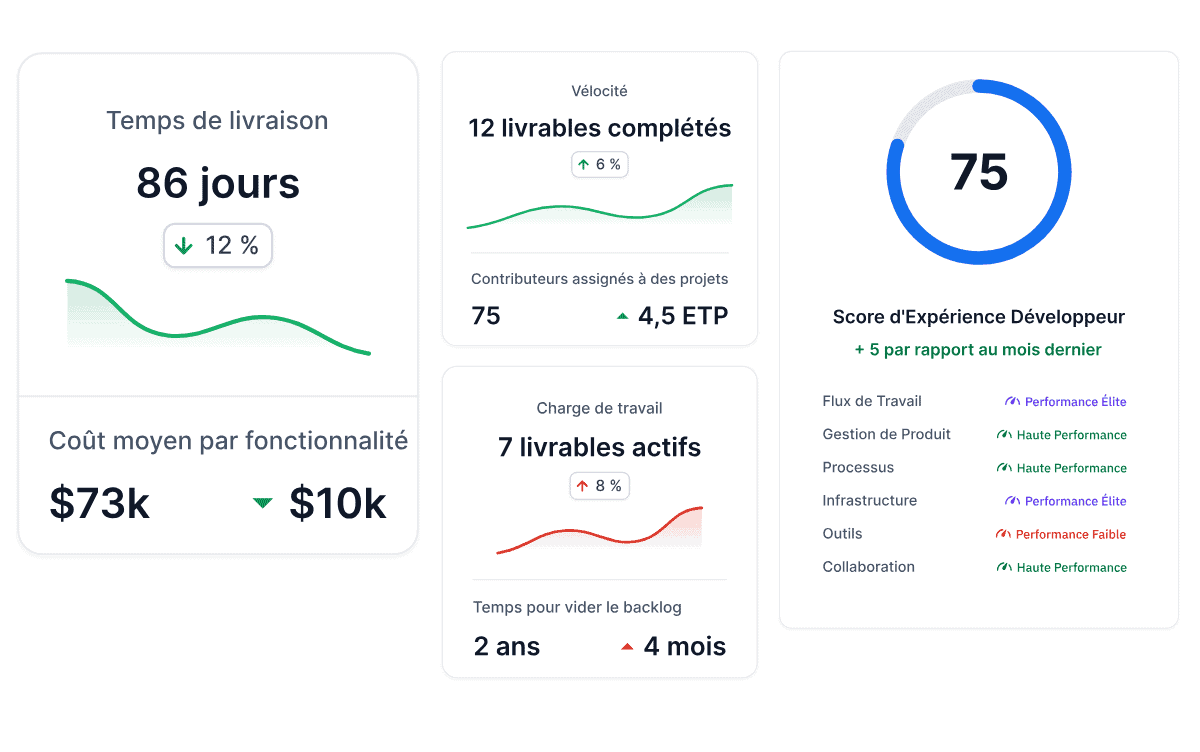
Speed only matters if it shortens the path from idea to merged change. That’s why we looked at how each assistant handled complex code snippets, how frequently suggestions reduced rework, and whether it supported meaningful progress with a single prompt.
We also checked how assistants behaved in real branches rather than staged examples.
Theoretically, a McKinsey study suggests that writing new code and maintaining it takes far less time when AI is part of the process. This study saw heavy tasks like code refactoring completed in a fraction of the usual effort.
Pro tip: That finding is not always true in practice, though. If you’re wondering how much time AI assistants actually save in real development work, you can read our guide on AI coding time savings for a deeper breakdown.
Good suggestions are only helpful if they protect standards. That’s why we examined how each assistant treated structure, clarity, and correctness.
We paid close attention to context-aware code suggestions and checked whether they aligned with team conventions. Our team also reviewed how well tools handled unit tests, since teams depend on predictable behavior during change cycles.
And because code quality directly affects stability, we also kept an eye on the two DORA metrics tied to software stability:
We used these benchmarks as guiding signals: Did the assistant reduce the likelihood of faulty code making it to production? And did it help teams recover faster when issues appeared?
These checks helped us understand whether each assistant supported predictable, low-risk development during change cycles.
The best assistants fit into your existing flow. So we evaluated:
Smooth integration with development environments mattered just as much as the quality of the suggestions, especially for teams working across multiple editors or languages.
With this out of the way, we’ll now move on to the tools themselves so you see where each option stands.
The best AI coding tools in 2026 come from Claude Code, GitHub Copilot, Cursor, Qodo, Coder, and Tabnine, among others. This section gives you a clear view of how each one behaves in real work.
Let’s see how they stand out when you want faster coding and stronger support across complex coding queries.
AI coding assistants with agent-like capabilities combine traditional assistant workflows with more autonomous features. They can help across files, support guided edits, or manage more structured workflows, but they still rely heavily on the developer’s active direction. Examples include Cursor, Replit AI (formerly Ghostwriter), Qodo, and GitHub Copilot when used with Agent Mode.
GitHub Copilot is still best understood as an AI coding assistant by heritage and interface. Most developers first use it for inline completions, code suggestions, chat-based help, test generation, and refactoring inside their IDE.
But Copilot has also moved into agentic workflows.
That makes Copilot a hybrid tool: it works like a pair programming assistant when you use autocomplete and chat, but behaves more like a coding agent when you use Agent Mode, Workspace-style flows, or cloud agent workflows.
For teams, Copilot Business and Enterprise add the governance, access, and policy controls needed to use AI assistance across larger engineering organizations. This makes it especially useful for companies that want both low-friction daily coding support and a path toward more autonomous development workflows without moving away from GitHub or their existing IDE setup.
Key features:
Pricing: Business costs $19/user/month, while Enterprise costs $39/user/month.
Best for: Teams that want an assistant-first tool with mature agent capabilities layered on top. Copilot is especially strong for organizations already using GitHub and major IDEs because it supports both everyday coding help and more autonomous workflows without forcing developers into a new editor.
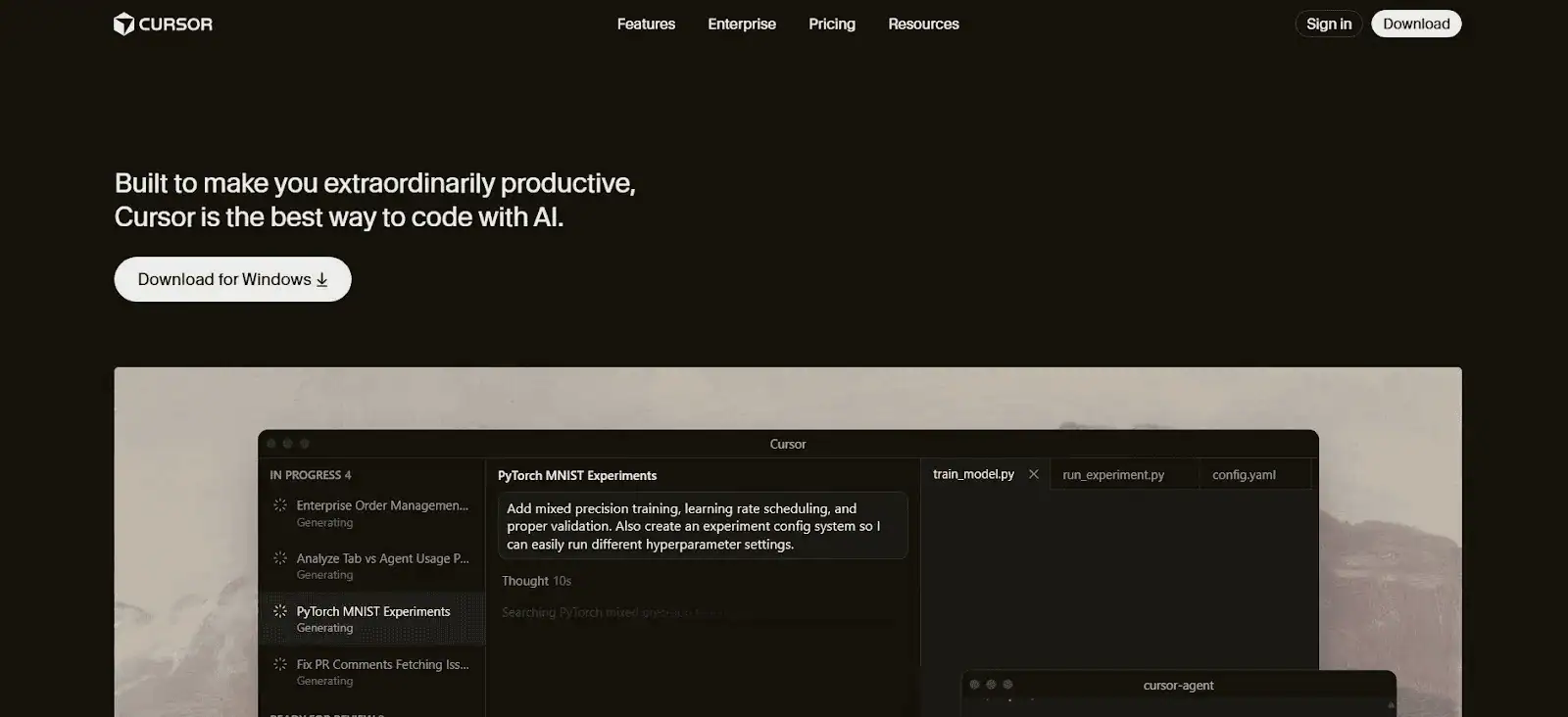
Cursor gives you an AI-first coding environment where the assistant sits at the center of your workflow rather than acting as a plug-in on the side. The editor combines writing, refactoring, and debugging with a model-driven layer that reacts to your selections, prompts, and project context.
And because the tool pulls relevant files or functions into each request, it typically produces changes that match your existing patterns without extra guidance. This creates a workflow that feels closer to pair-programming inside the editor rather than switching between windows or chats.
Key features:
Pricing: Free Hobby plan available, with paid plans from $20/month to $200/month.
Best for: Developers who want an editor built entirely around AI and prefer a single space for writing, reviewing, and reshaping code. From our testing, this approach feels smooth for rapid iteration and experimentation.
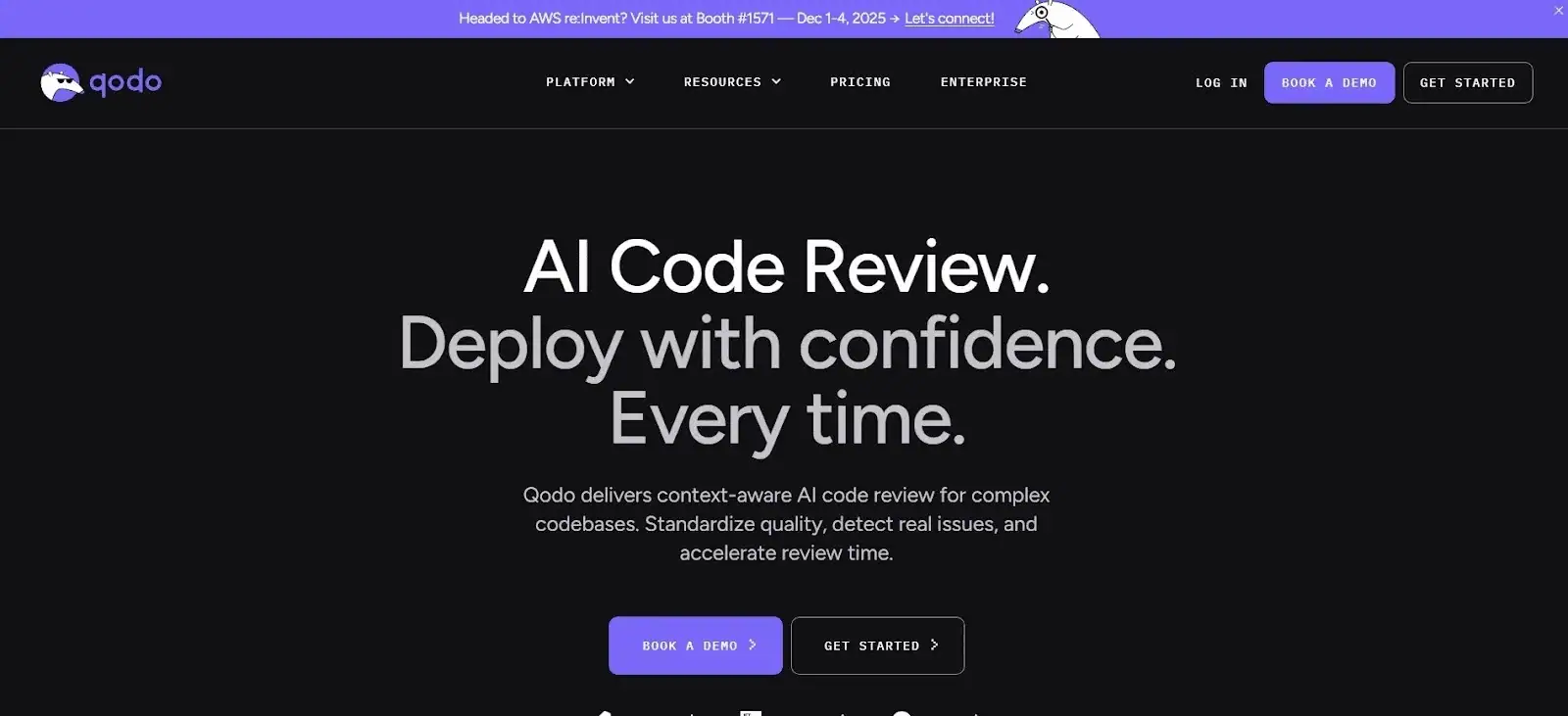
Qodo is a premium tool with enterprise pricing starting very high (listed at $50K/year for a one-year licence). It serves large engineering teams that need an advanced AI coding agent with strict control over data.
The tool runs in on-prem or private cloud environments. This gives you full ownership of proprietary code and clear boundaries around security and privacy. And because it can be tuned to your internal patterns, suggestions tend to align better with long-term conventions and expectations.
Key features:
Pricing: Free Developer plan available, with Teams at $38/user/month or $30/user/month annually.
Best for: Large organizations that want an AI partner aligned to strict compliance rules. It fits teams that need deep customization and a controlled data path. Based on our internal Axify testing, engineers found that Qodo holds up well during long refactor phases because its suggestions remain aligned to your codebase’s architecture and standards, even as the code evolves.
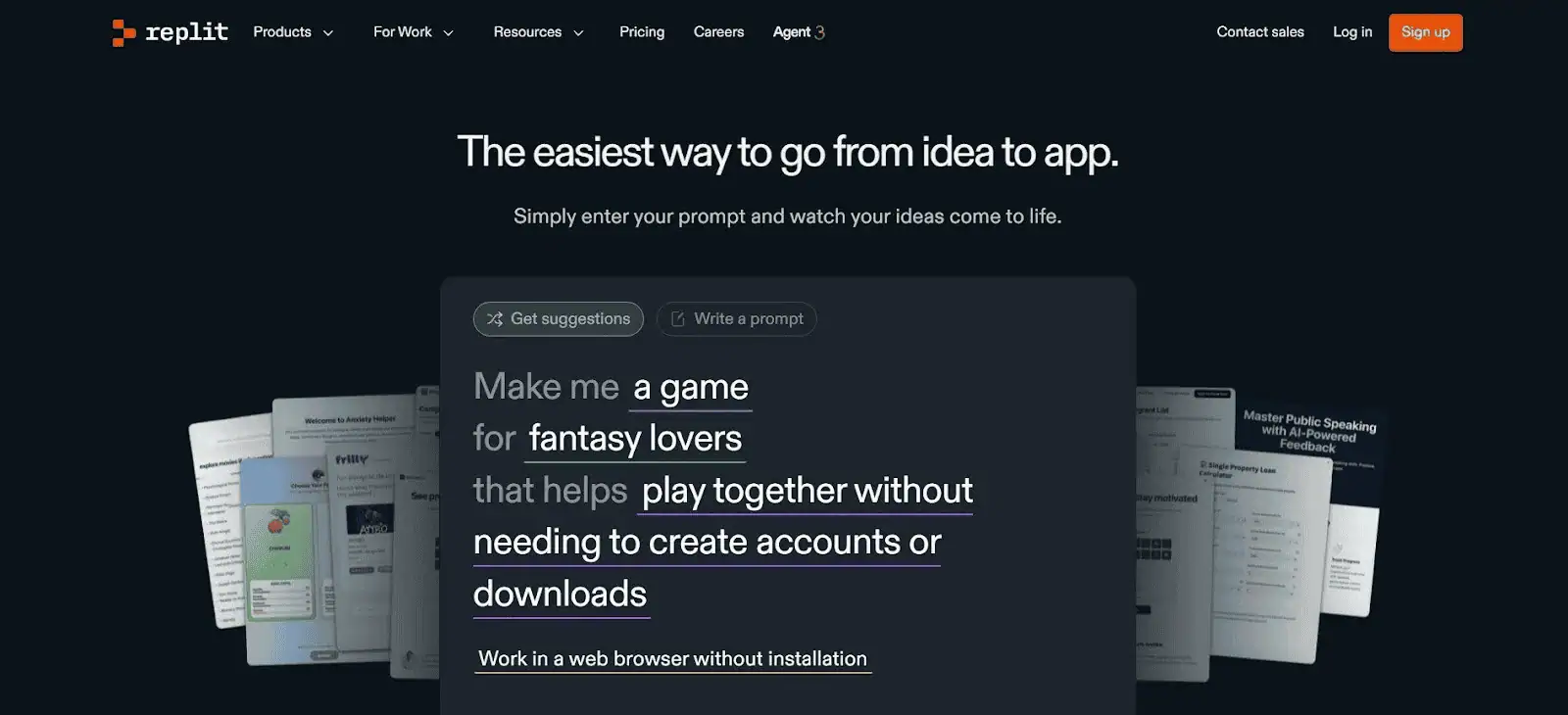
Replit AI (formerly Ghostwriter) is an AI assistant built directly into a cloud IDE, which makes it easy to get real-time help without installing anything locally. It works inside Replit’s browser-based environment, so the assistant always has access to your project context as you write and test code.
The mix of inline suggestions, code transformations, and chat-based guidance creates a smooth workflow for quick experimentation or classroom-style learning. And because everything runs in the cloud, the setup overhead stays low.
Key features:
Pricing: Free Starter plan available, with Core at $20-$25/month and Pro at $95-$100/month.
Best for: Ideal when you want an always-on assistant in a fully hosted IDE. It also suits teams or learners who prototype frequently and want browser-first development. One insight from our engineers is that Replit AI shines most when the project stays inside Replit’s ecosystem, where context is consistently available.
AI pair programming tools support developers during active coding. They suggest completions, explain code, help with quick refactors, and generate tests inside the editor. Examples include Tabnine, Gemini Code Assist, JetBrains AI Assistant, CodeGeeX, Figstack, and Sourcegraph Cody.
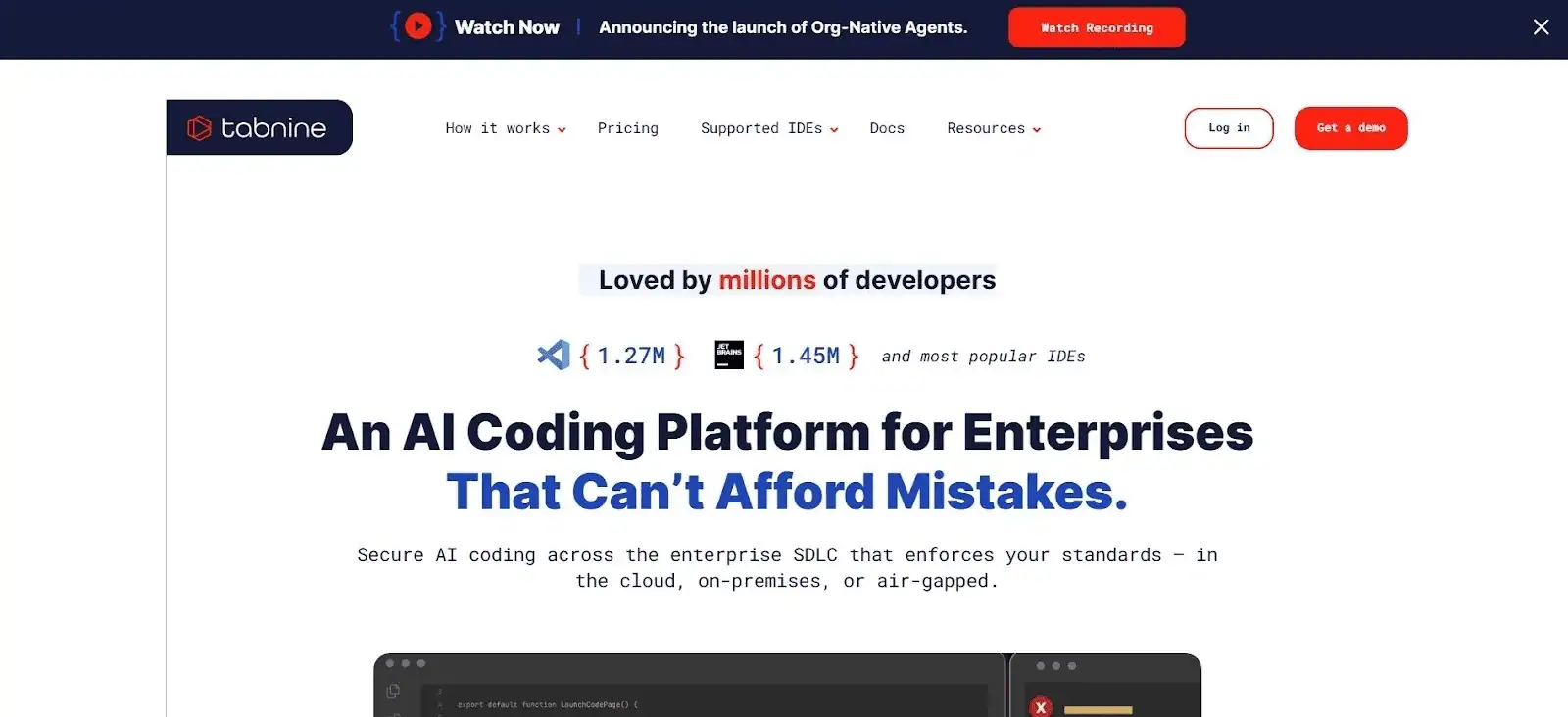
Tabnine is a commercial AI coding assistant built around fast, predictable completions and strong editor coverage. It focuses on helping you finish lines and blocks with minimal friction, and it supports cloud, local, and enterprise deployment.
The tool can run on your own infrastructure, and because of that, it might fit teams that want tighter control while still getting precise suggestions. Plus, its enterprise tier adds private models and admin controls, which separate it from lighter, chat-first tools.
Key features:
Pricing: Code Assistant starts at $39/user/month annually, while Agentic Platform starts at $59/user/month annually.
Best for: Teams that want fast, reliable completions with flexible deployment. In our Axify testing, developers liked how Tabnine reduced low-value edits during long sessions without interrupting existing workflows.
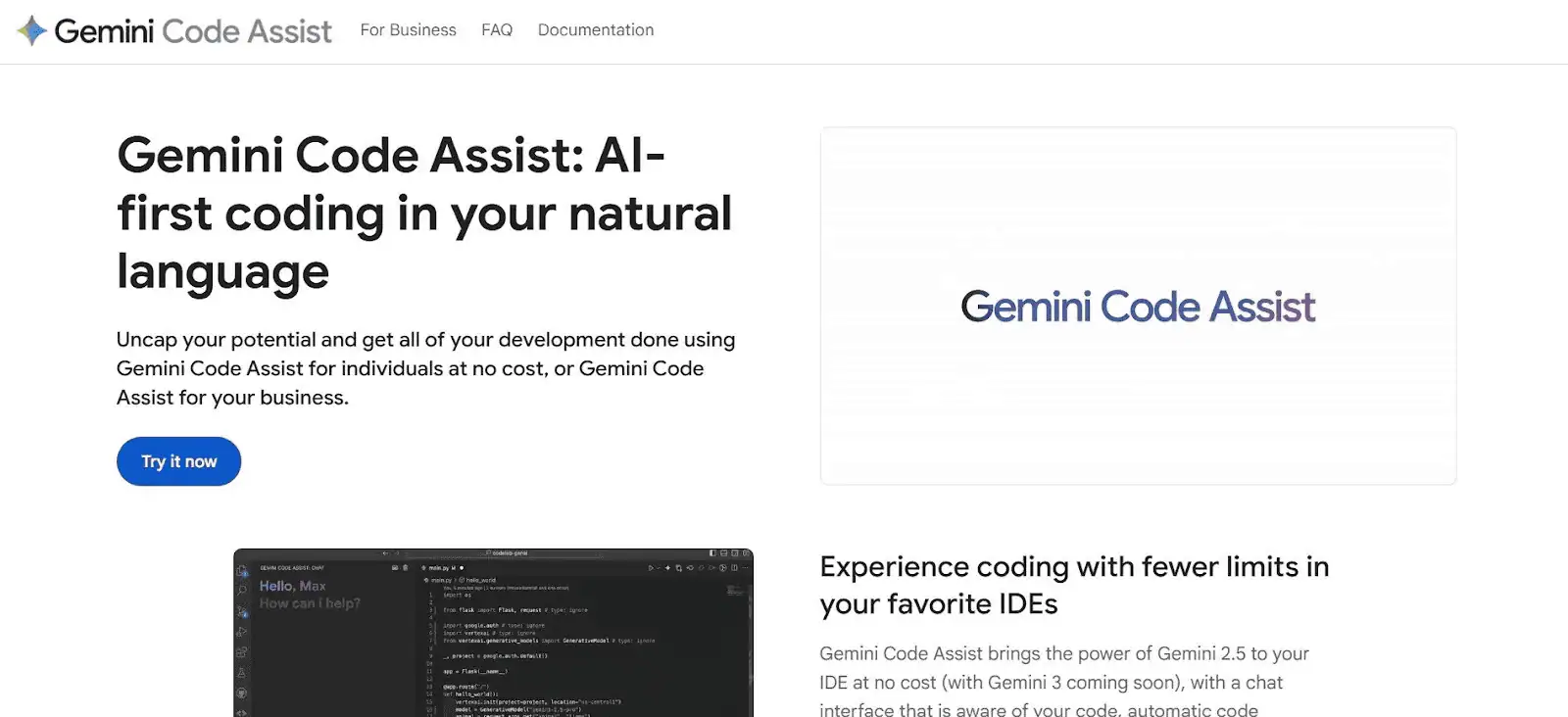
Gemini Code Assist gives you Google’s newest model applied directly to real coding tasks. It works across several Google environments, which helps you stay inside the same tools you already use for cloud work, Android development, or notebook experiments.
And since Gemini handles long instructions well, it fits sessions where you need more than quick completions. Its strength shows up when you step beyond simple edits and need guidance that follows the full structure of your project.
Key features:
Pricing: Free for individuals, with Standard at $19/user/month annually and Enterprise at $45/user/month annually.
Best for: Teams already invested in Google Cloud or Android workflows. We tested it and found it helpful for longer tasks that required stable reasoning across several related changes.
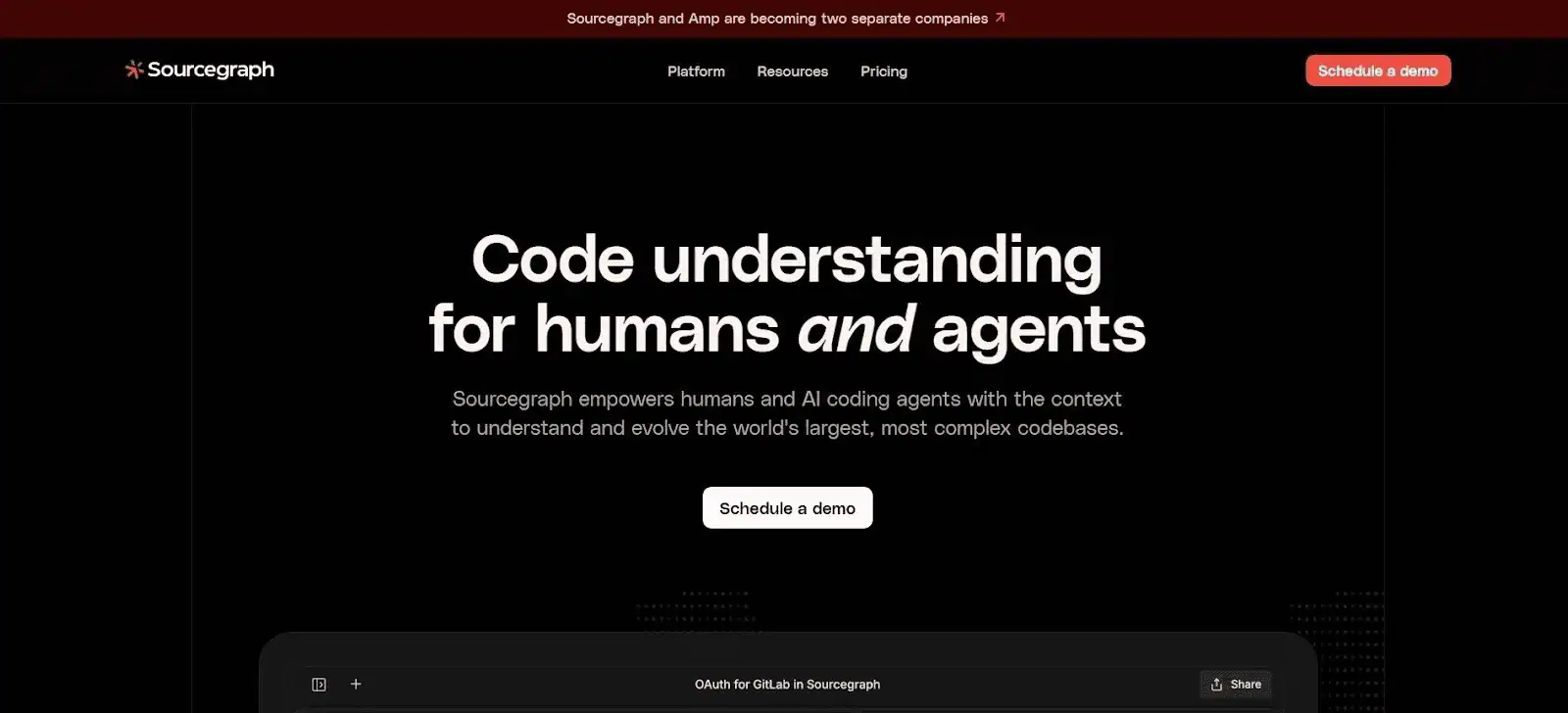
Sourcegraph Cody gives you an assistant that understands your entire codebase instead of just the file you have open. It combines a large model with Sourcegraph’s search index, which helps it pull the right examples and explanations from anywhere in your repository.
And that makes a clear difference in larger projects where context matters as much as the code you are writing. Its value becomes clear when you need answers tied directly to real paths, modules, or historical decisions.
Key features:
Pricing: Enterprise pricing starts at $16,000/year, with no smaller public plan listed.
Best for: Teams working in large or complex repositories. During our Axify testing, developers noted how Cody reduced the time spent searching for past decisions or tracking how features were built.
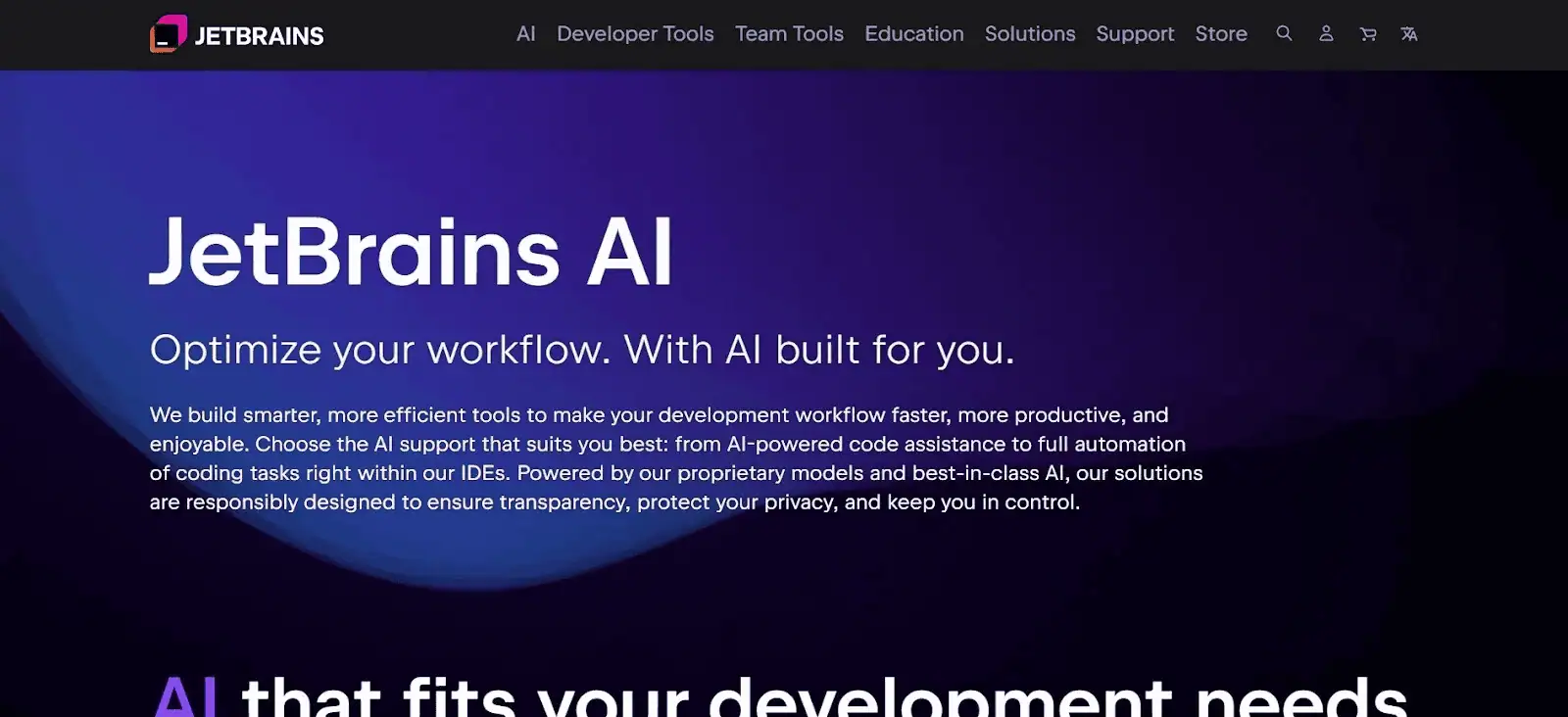
JetBrains AI Assistant brings AI support directly into JetBrains IDEs, which keeps your focus in one place instead of switching between tools. It uses project context to guide explanations, generate examples, and help with larger edits.
The tool builds on JetBrains’ analysis engine, so the suggestions tend to fit how your project is structured rather than feeling generic. This makes it useful during review cycles or when working through unfamiliar files.
Key features:
Pricing: Free tier includes 3 credits/30 days, while paid plans range from $10-$60/30 days.
Best for: Teams that rely on IntelliJ IDEA, PyCharm, or WebStorm as their main workspace. Our developers at Axify liked how it supported longer reasoning tasks without breaking their flow.
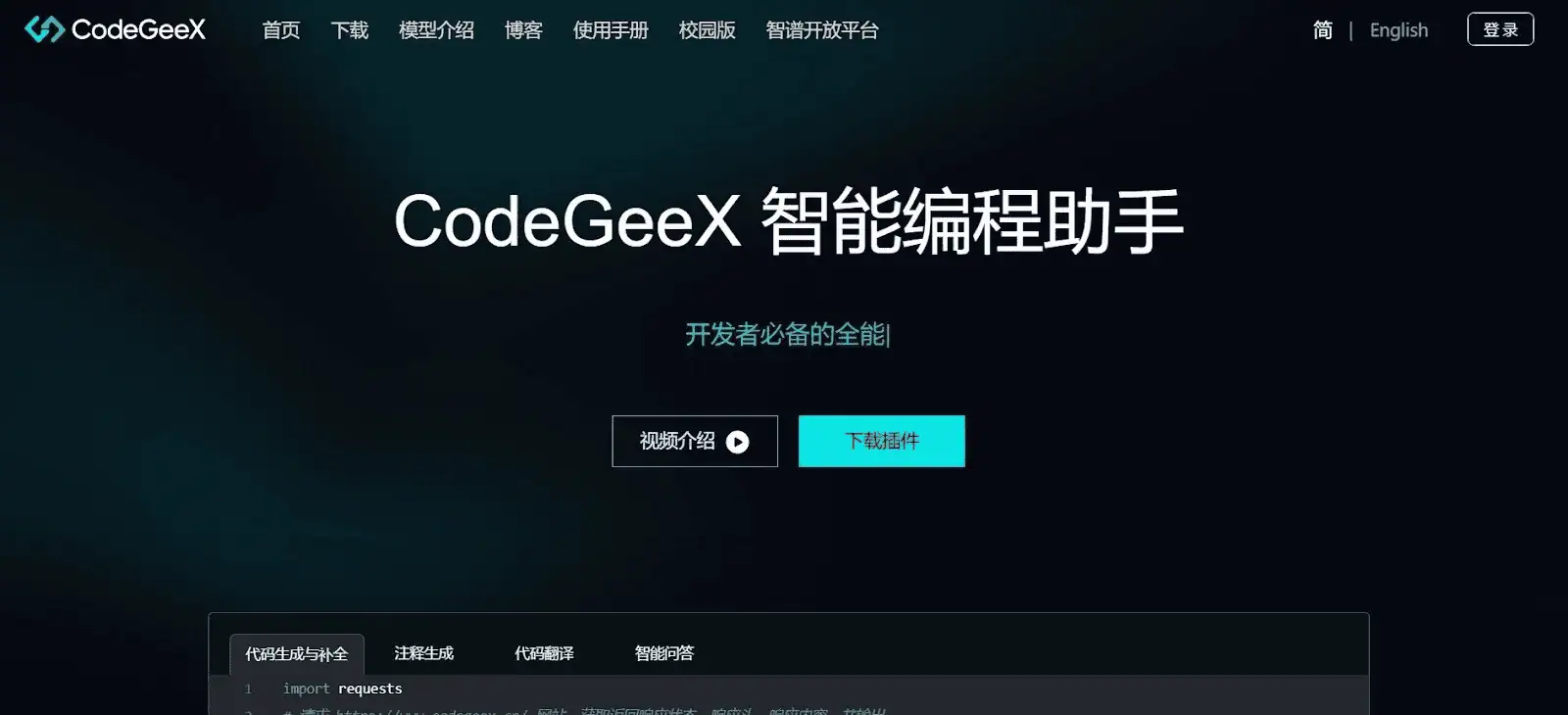
CodeGeeX is an open-source option built for multilingual code generation and broader flexibility than most commercial assistants. It runs on a 13B-parameter model and supports many programming languages, which helps when you work across different stacks or mixed-language repositories.
And since it can run locally, it fits teams that prefer full control of their environment without sending code outside the organization. Its great when you need a customizable model that adapts to your setup.
Key features:
Pricing: CodeGeeX plans cost about $6.46/month for Lite, $19.63/month for Pro, and $61.80/month for Max, converted from CNY.
Best for: Teams that want an open, flexible model without vendor lock-in. At Axify, we noted how CodeGeeX helped with early drafts and translation work across languages without forcing tool changes.
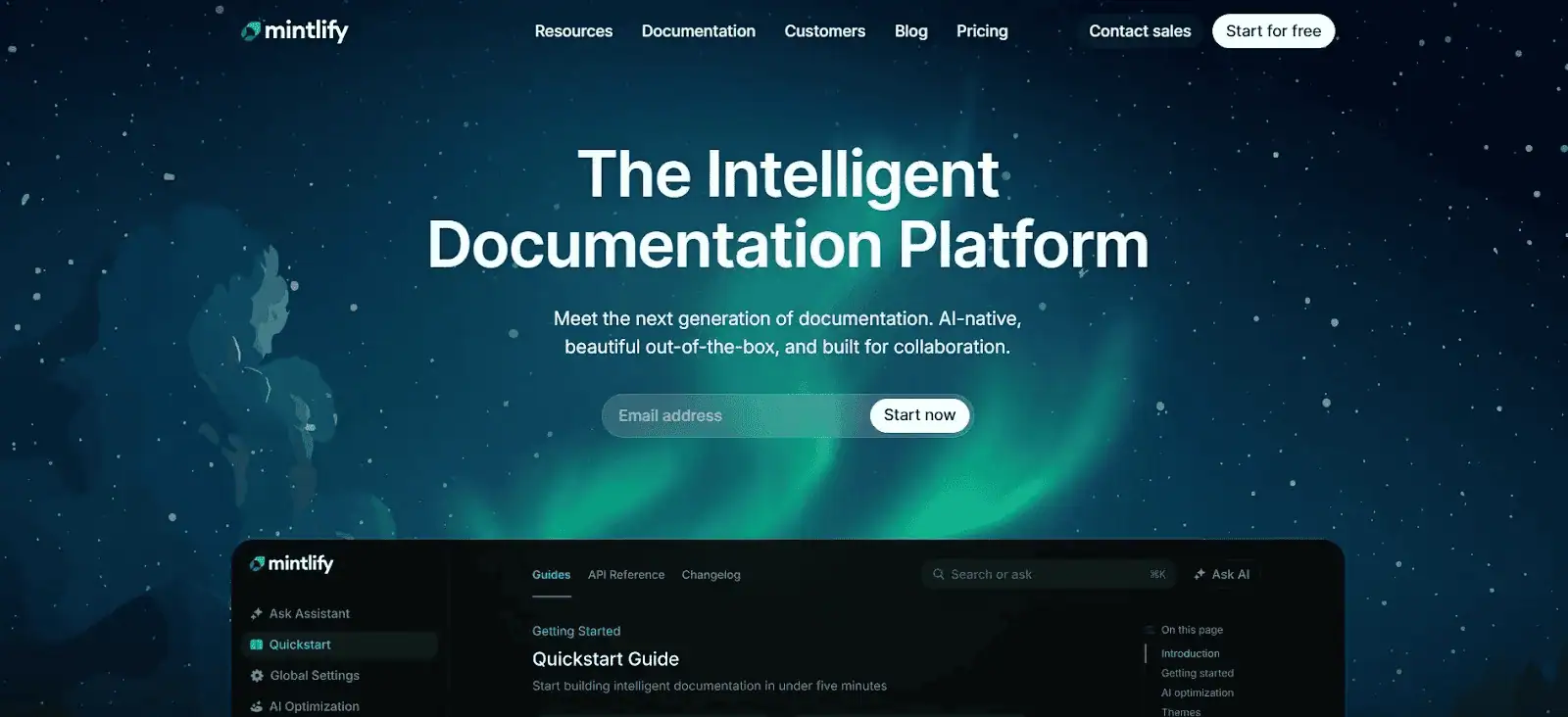
Figstack helps developers understand code faster, especially when dealing with unfamiliar logic. It works as a lightweight assistant that explains functions, analyzes snippets, and converts code across languages.
It was created by Mintlify, and it leans heavily into clarity, documentation, and readability rather than full-scale code generation. So it fits workflows where comprehension matters as much as output.
It also gives developers a quick way to surface intent, complexity, or translation needs without jumping across external tools.
Key features:
Pricing: Free Hobby plan available, with Pro at $300/month.
Best for: Developers who need help understanding existing code or documenting complex sections without slowing down reviews. Our team noticed that Figstack lowers onboarding friction by shortening the time it takes to grasp tricky modules.
AI coding agents can take a higher-level task, inspect a repository, propose a plan, edit multiple files, run commands, and return work for review. Examples include Claude Code, OpenCode, Codex, and Atlarix.
Disclaimer: For this article, we included AI coding agents alongside AI coding assistants because most teams compare these tools together during buying decisions. If you need a deeper breakdown of autonomous agents specifically, we’ll cover that separately in our guide to AI coding agents.
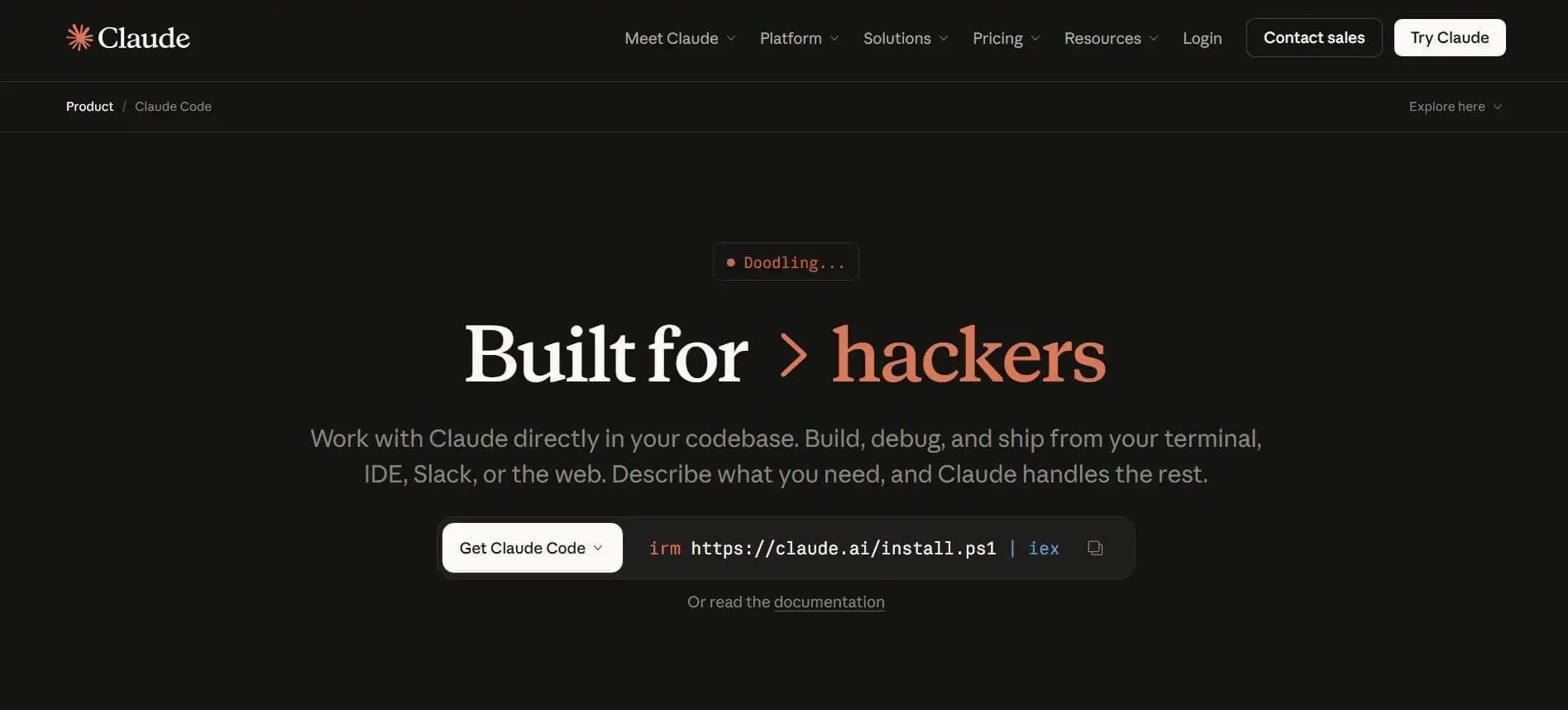
Claude Code is an agentic coding tool that can read a whole repository, inspect dependencies, run terminal commands, edit files, and help with building features. It can fix bugs and automate development work.
In practical terms, Claude Code is best understood as a workflow-native software agent. This codebase-aware operator can move from understanding a project to proposing and executing changes across multiple files. It’s available across terminal, desktop, browser, IDE, and chat surfaces, which makes it feel like a shared layer that follows the developer.
Key features
Pricing: Free plan available, Pro starts at $17/month annually or $20/month, and Max starts around $100/month.
Best for: Developers who want an operational assistant inside a terminal and IDE-centered workflow without changing how they already build software. It also suits teams that want reviewable plans, explicit approvals, and close human oversight before code changes land.
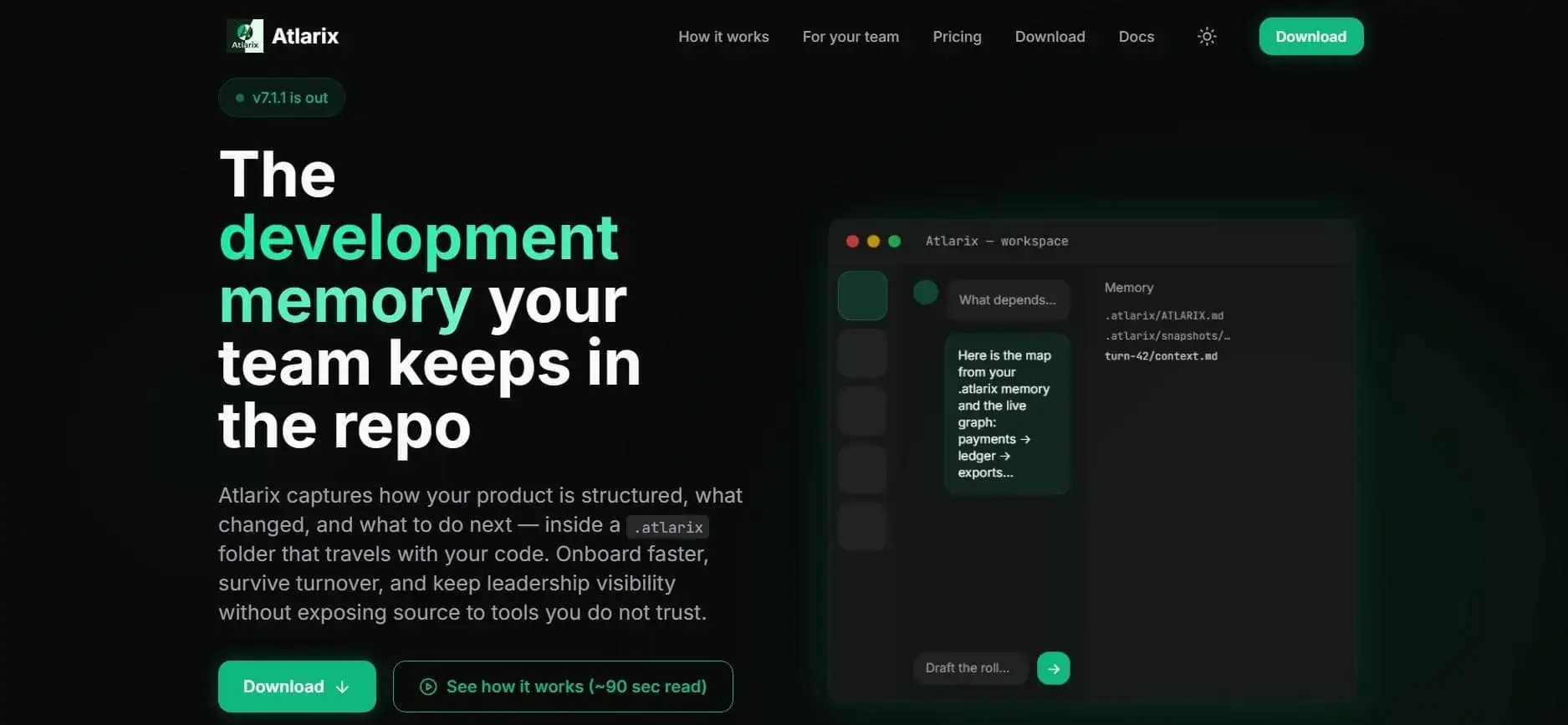
Atlarix is a desktop AI coding agent built around the idea that the hardest part of software work is preserving architecture knowledge.
The product works like a development memory system that captures how a codebase is structured, what changed, and what should happen next. That knowledge is kept in the repository.
This positioning makes Atlarix feel different from a conventional prompt-first copilot.
Instead of focusing only on fast answer generation, Atlarix emphasizes continuity: a living map, shared project context, and historical memory that can travel with the codebase itself.
Key features:
Pricing: Free plan available, with Pro at $19/month and Workforce at $79/month for up to 5 seats.
Best for: Engineering teams whose main bottleneck is lost system context, slow onboarding, or poor visibility into cross-module dependencies. It is also a stronger fit for early adopters comfortable piloting a fast-evolving product on duplicate or non-critical project folders.
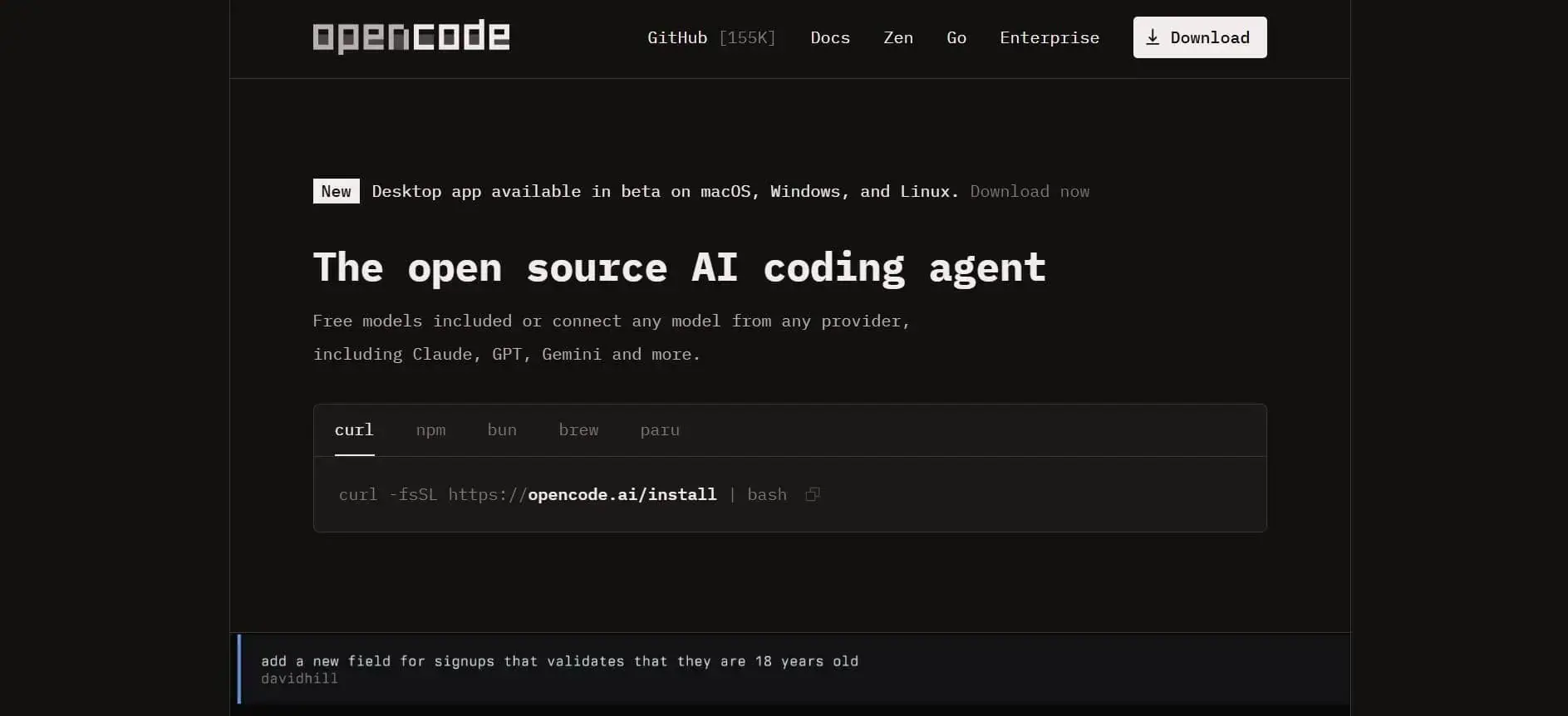
OpenCode is an open-source AI coding agent that treats the terminal as the natural center of serious software work while still extending into desktop and editor experiences.
It can explain unfamiliar code, plan implementation work, make changes, and automate development tasks without locking users to a single model provider or interface. That openness is central to what the product is.
OpenCode is presented less as a branded black box and more as a configurable agent environment that developers can install, tune, script, and extend. It offers broad installation options, support for many backends, and a design philosophy that keeps the user in control of tools, surfaces, and infrastructure choices.
Key features:
Pricing: Free open-source plan available, with Go at $10/month and top up if needed.
Best for: Technical users who want to shape the agent around their own models, permissions, clients, and automation patterns. It also fits terminal-first teams that prefer open, extensible tooling over a tightly managed product stack.
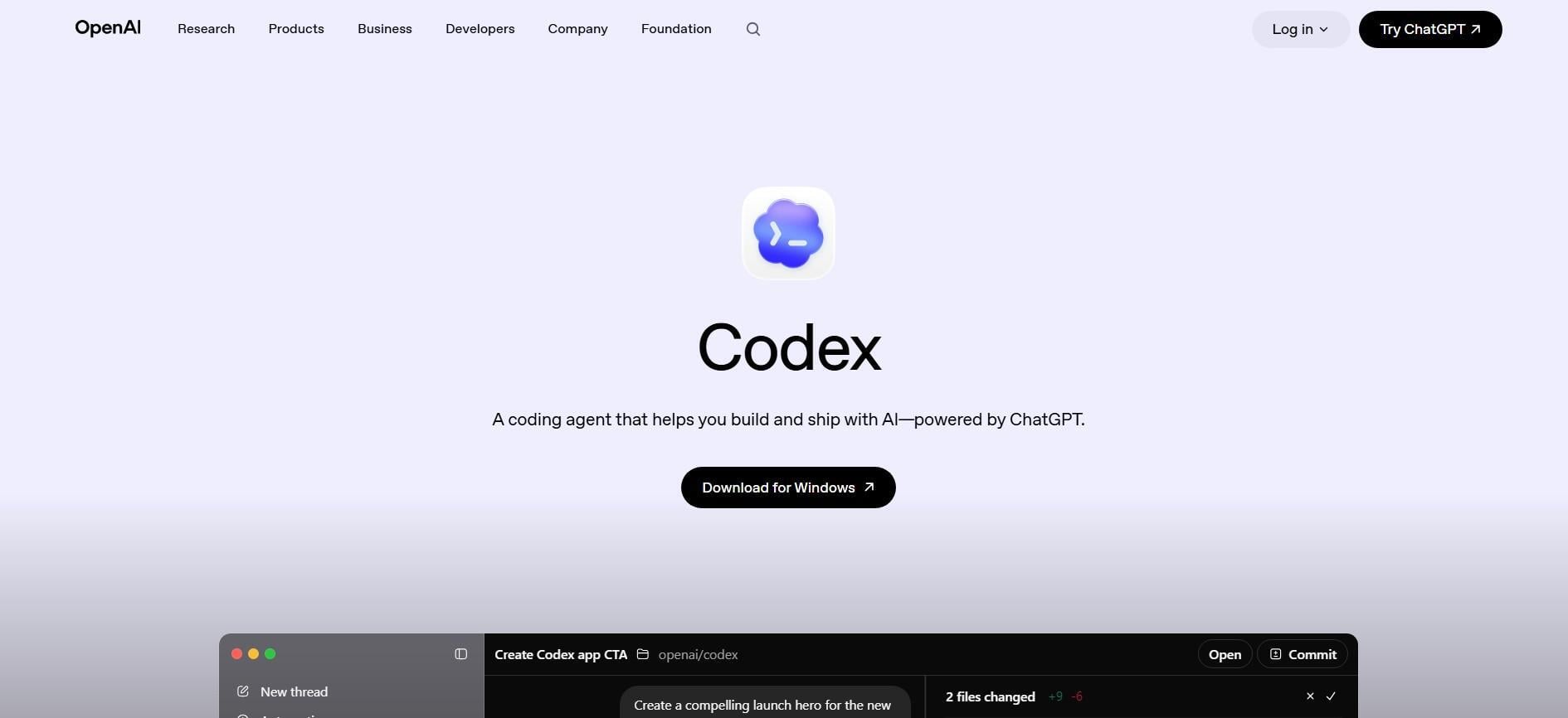
Codex is built for developers who want to delegate meaningful engineering work rather than only ask for short code suggestions. It’s a system that can read, edit, and run code, understand unfamiliar repositories, review logic, debug failures, and automate development tasks.
Codex exists as a cloud experience for delegated jobs, a local terminal agent, and a desktop command center for parallel threads and project work. So you can use it for assigning, supervising, and reusing software tasks.
In practical terms, you get a delegation-first engineering agent built to take on substantial units of software work while still preserving structure and operator control.
Key features:
Pricing: Included in ChatGPT plans from $20–$200+/month, with API pricing at $5/1M input tokens, $0.50/1M cached input tokens, and $30/1M output tokens for GPT-5.5.
Best for: Teams that want to hand off larger units of work, coordinate recurring engineering tasks, and manage code effort across local and cloud execution. It is especially well matched to organizations that want structured delegation, reusable workflows, and parallel project handling instead of a single-editor assistant experience.
Free AI tools can support real projects when cost control matters. Free pricing models can also help when you want to test different code generation tools before committing long-term.
And while these options vary in depth, they still give you enough flexibility to evaluate suggestion quality, integration behavior, and the overall impact on your daily workflow.
Free tools can still support meaningful work as long as you understand their limits and strengths. Here are the options that stand out in real projects:
And we already mentioned GitHub Copilot. Its free tier for students and OSS contributors still offers strong intelligent code completions, though adoption depends on editor compatibility.
Free assistants usually serve as early evaluation tools. They can help you compare suggestion accuracy, editor integration, and overall friction before involving your team.
They also allow you to validate patterns against your preferred code editors without changing your process or exposing private code. Still, these tiers typically cap request volume or limit advanced features.
Next, let’s discuss which assistants are easiest for new developers.
The best AI coding assistant for beginners is the one that guides you through real decisions instead of overwhelming you with options. So the right tool should help you write quality code, correct mistakes, and understand what’s happening behind each suggestion.
It should also feel predictable inside your editor and adapt to everyday habits, even if you’re still learning core concepts. To make this clear, here are the criteria that shape a beginner-friendly experience when working with AI coding agents:
So, here are several assistants that stand out for new developers:
Tabnine gives you simple code completion, which helps you learn patterns without burying you in noise. And because it adjusts to your coding style, it becomes easier to follow your own logic while you grow your skills.
Setup is quick since it works cleanly in VS Code and JetBrains tools. Its small footprint and predictable interface make it a steady starting point when you want accurate code suggestions without large distractions.
Replit AI works inside the Replit browser development environment, which means there’s nothing to configure. It’s ideal for experiments, school projects, or hobby coding because suggestions appear inside a workspace that already handles files, tests, and sharing.
It also produces clear explanations next to the output, which can help you understand the reasoning. That can speed up early problem-solving, especially when you’re learning how tools behave under complex coding tasks.
This assistant fits developers who use IntelliJ, PyCharm, or WebStorm as their main environment. It provides structured guidance, inline notes, and suggestions that help you understand project structure.
So it’s helpful when you want support during reviews or want to check how a piece of logic connects to another part of your project. Its suggestions remain grounded in your files, which helps you maintain code compliance across larger codebases.
Gemini Code Assist feels suited for training and practice because it focuses on clarity. It offers step-by-step help, supports efficient code generation, and includes dedicated modes for fixing errors.
And when you need help rewriting something or comparing alternatives, its detailed explanations act like a slow, steady guide. Instead of generating unclear or overly aggressive changes, it guides you through step-by-step decisions.
Pro tip: Thinking about how AI reshapes software development beyond individual tools? Take a look at our guide on AI’s impact on software engineering for a strategic view.
The AI coding agent that’s best for your team is the one that improves your delivery workflow. It isn’t the one with the most features or the best model quality on paper.
One tool may work well for test coverage and small code changes. Another may perform better for software architecture questions, refactoring, or repository-wide context. But those differences matter only if they improve feature delivery speed without adding more review time, rework, or production risk.
So the wrong pattern is choosing an AI coding suite based only on developer preference, model flexibility, or demo quality. That can lead to high adoption without measurable productivity gains.
That’s why engineering leaders should compare tools against the same delivery metrics.
Related reading: Measuring AI coding tools impact on productivity. Here, we discuss exactly how to pick the AI tools that accelerate your software delivery speed and quality.
AI coding agents can make developers feel faster, but that does not mean your team is delivering faster. To measure productivity after adding them, you need to compare how work moved before and after adoption across the same review period, team, and workflow stages.
Here’s what you need to do.
Before rollout, capture your current cycle time, lead time for changes, PR review time, deployment frequency, change failure rate, and rework patterns. This gives you a fair comparison point. Without a baseline, you may confuse higher coding activity with real AI coding time savings.
Usage data matters, but it is not enough. So, you can track active users, licensed users, AI acceptance rate, and tool usage by team or project.
Then compare those signals with delivery outcomes. This is where an AI measurement framework helps you avoid weak metrics like prompts written, lines generated, or time spent in the editor.
AI may reduce coding time but increase review pressure, test coverage gaps, or QA delays. So your measurement should include the full developer workflow. If more AI-generated work creates larger pull requests or more rework, your productivity may disappear downstream.
Axify’s AI Adoption and Impact feature shows AI adoption by tool, team, and project.
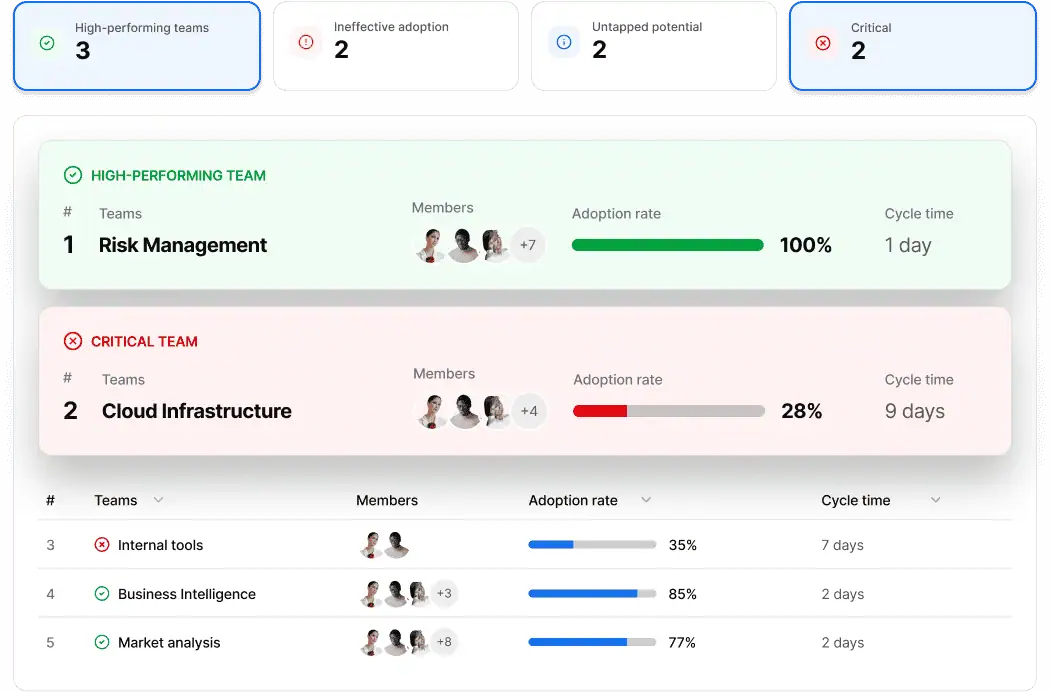
Axify’s AI Adoption and Impact feature connects adoption and acceptance data with cycle time, delivery speed, DORA metrics, and workflow bottlenecks. That means you can objectively compare performance with and without AI across teams, projects, and tools.
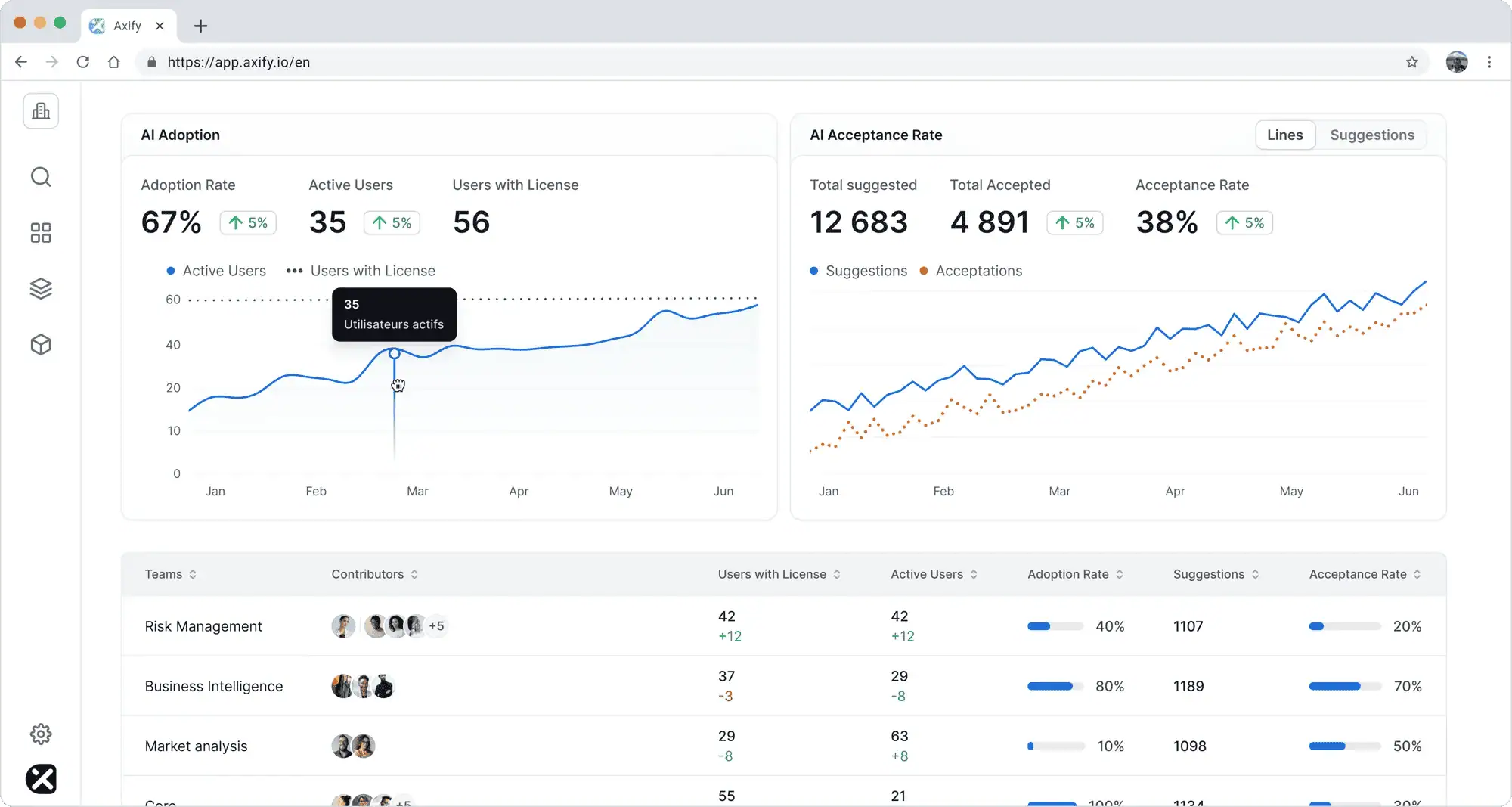
For engineering leaders, this turns AI adoption into a measurable system change. It also supports a practical AI developer productivity framework because you can see which teams benefit, where friction appears, and which SDLC policies need adjustment before scaling AI further.
Another useful feature is Axify MCP Server, which lets you measure productivity from the AI tools you already use.
Through a read-only, permission-scoped connection, you can ask questions about engineering metrics, correlated with AI adoption. For example, you can ask which team’s cycle time decreased after adopting Copilot; or by contrast, which team doesn’t benefit from it.
Here’s what that looks like:
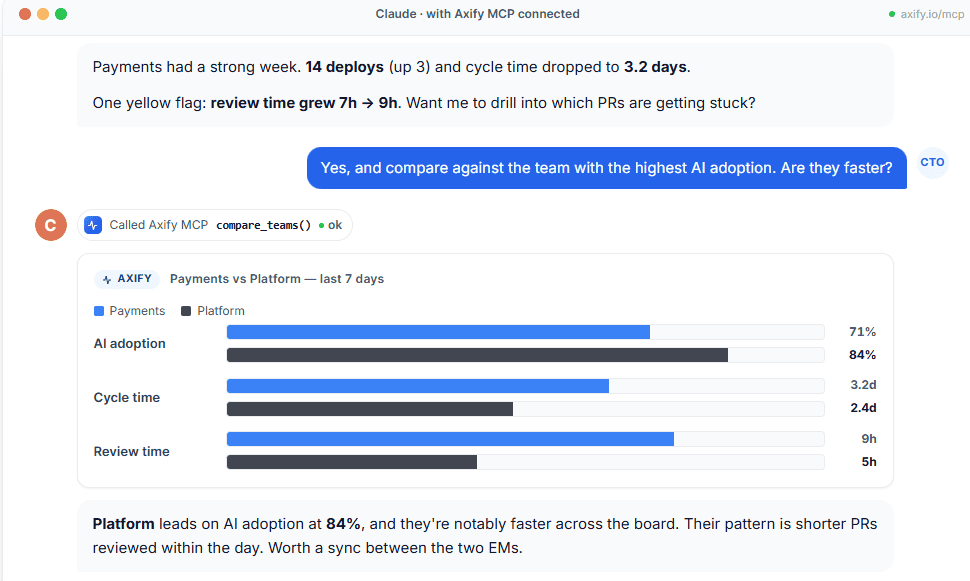
Axify MCP pulls live data from Axify and connected tools, then your AI assistant turns it into clear answers, comparisons, or summaries. That makes it easier to spot whether AI usage is improving delivery or just increasing activity.
Axify Intelligence also shows productivity data through engineering metrics like cycle time, PR review time, rework, bottlenecks, and delivery trends.
But then the engineering intelligence assistant goes further by explaining root causes, so you can understand why a specific AI coding tool made a team faster, slower, or simply busier. You can ask natural-language questions like, “Why did productivity drop after Cursor adoption?” and get a clear explanation, recommended actions, and next steps you can apply directly in Axify with one click.
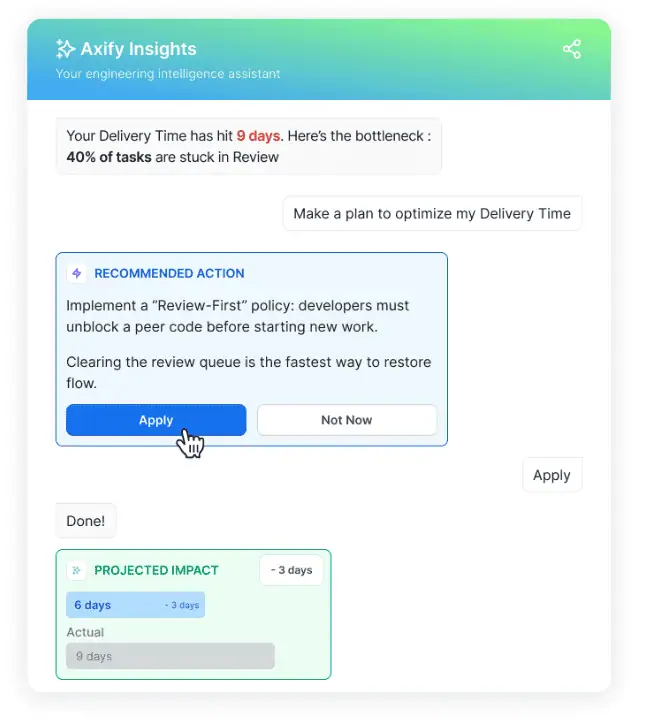
AI coding tools are becoming part of the engineering system itself. That makes tool selection a leadership decision.
The teams that get the most value will be the ones that treat AI adoption as an operational change: measured, reviewed, and adjusted over time. Start with the tool that fits your workflow, then use delivery data to prove whether it truly helps your team ship better software.
To measure that impact with real delivery data, book a demo with Axify today.

AI coding assistants can be safe for private code when you use enterprise controls, private-context settings, and clear SDLC policies. They become risky when prompts, repository context, or generated code leave approved systems without review.
Yes, you can use more than one AI coding assistant if each tool has a clear purpose. For example, one tool may support IDE coding while another handles review, testing, or documentation. Avoid overlap that creates extra cost or inconsistent developer guardrails.
AI coding assistants are useful but not fully accurate. Large language models can produce code that looks correct but misses edge cases, security vulnerabilities, or internal architecture rules. Treat AI output as a draft that still needs review and testing.
GitHub Copilot is usually the safest VS Code choice for teams that want broad support and a familiar setup. Cursor may fit better if you want an AI-first editor experience. The better choice depends on your workflow, repository context, and review process.
AI coding assistants usually range from free plans to about $10-$200 per month for individual paid plans. Team plans commonly sit around $19-$40 per user per month, while enterprise pricing depends on security controls, usage, and admin needs.
Engineering teams should measure AI impact by comparing adoption, acceptance rate, and delivery metrics before and after rollout. You need to track cycle time, review time, rework, deployment frequency, and change failure rate. Axify AI Adoption and Impact, Axify MCP, and Axify Intelligence give you good visibility, insights, and recommended actions to make sure AI coding tools increase your productivity.