Delivery Performance
14 minutes reading time


Pressure builds fast when your executives expect faster signals, clearer forecasting, and less friction across delivery. You already invested in Planview, yet some gaps stay visible.
This includes delayed insight, slow configuration cycles, and limited engineering context. And that pushes you to reassess alternatives that support real flow data and deeper strategic portfolio management without slowing your teams down.
To help you out, we created this guide so you can see how each competitor compares, where it improves daily decision-making, and what trade-offs matter most. So before you evaluate the top options, let’s start with a quick look at the wider market first.
Here, we'll give you a quick snapshot of how the main alternatives compare across structure, adoption speed, and delivery visibility. And since each platform solves different problems, here are the main differences we use to guide our early evaluation.
|
Tool |
Price Range |
Key Strengths |
Best For |
Limitations |
|
1. Axify |
Offers a free trial |
Real-time engineering signals, VSM, AI performance comparison, DORA metrics, and flow metrics |
Engineering-led orgs needing fast insights + lightweight setup |
Not built for heavy financial PMO governance |
|
2. Jira Align |
$77,400 per year for 1 to 50 users |
SAFe support, strategy-to-execution mapping, and real-time visibility into work streams |
Large enterprises scaling Agile with multi-tier governance |
Complex rollout, requires SAFe maturity, and steep learning curve |
|
3. Clarity PPM (Broadcom) |
Custom quote |
Financial governance, portfolio controls, and investment visibility |
Traditional PMOs prioritizing financial discipline |
Rigid workflows, heavy configuration, and slower adoption |
|
4. Monday.com Work Management |
Free for up to two users per month |
Flexible workflows, visual boards, and fast onboarding |
Business teams needing simple work tracking |
Limited depth for engineering and technical PMOs |
|
5. Wrike |
Free tier for new teams |
Cross-functional collaboration, custom workflows, and reporting |
Companies coordinating operations across several teams |
Can feel cluttered at scale and the advanced features are locked behind higher tiers |
|
6. Smartsheet |
Start at $9 per member per month |
Spreadsheet-style interface, multiple views, and enterprise controls |
Ops-heavy teams migrating from Excel |
Not ideal for engineering metrics and more manual setup |
|
7. Asana |
Starts at $10.99 for teams |
Portfolio visibility, OKR tracking, and a clean interface |
Organizations focused on goals and cross-team visibility |
Limited in technical delivery insights and basic resource modeling |
|
8. Adobe Workfront |
Custom quote |
Campaign planning, content approvals, and Creative Cloud integration |
Marketing & creative operations |
Heavy for non-marketing teams, and high licensing costs |
|
9. ServiceNow SPM |
Custom quote |
Governance, ITSM alignment, and demand management |
IT organizations undergoing large digital transformation |
Expensive, and requires deep ServiceNow ecosystem adoption |
|
10. Smartsheet Control Center |
Start at $9 per member per month |
Automated project provisioning, standardized templates, and portfolio roll-ups |
Teams running repeated, structured PMO programs at scale |
Requires core Smartsheet + add-on, and complex blueprint setup |
Planview gives you broad portfolio control, while Axify gives you real-time engineering insight. So Planview fits PMOs that need financial governance, and Axify fits teams that need live cycle time, flow metrics, and delivery analysis.
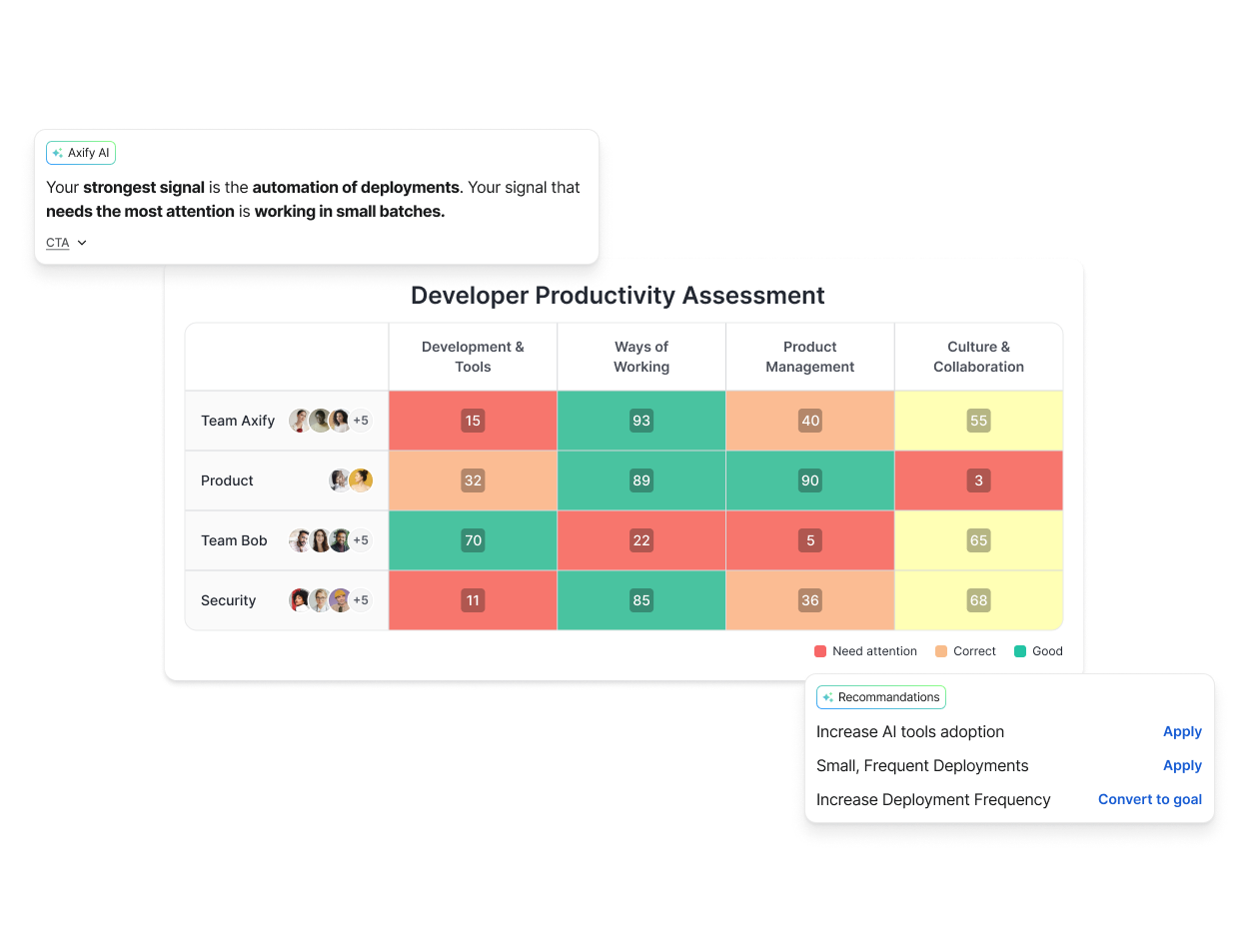
Axify includes AI-driven delivery analysis and team productivity assessments, so you get faster visibility into engineering patterns without the setup depth Planview requires.
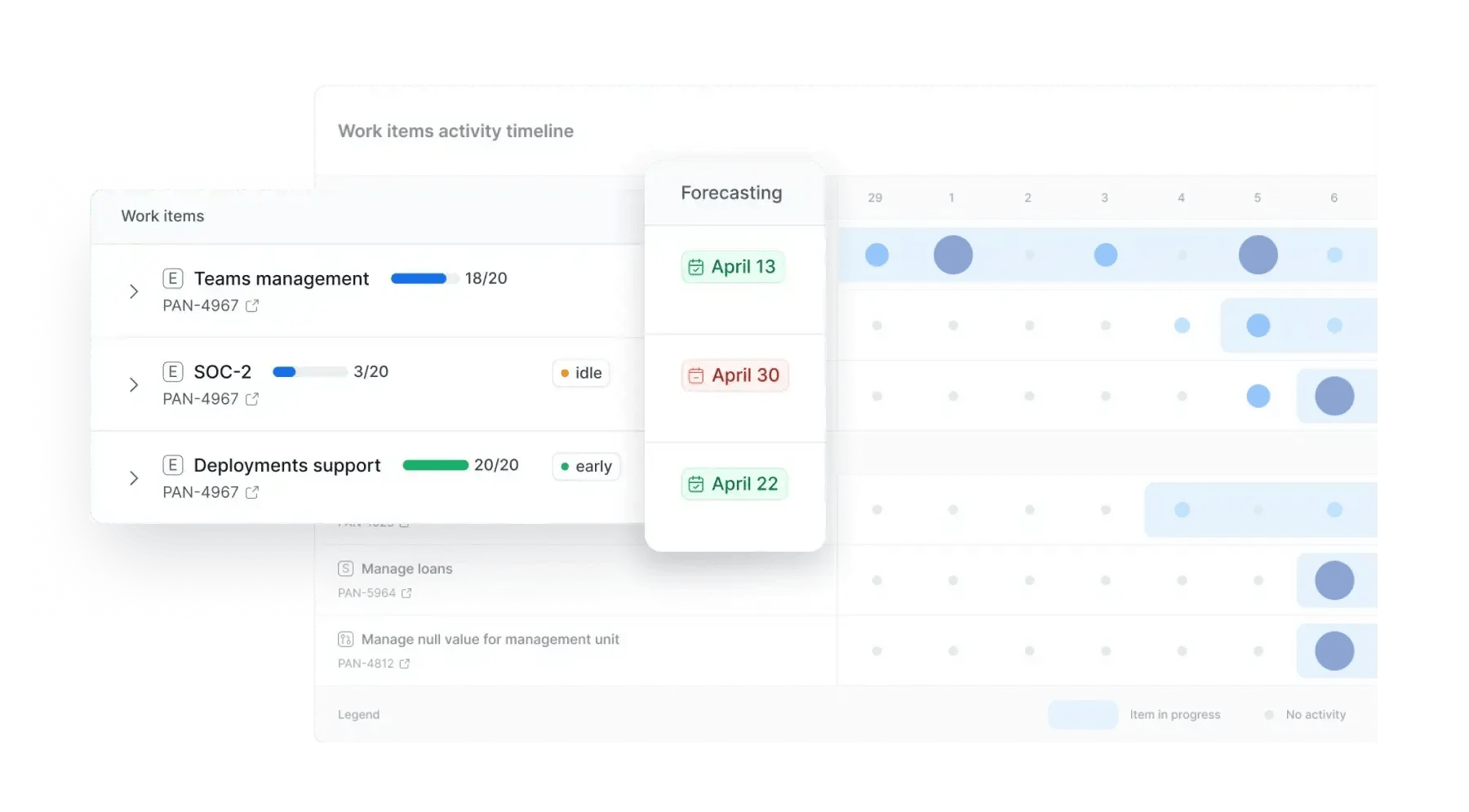

Planview focuses on portfolio structure and governance, and Jira focuses on team-level execution. So you use Planview for investment oversight and Jira for day-to-day work tracking.
We know many organizations also pair Planview with MS Project or Jira to cover different layers. But in our experience the split usually creates gaps in engineering signals and cross-team flow insight that Jira alone does not surface.
Planview and Clarity both center on portfolio-level governance, but Clarity leans more into financial control and investment oversight. And since Clarity ties budgeting and planning into one system, it is common in PMOs with strict reporting needs.
Planview offers broader workflow coverage, while Clarity frames decisions through cost, forecast cycles, and timesheet solution structure used in larger enterprises.
Planview Software is a project portfolio management platform that supports PMOs and enterprise delivery teams as they coordinate strategy, funding, and execution.
We know companies who use it to manage cross-team priorities, connect long-term planning with active work, and keep governance aligned with daily decisions.
We also know that PPM tools like these are used by strategy leaders who need clearer visibility, better resource allocation, and more reliable capacity planning across large initiatives.
However, Mordor Intelligence reports that the PPM market is projected to grow from about $6.90 billion in 2025 to nearly $11.92 billion by 2030. This means that there are already plenty of (better) alternatives to consider, and that there will be even more in the future.
You can also learn what Plainview Software is from this video:
Moving forward, let’s look at the core capabilities behind Planview.
Planview brings together strategy, delivery, and reporting so you can coordinate large portfolios without losing sight of daily execution. We recommend you to evaluate these core capabilities as you compare Planview with lighter or more engineering-focused alternatives.
Planview’s SPM tools give you a top-down view of investments, funding, and outcomes. They help you model trade-offs, compare scenarios, and keep priorities aligned with strategy as conditions shift.
Finance, PMO, and product leaders share one space to track decisions, budgets, and outcomes. From our experience, having one source of truth supports clear governance and strengthens your strategic roadmap.
The platform centralizes plans, work management, and resourcing so project leaders can track demand, budget, and progress in one system. AI-supported analysis shows risks early and helps you balance resource management decisions across teams.
And we know that it’s always great to ground decisions about project timing or sequencing in actual capacity.
Planview supports Agile methodologies at scale through Lean portfolio planning and enterprise-level Kanban boards. AgilePlace rolls team-level updates into portfolio views, which helps you connect backlog movement with cross-team dependencies.
And because it links strategy with execution, you gain clearer insight into how features progress across multiple delivery groups.
This capability notes who is doing what and whether teams can take on new work. Scenario modeling helps you see the impact of adding or delaying projects before approval. Also, continuous capacity planning prevents overcommitment by showing real-time availability across skills, roles, and teams.
Planview’s roadmaps tie strategy, projects, and delivery work together on a single timeline. We appreciate how its dynamic adjustments show the effect of shifting priorities or funding.
And its analytics and reporting tools combine financials, resource usage, risks, and delivery progress into simple, shareable views for executives and teams.
Planview connects with delivery and IT systems such as Jira, Azure DevOps, and ServiceNow. These integrations sync work items, status updates, and financial data without manual effort.
As a side note, we like tools that keep portfolio-level reporting aligned with the tools engineers already use. That’s extremely important to reduce disconnects across systems.
Planview offers simple, all-feature pricing for its team tool ProjectPlace, and custom enterprise pricing for its core SPM and PPM products. We appreciate that ProjectPlace also includes a free trial so you can test the workspace before committing. However, Planview’s core tools (SPM/ PPM/ VSM/ PSA/ etc.) do NOT have trials.
Now, while all of this sounds fascinating, Plainview has some limitations.
Planview gives you broad governance coverage, yet several constraints become clear once you scale delivery work across teams and tools. These are the points that usually push leaders to compare alternatives:
With this out of the way, let’s move on and look at what you should prioritize when evaluating alternative platforms.
Selecting an alternative starts with understanding where you need sharper signals, faster implementation, or less administrative lift. Here are the factors that matter most when you compare the next set of platforms:
All of this leads us to our main point.
The best Planview competitors in 2025 include Axify, Jira Align, Clarity PPM, Monday.com, Wrike, and others. These platforms offer stronger engineering insight, faster setup, or clearer forecasting depending on your needs. Besides, scenario planning is a recurring theme for several of them.
So, let’s see how they compare:
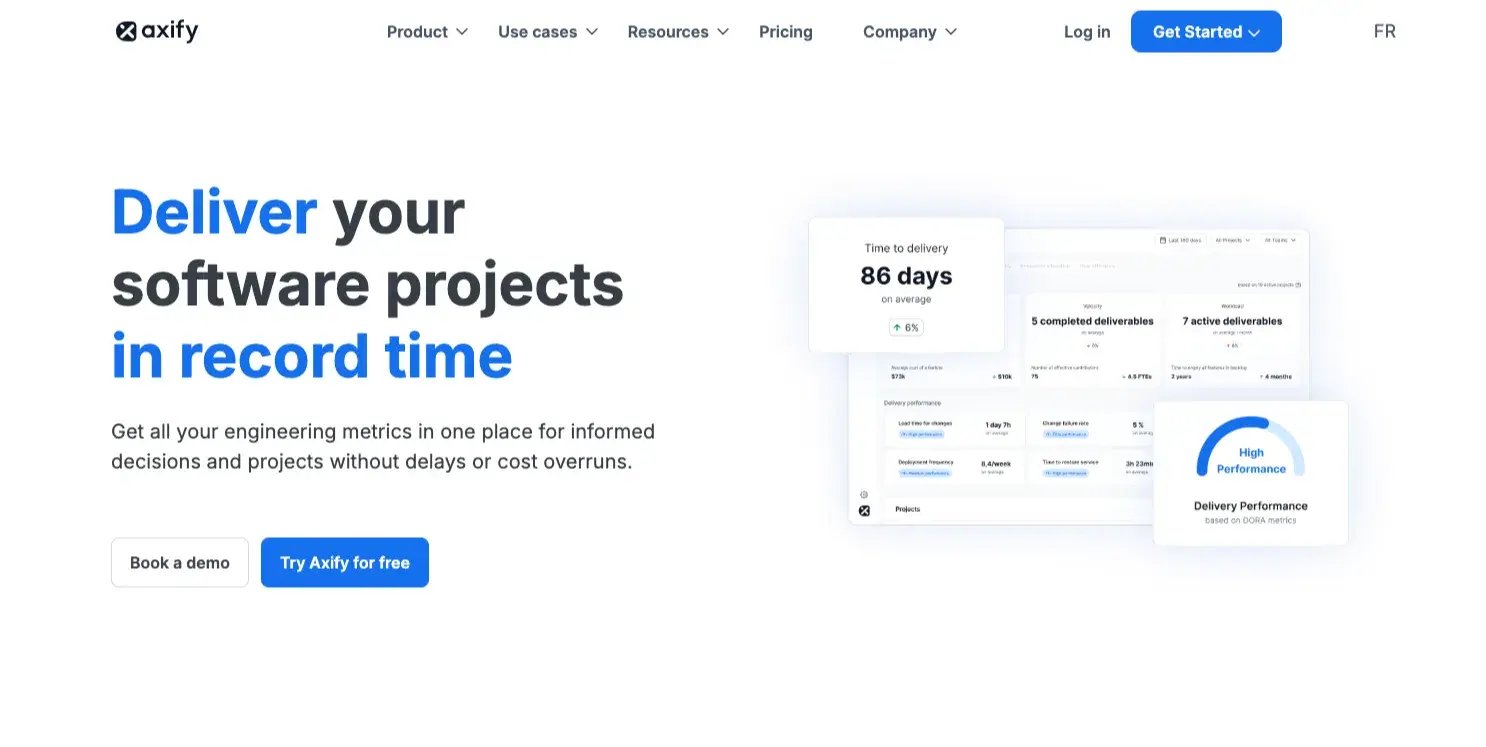
Axify gives you clear engineering insight by turning DORA and flow metrics into signals you can act on right away. You can understand your cycle time patterns, review dynamics, your team productivity and more. As such, you can see risks as they form rather than after a sprint has already slipped.
Our VSM tool shows you bottlenecks and review slowdowns, while our lightweight setup helps you connect engineering data without long onboarding cycles. This matters when you want early warnings, faster feedback loops, and stronger visibility into how work moves across your teams.
Key features:
Pricing: Has a free trial.
Best for: You benefit from Axify when you need real-time engineering signals instead of delayed portfolio reports. It also suits teams that want clearer patterns without heavy admin effort.
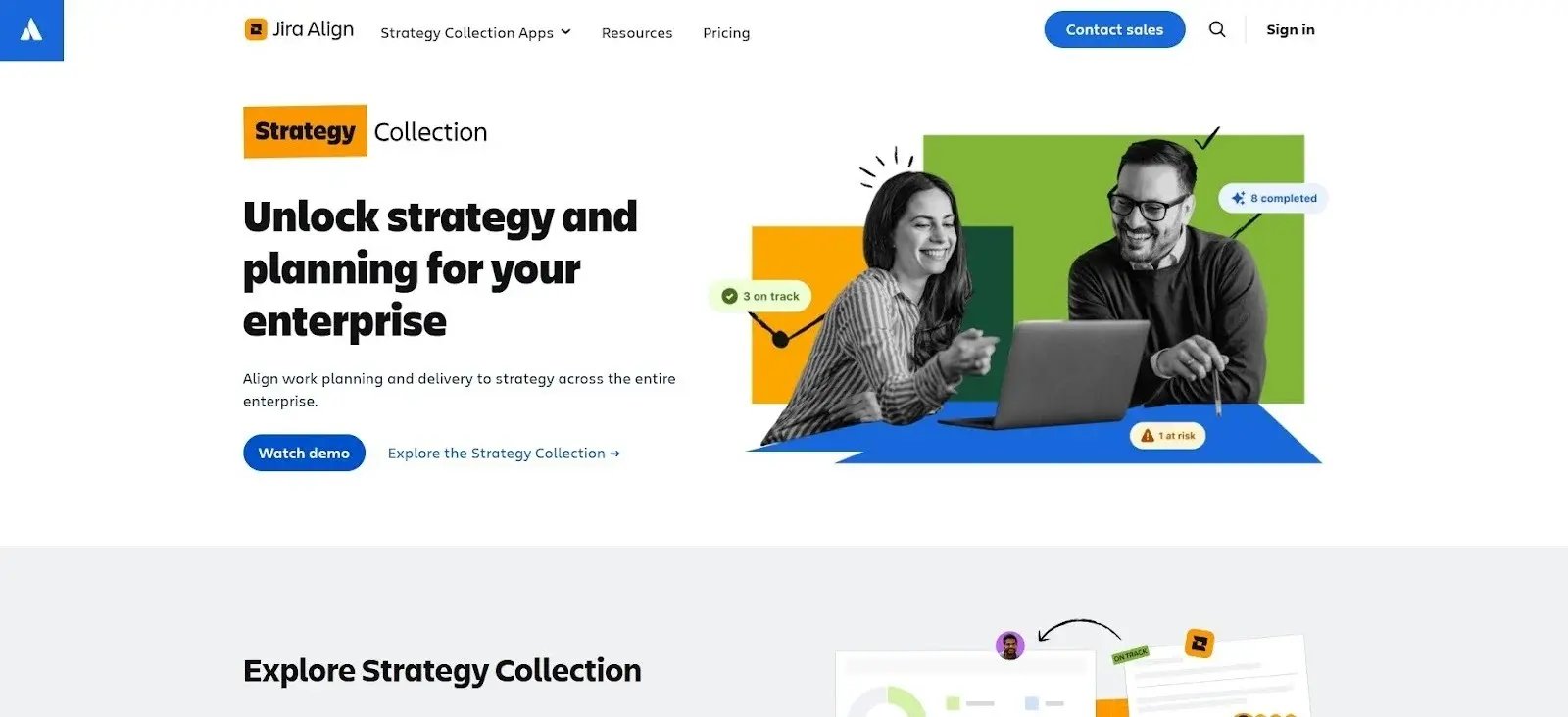
Jira Align is an enterprise platform from Atlassian built to connect strategic initiatives with work tracked across multiple agile teams. We appreciate that it supports SAFe and other scaling frameworks by mapping high-level plans to delivery details stored in tools such as Jira Software.
And it organizes work across programs and portfolios so leadership can review alignment, sequencing, and dependencies. We like that they can do this without shifting teams away from their existing workflows.
Key features:
Pricing: The user tier costs $77,400 per year for 1 to 50 users.
Best for: Jira Align suits large organizations that follow structured scaling frameworks. It also fits environments where portfolio leaders need strategic alignment tied to team-level systems.
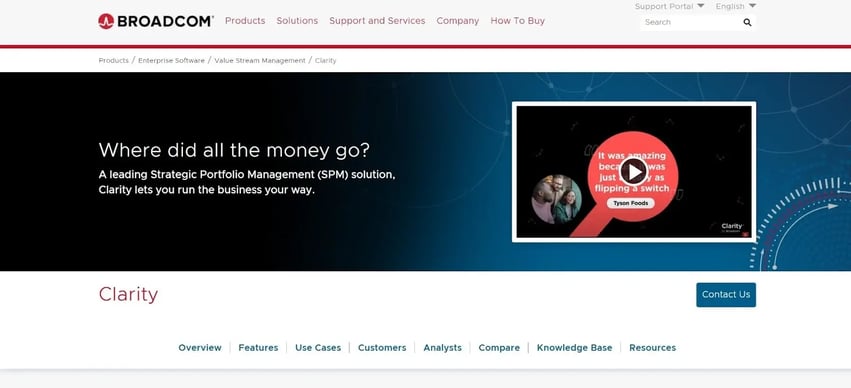
Clarity PPM is Broadcom’s portfolio and investment management platform. It's used in environments where governance structures, budget oversight, and formal decision pathways drive delivery.
The platform centralizes financial planning, portfolio controls, and reporting. We know PMOs who use it to review cost structures and allocations across projects, products, and operational work.
And since the system relies on defined workflows, we think it fits organizations that manage work through established approval cycles rather than iterative Agile development patterns.
Key features:
Pricing: Custom quote.
Best for: Clarity PPM fits enterprise PMOs that prioritize formal governance and detailed cost structures. It also suits teams that operate within strict funding cycles and established planning windows.
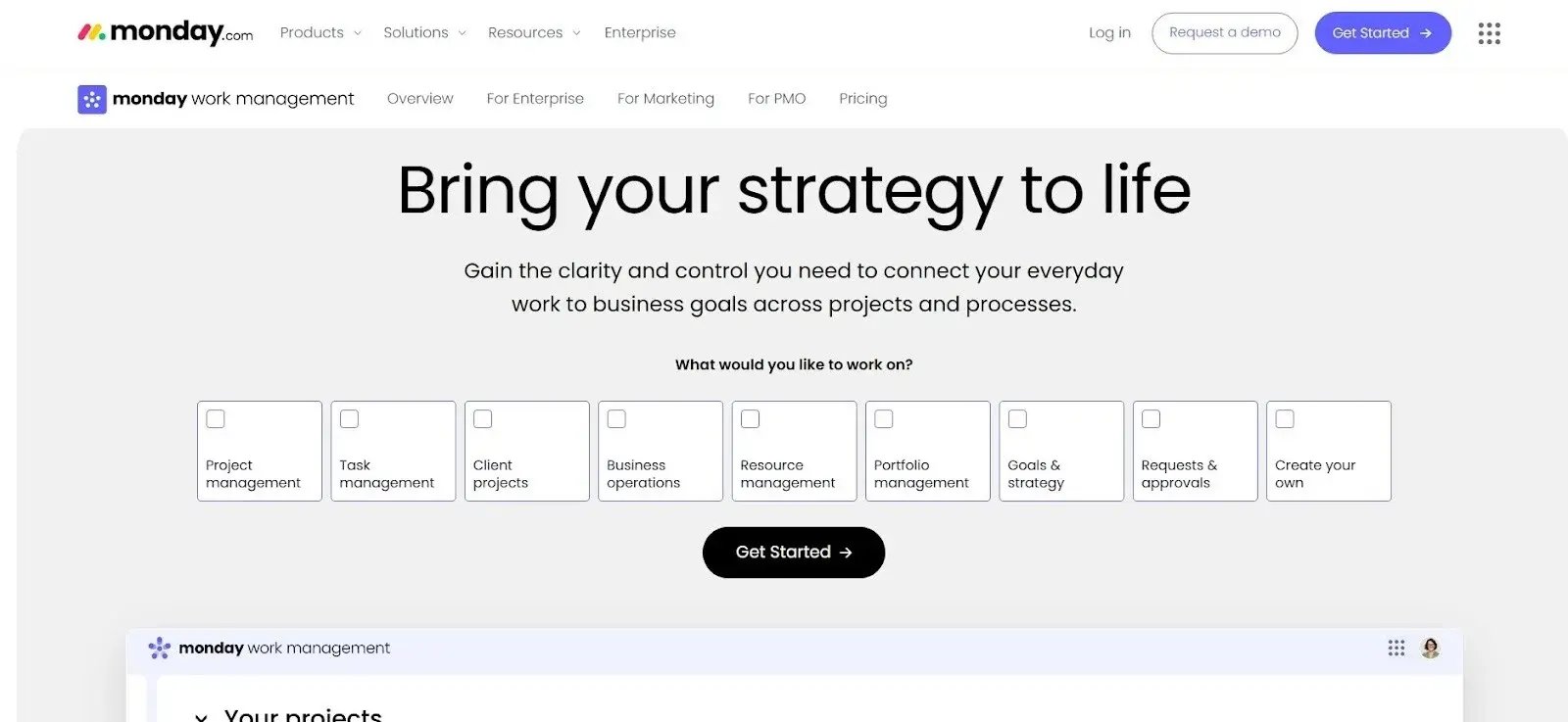
Monday.com Work Management is a collaborative online platform built around visual boards and simple workflow structures. Its focus is on broad usability across business teams rather than detailed engineering flow or delivery accuracy.
But we know first-hand that since many engineering groups need deeper cycle-time and review insight. So we remind you that Axify covers those signals with purpose-built metrics tied directly to real delivery systems.
Monday instead centers its model on templates, visual layouts, and configurable boards. We like them, but they’re better used across general operations.
Key features:
Pricing: Free plan available for up to 2 seats.
Best for: Monday.com fits teams that prioritize visual coordination and quick onboarding. It also suits organizations with lighter workflow needs and broad cross-department use.
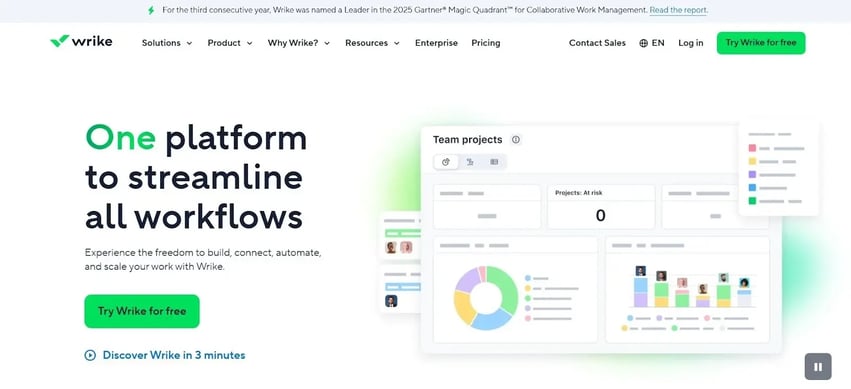
Wrike is a project management software platform used to coordinate work across multiple business functions through shared spaces, templates, and portfolio views. Our team members used Wrike in some projects for broad work coordination rather than detailed engineering flow or delivery analytics.
That’s why we like how Wrike brings marketing, operations, and program teams into one system. Again, we couldn’t help but notice it’s usually used in organizations that prioritize visibility and documentation over engineering depth.
Key features:
Pricing: It offers a free tier for teams that are just starting. Then $10+ per month per user.
Best for: Wrike suits organizations that need cross-department coordination with standardized structures. It also fits teams that rely on formalized workflows and broad portfolio reporting.
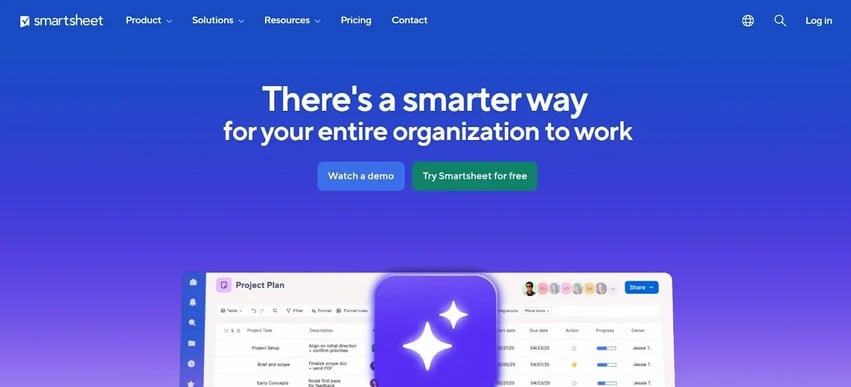
Smartsheet is a cloud-based platform built around a grid-style interface that mirrors spreadsheets, which makes it a common choice in operations-heavy environments. We like how it organizes project data, timelines, and workflows through sheet-based structures and configurable views.
And since teams usually move from Excel into more formalized systems, Smartsheet offers a familiar format that can be adapted to broader organizational use.
Key features:
Pricing: Plans start at $9 per member per month.
Best for: Smartsheet suits organizations that already manage work in spreadsheets and want a structured upgrade without major process changes. It also fits teams with operational workflows that rely on tabular layouts.
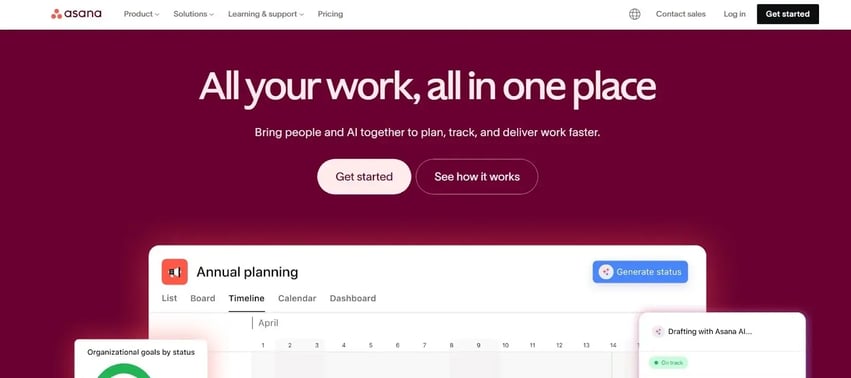
Asana is a work coordination platform designed to organize projects, tasks, and goals through a structured, visual interface. It centers on transparency across teams, which we appreciate. But what we like more is how it relies on portfolios and OKRs to connect day-to-day work with higher-level objectives.
This model is built around shared timelines and structured lists. In our experience, Asana is commonly used in teams that need simple visibility rather than deep engineering signals.
Key features:
Pricing: It's free for personal use, but it starts at $10.99 for teams.
Best for: Asana fits teams that track progress through structured task lists and formal OKR frameworks. It also suits organizations that prioritize consistent visibility across departments.
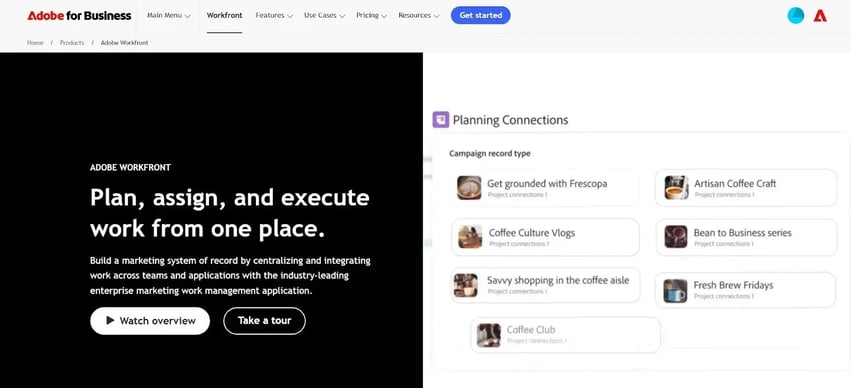
Workfront is Adobe’s work coordination platform used across marketing and creative environments where planning cycles, content production, and review workflows follow defined stages. It centralizes intake, work routing, and approvals so teams can manage requests and asset progression within a single structure.
The platform's workflow model is built around creative production rather than engineering delivery. We noticed that most of its features focus on structured content routing, version review, and multi-step approval paths.
Key features:
Pricing: Custom quote.
Best for: Workfront suits marketing, creative operations, and PMOs supporting content-heavy teams. It also fits organizations with formalized approval cycles and asset handoffs across departments.
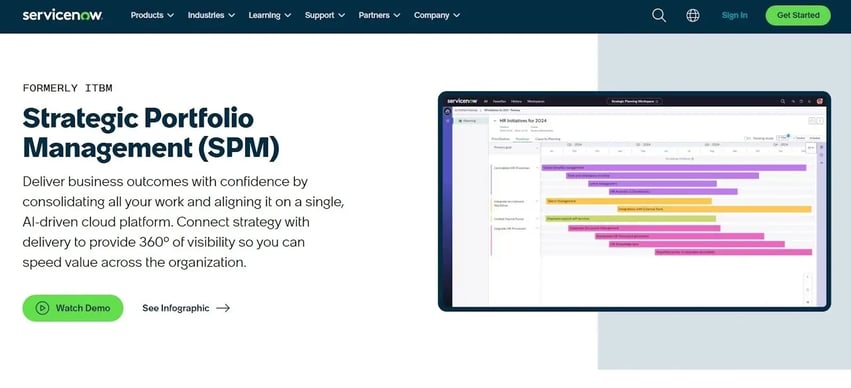
ServiceNow SPM is an IT-focused portfolio management suite used in environments where governance, intake workflows, and technology roadmaps are managed through centralized systems. It runs on the broader ServiceNow platform and aligns project tracking, demand intake, and operational work with structured processes.
The platform ties into ITSM and change workflows, so we know it’s usually adopted by organizations where project and operational tasks intersect under a single governance model.
Key features:
Pricing: Custom quote.
Best for: ServiceNow SPM suits large enterprises with formal governance frameworks and IT-led transformation programs. It also fits organizations that manage project and operational work under shared controls.
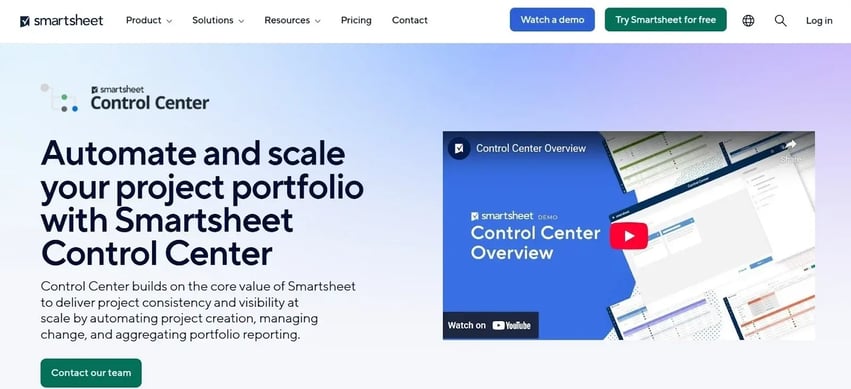
Smartsheet Control Center is an extension of Smartsheet built for organizations that run repeatable project types and need centralized oversight. It operates as a portfolio-level layer that applies templates, structure, and governance across large volumes of similar work.
We like that all project spaces are generated from approved blueprints. Hence, PMOs can maintain consistency without relying on manual setup or individual team decisions.
Key features:
Pricing: Starts at $9 monthly for each member.
Best for: Smartsheet Control Center fits enterprises with repeatable project categories and strict governance structures. It also aligns with PMOs that need standardized execution across many teams.
Choosing a replacement for Planview depends on the type of work you manage and how quickly your organization needs to adapt. From our experience evaluating these platforms, several consistent factors shape long-term fit and value.
This was our ranking methodology:
The right Planview alternative depends on your structure, the pace of delivery, and how much governance your teams need. Smaller groups typically choose lighter product management software. Meanwhile, mature enterprises lean toward tools that support enterprise Agile planning and broader automation features.
And some organizations prioritize visibility across remote teams or need tighter links to operational systems. So the best fit comes from matching your workflow, performance assessments, and integration depth to the platform’s strengths.
If you want real-time engineering signals and faster decision cycles, book a demo with Axify today.
