SEI
16 minutes reading time

Delivery slowed last quarter, without changes in your headcount or roadmap. Or your dashboards show stable output but cycle time stretches.
These types of issues force hard questions about workflow constraints, review load, and planning accuracy.
And visibility alone is no longer enough. You need a tool that can help you make better engineering decisions fast.
This is where leaders begin evaluating Swarmia alternatives.
Swarmia already gives you engineering metrics. What you need now is clearer reasoning behind those metrics, plus a clear way to actually use their insights.
That’s why in this article, we will compare tools through the lens of decision support.
|
Tool |
Best for |
Focus area |
Metrics & flow coverage |
AI / Insights support |
Integrations |
Automation level |
Typical pricing tier |
|
Axify |
Decision-driven leaders |
Flow + AI decision layer |
Full value stream + DORA |
AI explanations + recommended actions |
Git, CI/CD, issue trackers, AI coding assistants |
Guided workflow interventions |
From $29 USD / contributor/month |
|
Jellyfish |
Resource allocation |
Capacity & funding alignment |
DORA + allocation modeling |
AI impact comparisons (team-level) |
Git + PM tools |
Reporting-focused |
Custom pricing |
|
LinearB |
AI coding rollout |
PR automation & governance |
PR metrics + DORA |
AI code review tracking |
Git + CI/CD |
Policy-based workflow automation |
From $29/user/month |
|
Pluralsight Flow |
Classic flow tracking |
PR & cycle time diagnostics |
Stage-level flow + DORA |
Limited AI |
Git-based workflows |
Low |
$50/user/month (annual) |
|
Code Climate Velocity |
Quality + flow visibility |
Code quality + DORA |
PR + production-based DORA |
Limited AI |
Git + CI systems |
Low–Moderate |
From $449/seat/year |
|
GitLab VSA |
GitLab-native teams |
In-tool value stream tracking |
Stage time + DORA |
Basic AI signals |
GitLab ecosystem |
Moderate |
From $29/user/month |
|
Waydev |
Broad activity tracking |
Repo-to-release visibility |
DORA + SPACE metrics |
AI adoption tracking |
Git + issue trackers |
Moderate |
From $29/user/month |
|
Athenian |
Enterprise governance |
Data integration & traceability |
Custom reporting (not SDLC-focused) |
Limited decision layer |
Multi-system enterprise data |
Workflow automation |
From $299/user/month |
|
Allstacks |
Executive forecasting |
Risk + portfolio planning |
DORA + risk analytics |
AI forecasting engine |
SDLC + CI/CD systems |
Moderate |
From $400/user/year |
|
Sleuth |
Deploy-centric leaders |
Release & DORA tracking |
Deploy-level DORA |
Limited AI |
Git + CI/CD + env tools |
No-code release automation |
From $35/user/month |
Swarmia is an engineering intelligence platform that aggregates code and issue-tracker data to help you understand how work flows across teams and whether your organization is delivering according to plan.
This platform offers structured signals about flow, allocation, and initiative health. Because engineers continue using their existing toolstack, adoption friction stays low.
Here are the core capabilities Swarmia offers and what they mean for you:
When taken together, Swarmia is good for monitoring delivery, allocation, and team health. But let's see why people choose an alternative option.
People look for Swarmia alternatives for a slew of reasons, from better decision support to more attractive pricing. We’ll review them below.
Seat-based paid plans increase linearly as your headcount grows. That model can become expensive in larger engineering groups, especially when you need analytics access for managers, platform teams, and executives.
In addition, a sales-led process can slow evaluation and limit fast experimentation. As a result, procurement friction may delay rollout or restrict adoption across teams.
Metrics such as lead time or time from first commit to merge can be interpreted as team comparisons. When dashboards are used to rank individuals or teams, their behavior changes for the worse.
Engineers may split pull requests, rush reviews, or delay commits to keep their numbers up. That reaction aligns with Goodhart’s Law: once a metric becomes a target, it stops reflecting system health. In practice, this affects trust and weakens team collaboration.
According to G2, some users report gaps in incident-related metrics, such as MTTR based on tools like PagerDuty, making recovery performance harder to assess. Others note limited industry benchmarking for DORA metrics and occasional misweighting of contributions, where minor code changes can appear disproportionately impactful in team activity reports.
Some G2 users mention limited flexibility in customizing sprint views and delivery metrics to fit their workflows. Others highlight onboarding challenges, including unclear initial guidance and mandatory GitHub organization membership, which complicates access for external contributors and makes managing permissions less flexible than desired.
Senior leaders usually want guidance on what to change next. A dashboard can show that lead time increased or that review queues expanded, but it does not explain whether the issue stems from WIP limits, reviewer load, batching behavior, or handoffs across teams.
Each cause requires a different intervention.
Tools that turn metrics into decisions go a step further.
Axify Intelligence helps you analyze delivery patterns over time, identify likely bottlenecks, and suggest practical actions, such as limiting parallel work, adjusting review ownership, or addressing areas of growing tech debt.
This shifts the conversation from “what happened” to “what should change.” Compared to passive reporting, this makes metrics usable in planning and capacity discussions.
This leads us to our main point.
The top Swarmia alternatives to consider are Axify, Jellyfish, LinearB, Pluralsight Flow, and others. Each platform approaches developer productivity, DORA metrics, and delivery visibility differently, which affects planning and risk decisions.
These are the tools you should compare next.
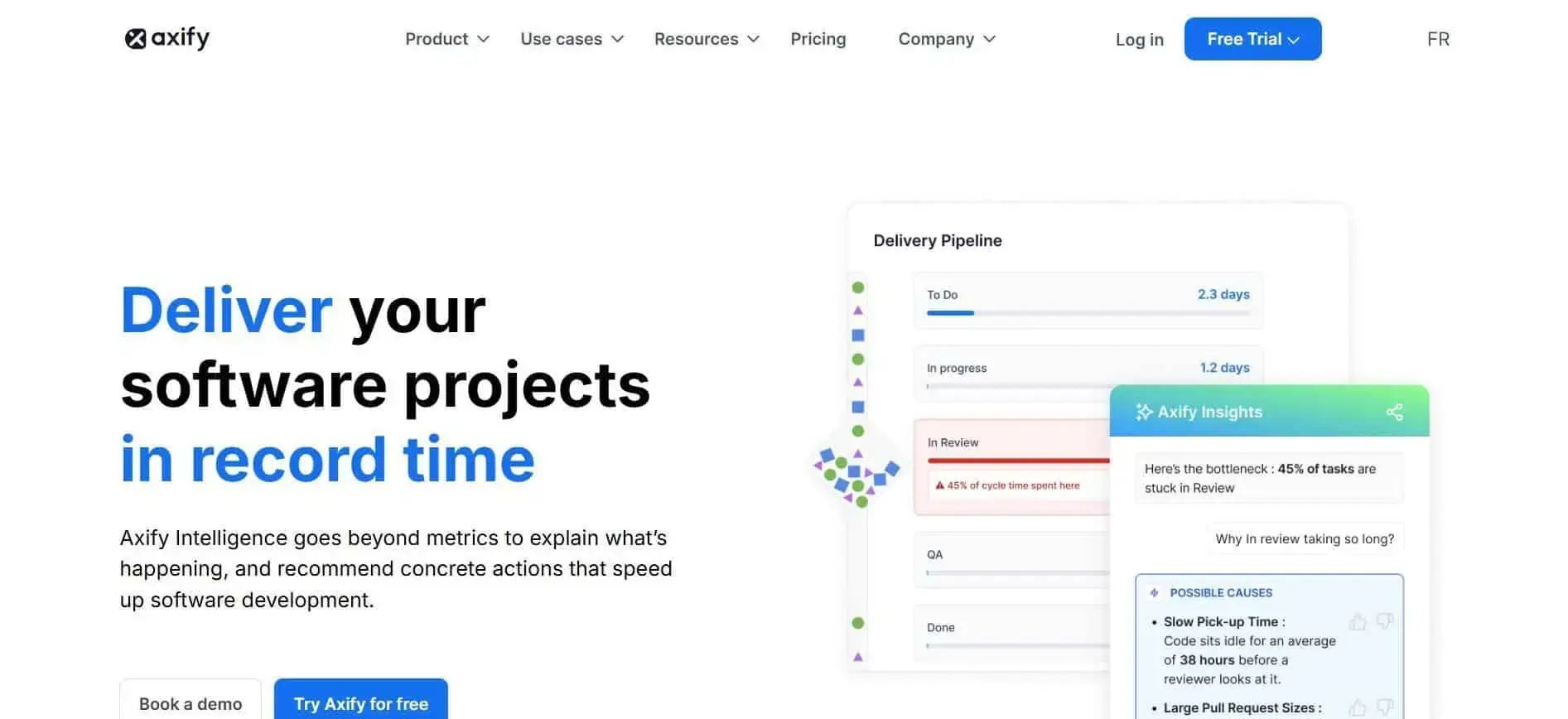
Axify connects delivery metrics directly to execution decisions. You can understand how work moves across planning, code, validation, and production, see improvement recommendations, and make the right decisions based on those.
Let’s start with the visibility layer.
The platform combines DORA with flow metrics that you can access in our value stream mapping feature. This view shows you where work stalls, which initiative is consuming capacity, and how those shifts affect roadmap confidence.
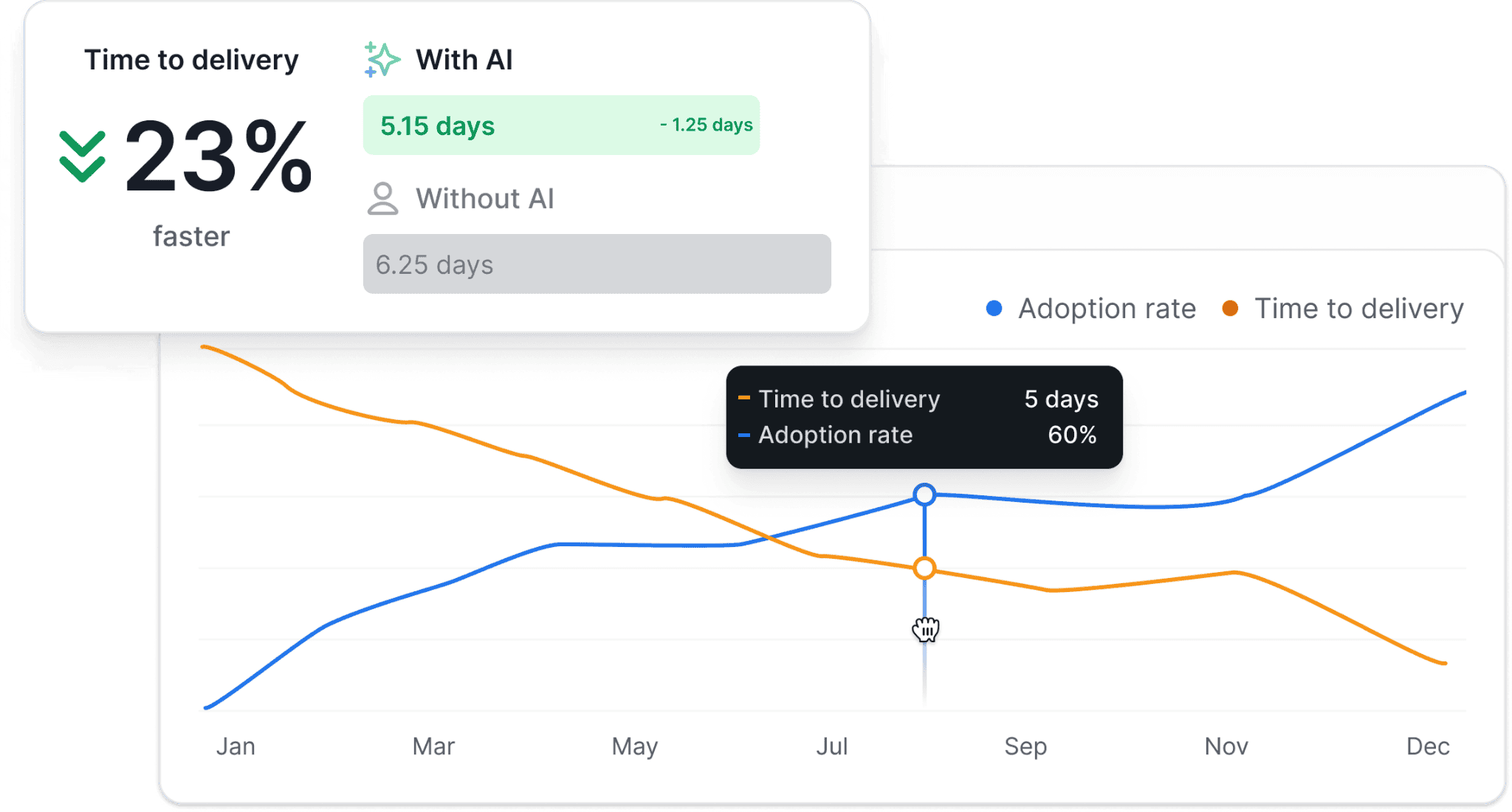
In addition, the Axify AI Performance Comparison lets you measure AI adoption through structured before-and-after delivery analysis. You can see whether your AI usage correlates with changes in cycle time, review load, or rework.
Then there’s the decision layer.
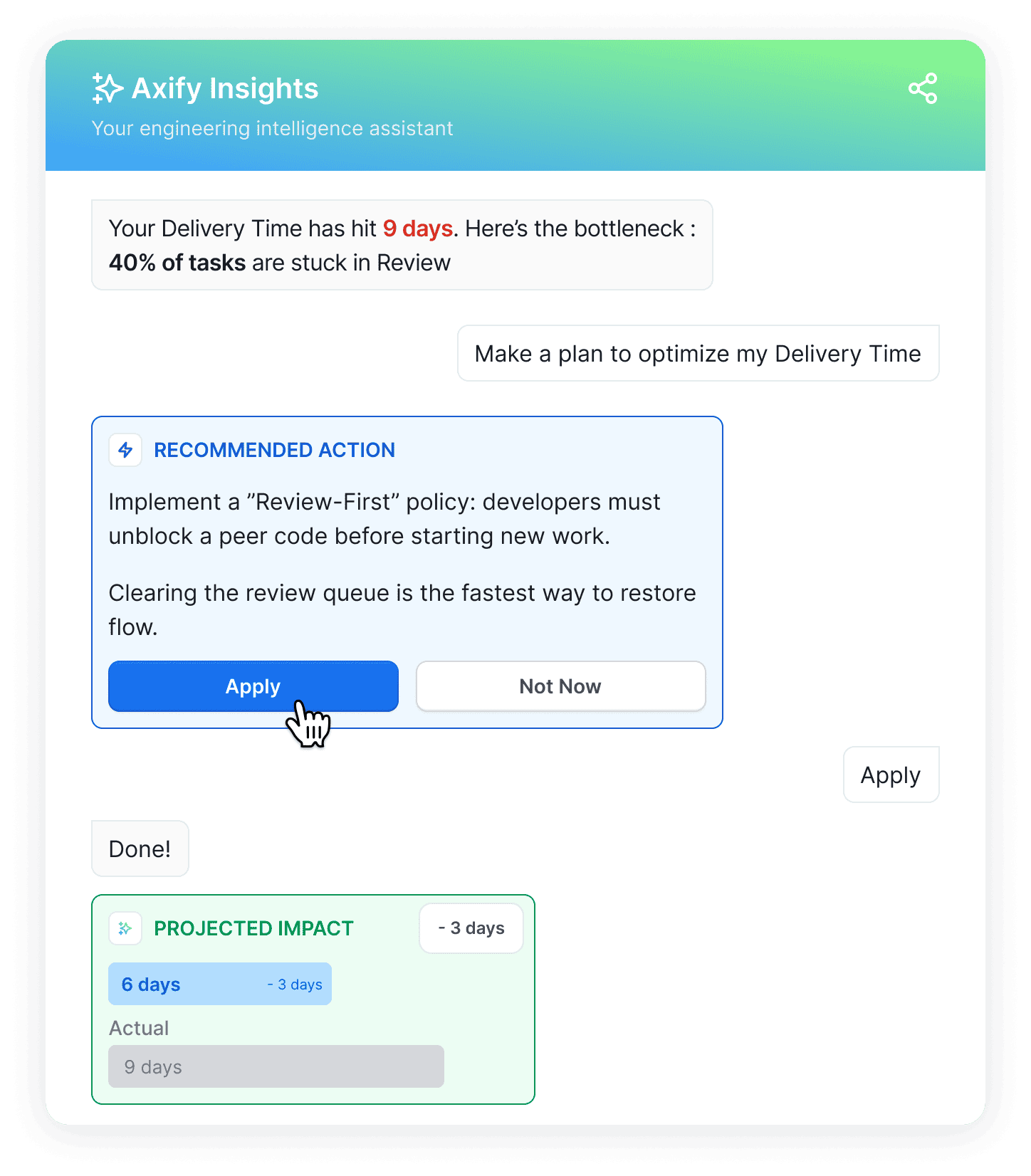
Axify Intelligence analyzes your internal delivery history, explains why metrics show changes, and suggests specific next steps such as adjusting review ownership or limiting parallel work.
The AI assistant works on top of the delivery data synced from your engineering tools in real time, so you can ask direct questions about workflow changes and get recommendations grounded in your actual development context. Many of these actions can be applied directly from the platform.
In other words, Axify helps engineering leaders turn delivery insights into concrete planning decisions.
Before adding the AI capabilities, Axify worked with Newforma to analyze delivery flow and address bottlenecks across eight teams. Within five months, lead time decreased by 63%, pull request cycle time dropped by 60%, deployment frequency increased by 2,150%, and delivery volume rose 22x.
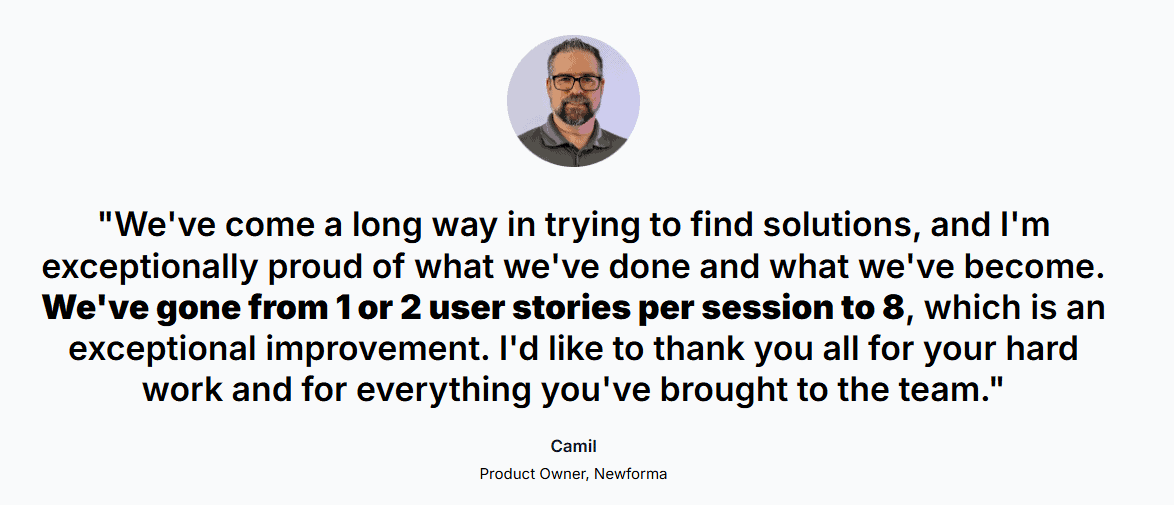
Those results followed concrete changes in workflow design, validation steps, and team coordination.
Now, imagine what your organization can achieve with our AI features as well.
Strengths:
Limitations:
Best for: Engineering leaders who want measurement combined with structured decision support.
Pricing: Free trial available; Pro starts at $29 USD per active contributor/month (billed annually), Enterprise on quote.
Website: Axify.io

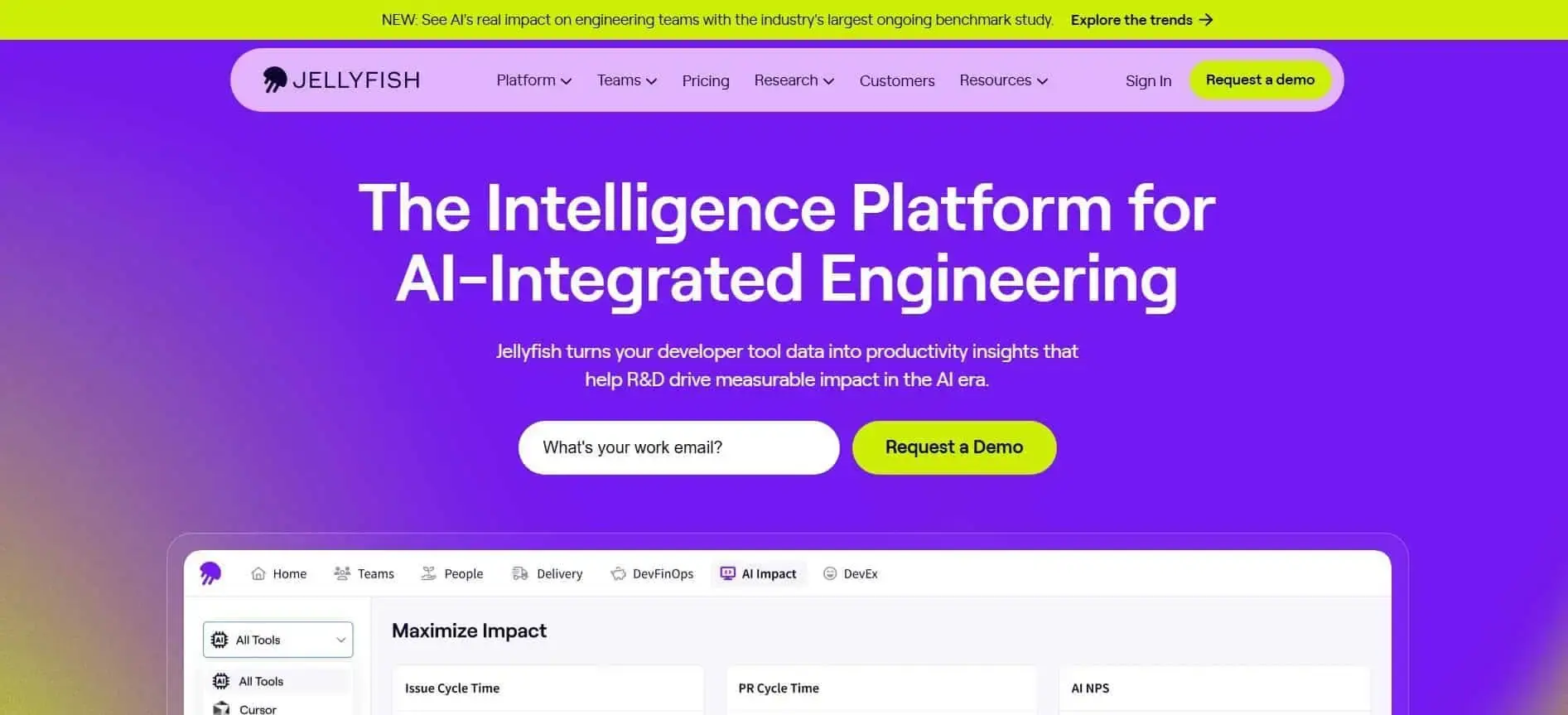
Jellyfish shows you where your engineering time goes and how that allocation aligns with your business priorities. Its work allocation model reconstructs effort across repositories and tickets.
This way, teams can see how much capacity supports roadmap work versus KTLO or unplanned tasks. That clarity changes staffing discussions because investment shifts become visible.
In one case, Clari reallocated effort away from KTLO and increased roadmap allocation by 5% after Jellyfish exposed misalignment with industry benchmarks. That type of adjustment directly affects planning confidence and portfolio balance.
Strengths:
Limitations:
Best for: Leaders who prioritize capacity distribution and funding alignment decisions.
Pricing: Custom quote.
Website: Jellyfish.co
LinearB embeds AI directly into pull request workflows, so teams can standardize AI-assisted reviews. As such, the platform combines AI code reviews with workflow governance.
It also has a dedicated metrics dashboard that tracks review activity, issue detection, and suggestion adoption.
In practice, this can lead to measurable workflow outcomes. For example, Yum! Brands reports using LinearB’s workflow automation and AI to automate a large share of pull requests while quantifying time saved.
Strengths:
Limitations:
Best for: Leaders rolling out AI code review at scale who need measurable governance.
Pricing: Paid plans start at $29 per contributor per month.
Website: Linearb.io
 Pluralsight Flow centers on workflow-stage visibility, with a strong focus on pull request activity, cycle time, and merge latency.
The platform highlights flow diagnostics that surface where work waits, how long it stays in review, and how those patterns affect delivery predictability. This structure supports targeted process adjustments.
A relevant example is BNY Mellon, where Flow is described as providing stage-level workflow visibility, monitoring cycle time and PR merge metrics, and enabling focused improvement actions. That use case reflects the platform’s strength in structured, classic flow reporting rather than advanced explanatory layers.
Strengths:
Limitations:
Best for: Leaders seeking reliable, classic flow metrics to improve delivery consistency.
Pricing: $50 per user per month, billed annually.
Website: Pluralsight.com
Code Climate Velocity connects code quality signals and delivery flow metrics. This way, teams can see how review speed, incident patterns, and workflow stages affect their overall throughput.
The platform ingests data directly from version control and CI systems, then calculates DORA and PR-based metrics using operational data. Since it doesn’t use proxies, metrics like cycle time, deployment cadence, or review bottlenecks are closer to workflow reality.
A representative case is VTS. During a period of growth and acquisitions, Velocity was used to investigate bottlenecks reflected in various workflow metrics. After targeted process changes, the organization reported improvements in cycle time and deployment frequency.
Strengths:
Limitations:
Best for: Leaders who want to connect code quality and flow data to delivery outcomes.
Pricing: Free tier available; paid plans start at $449 per seat per year.
Website: Codeclimate.com
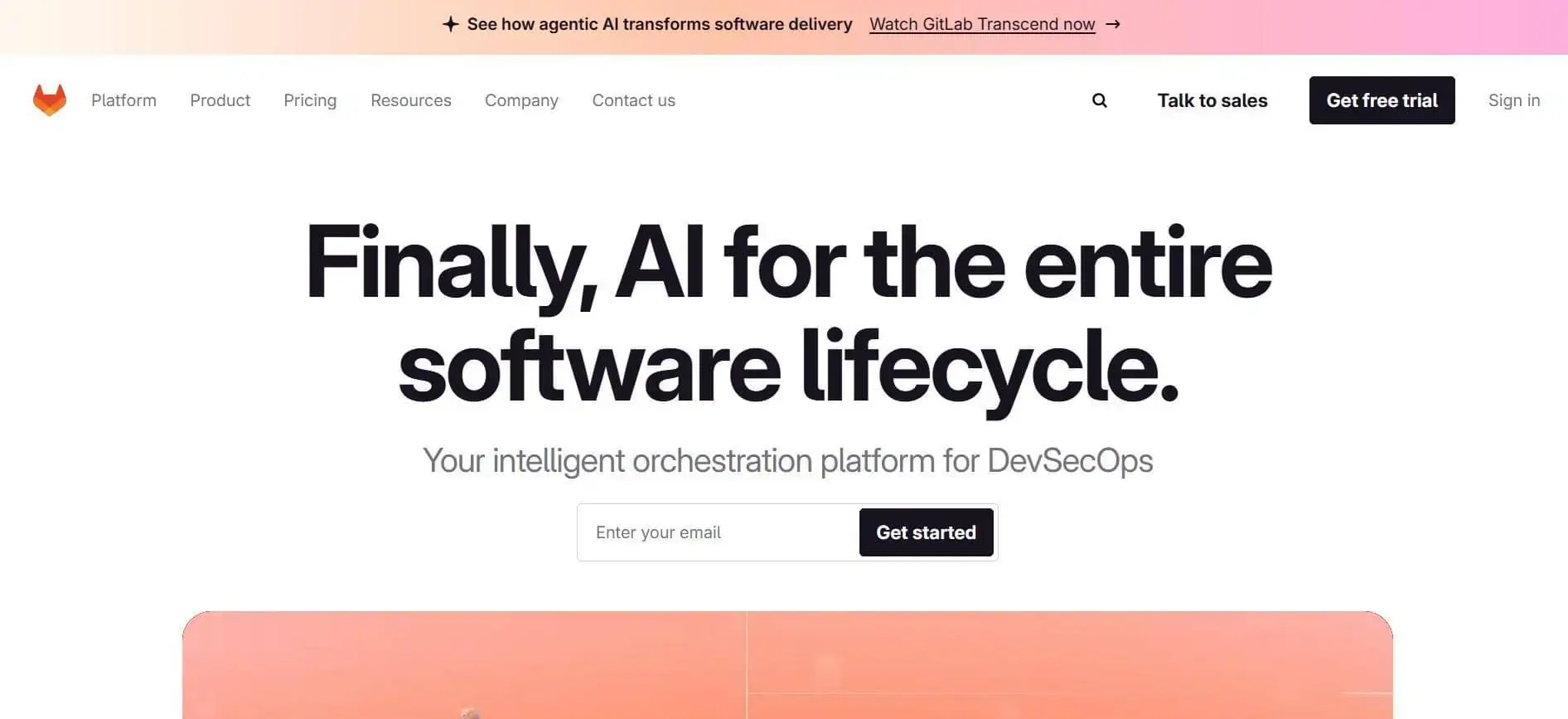
GitLab Value Stream Analytics is a native measurement layer inside GitLab that tracks how long work items spend in each workflow stage based on defined start and end events. That structure allows organizations to quantify stage time, identify where work waits, and compare median cycle time across projects without exporting data.
In addition, the value streams dashboard consolidates DORA panels, flow metrics, security findings, and AI code suggestion signals in one interface. As a result, teams have a better visibility of their metrics.
Strengths:
Limitations:
Best for: Organizations standardized on GitLab that want in-product value stream reporting.
Pricing: Free tier available; paid plans start at $29 per user per month.
Website: Gitlab.com
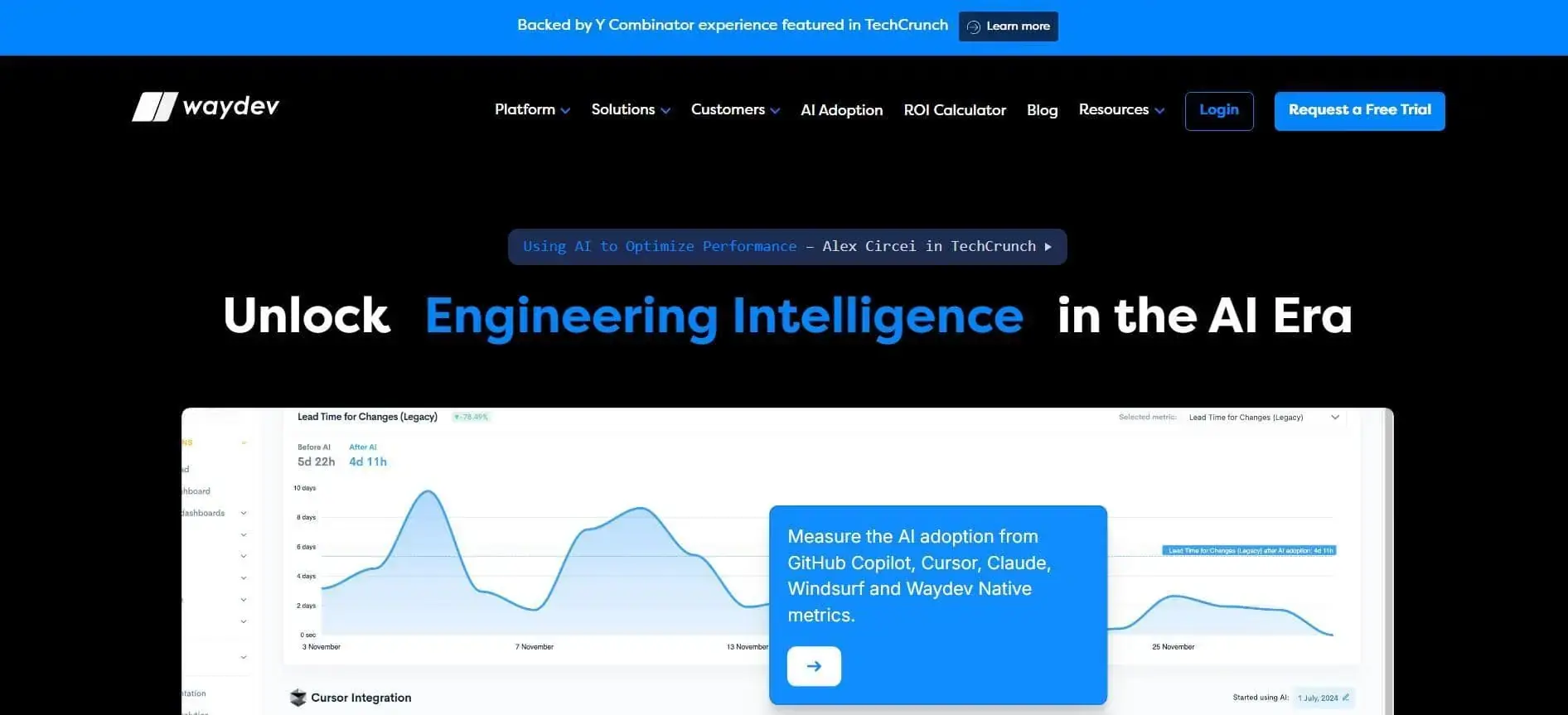
Waydev presents itself as a developer productivity insights platform that connects repository activity to delivery performance.
It tracks DORA, SPACE, and workflow metrics across Git providers and planning tools, then structures them into delivery, health, planning, and automation views. That layout allows teams to analyze how commits move to review, how long work stays in progress, and how planning choices affect throughput.
Strengths:
Limitations:
Best for: Leaders who want cross-repository activity visibility tied to long-term performance tracking.
Pricing: Starts at $29 per active contributor per month.
Website: Waydev.co
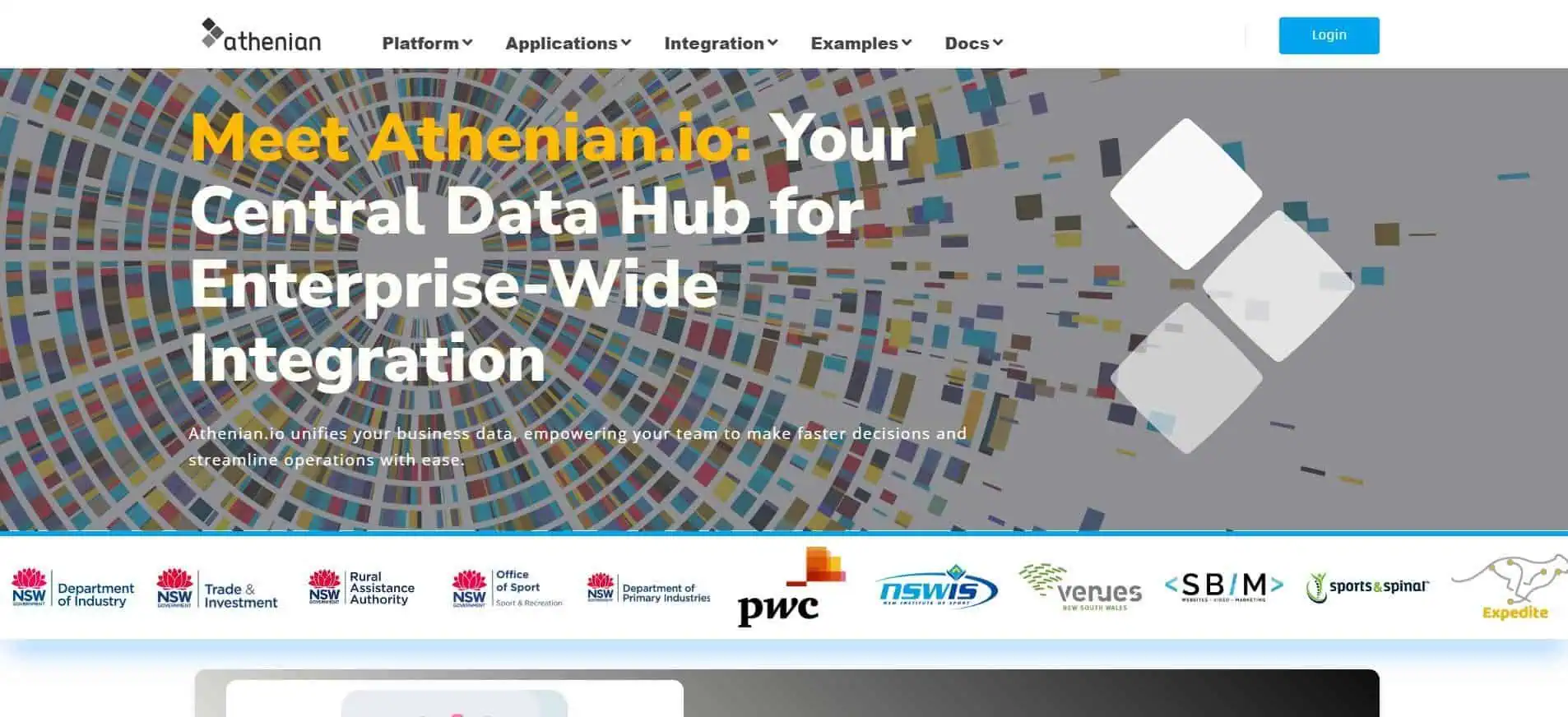
Athenian.io is a serverless data platform that centralizes enterprise data, workflows, and analytics in one environment. It integrates ERP systems like SAP S/4HANA, automates data migration, and connects multiple data sources into a single source of truth.
Its low-code and no-code tools let teams build apps and workflows without heavy development effort. The platform emphasizes real-time analytics, unified data modeling, legacy system retirement, and cost reduction by eliminating complex, multi-tool integrations.
For example, the NSW Department of Industry case study used Athenian to migrate large data volumes from a legacy ERP to SAP S/4HANA. They replaced spreadsheet-based processes with a controlled, repeatable migration platform that ensured full audit traceability, reduced manual effort, and allowed business users to manage transformations directly.
Strengths:
Limitations:
Best for: Organizations that want unified enterprise data governance and can build engineering reporting on top.
Pricing: Business Premium starts at $299 per user per month, minimum five users.
Website: Athenian.io
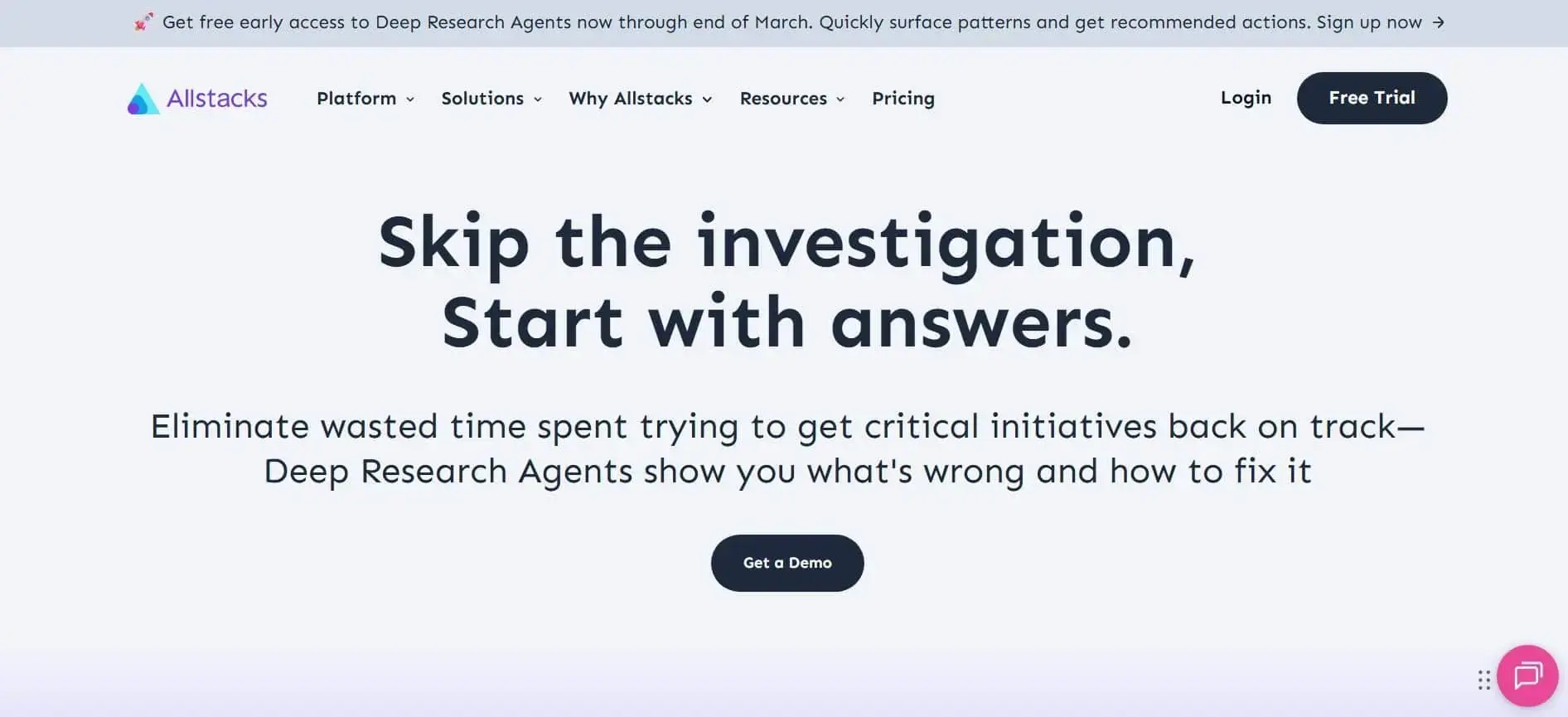
Allstacks uses delivery data to showcase executive-level risk and give you forecasting insight.
Its intelligence engine aggregates signals across project management, CI/CD, and source control systems, then surfaces risk drivers, investment patterns, and AI adoption trends. That structure supports portfolio planning, capacity allocation, and roadmap confidence reviews without relying on manual reporting cycles.
As an example, Enverus reports reductions in time and effort spent gathering and auditing data after implementing Allstacks’ reporting approach. The change reduced reporting friction and shifted attention from data collection to interpretation and action.
Strengths:
Limitations:
Best for: Engineering executives who want forecasting and investment visibility linked to delivery risk.
Pricing: Starts at $400 per contributor per year.
Website: Allstacks.com
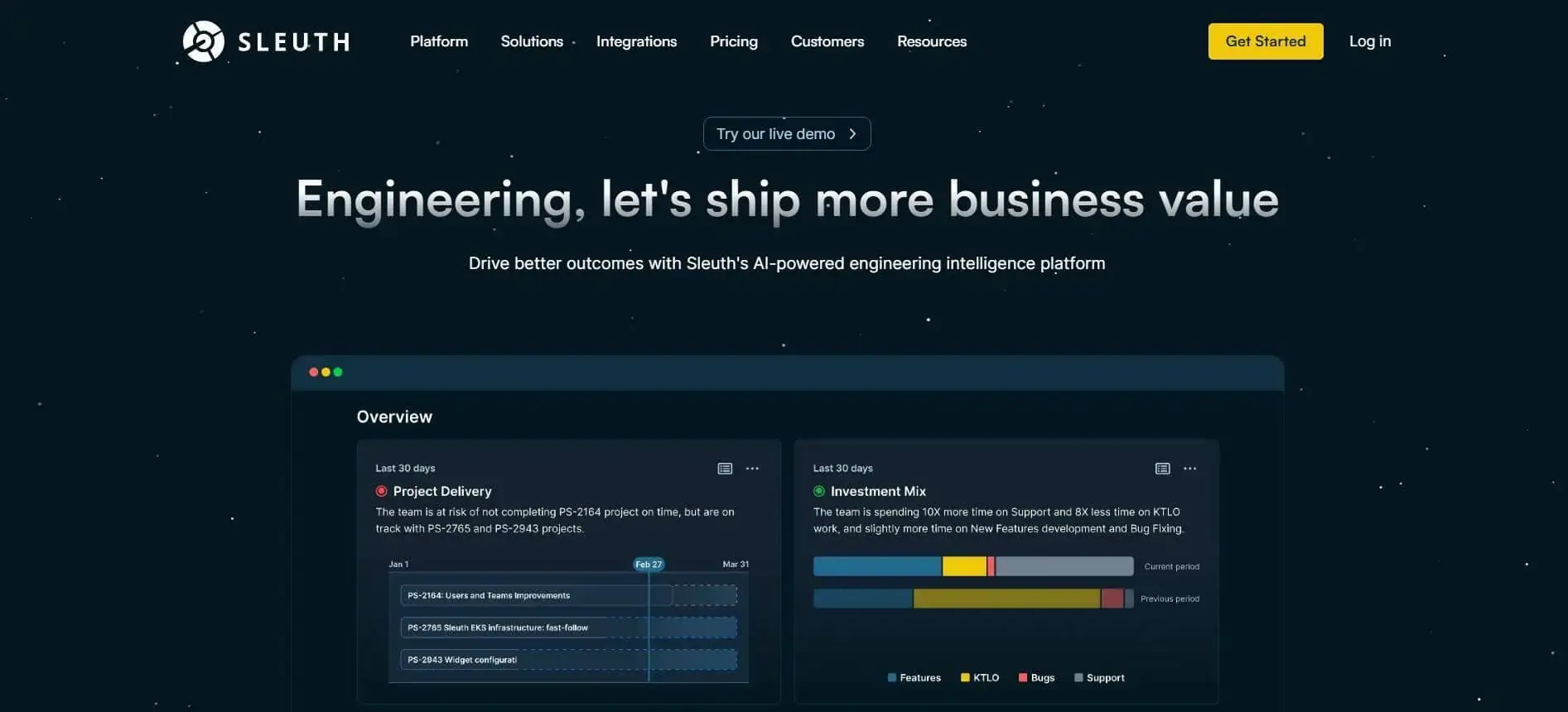
Sleuth focuses on deploy-level visibility and DORA reporting grounded in actual release events. The platform brings DORA metrics, investment tracking, DevEx data, and project visibility into one place, so leaders can see where time and budget actually go.
Its AI features summarize trends, highlight anomalies, and provide scorecards without manual reporting. Built-in, role-based reviews support executive check-ins, sprint reviews, and planning conversations, making delivery more predictable and easier to explain in business terms.
A leadership-focused example is Puma. As Puma shifted to a headless architecture, increasing release frequency made it hard to track deployments and measure impact. Sleuth helped them centralize deployment visibility, automated reporting, and tracked DORA metrics. As a result, Puma uncovered process bottlenecks affecting lead time and increased releases.
Strengths:
Limitations:
Best for: Leaders prioritizing DORA performance and release visibility across environments.
Pricing: Standard plan starts at $35 per user per month.
Website: Sleuth.io
We know that you need tools that influence real delivery decisions. For that reason, our evaluation focused on how each platform supports planning, prioritization, and risk management inside your engineering system.
These are the criteria used to assess each option.
We evaluated how comprehensively each platform covers engineering performance metrics and value stream management. This includes standard DORA metrics, cycle time breakdowns, incident metrics like MTTR, allocation and investment tracking, and workflow stage visibility.
We also assessed whether teams can trace outcomes back to specific bottlenecks; being able to view surface-level dashboards is not enough. Tools that connect delivery metrics to actual workflow stages and business impact scored higher.
Some platforms provide forecasts, AI impact comparisons, or workload trend analysis. However, not all tools explain why a metric changed or what action to take.
Axify stands out from a decision-support perspective because it combines measurement with explanation and recommended next steps. That link between signal and intervention reduces helps you make better engineering decisions.
Data accuracy depends on clean inputs. Integrations with Git providers, issue trackers, and CI/CD pipelines determine whether metrics reflect real workflow states or give you incomplete snapshots.
Executive views must understand how engineering metrics translate into project risks and capacity implications. Clear summaries and benchmarks can improve stakeholder communication without oversimplifying technical nuance.
Finally, adoption depends on clarity. Intuitive navigation, meaningful defaults, and low configuration overhead reduce the time investment required for rollout, which directly affects long-term trust in the system.
You should pick the platform that turns delivery signals into clear planning decisions, and for most leadership teams that means Axify. As outlined earlier, visibility alone is no longer enough when cycle time stretches and roadmap confidence drops.
Across the tools reviewed, each offers value in a specific domain: allocation modeling, pull request governance, classic flow tracking, or enterprise reporting.
But only one consistently connects workflow data to causal explanations and recommended actions. That distinction matters when important engineering decisions sit on the table.
If you want visibility combined with structured decision guidance, book a demo with Axify and evaluate it against your own delivery data.

Swarmia is used to track engineering flow, allocation, and delivery signals so you can understand how work moves across teams and whether output aligns with business priorities.
Otto Hilska is the founder and CEO of Swarmia, a Helsinki-based software engineering intelligence platform founded in 2019. That leadership background shapes the company’s focus on structured engineering data rather than ad hoc reporting.
Swarmia can be useful for developers when it is leveraged as a system-level feedback tool rather than a performance ranking mechanism. When used correctly, it helps teams identify workflow constraints so they can improve delivery quality and collaboration.
Swarmia can help reduce burnout if you use it to identify overloaded review queues, unplanned work, or uneven allocation before they become chronic pressure points. However, if metrics are used to compare individuals or push output targets, they can negatively affect team engagement instead of improving it.
Axify is the best alternative to Swarmia when you want measurement combined with structured decision guidance. It connects delivery signals to recommended actions, so you move from visibility to implementation.