AI
20 minutes reading time

AI coding assistants help you write code faster, one line or one suggestion at a time, with a human deciding what to keep. AI coding agents are different: you give a task, and the tool plans the work, reads repo context, edits files across the codebase, runs commands, and returns a pull request for review.
The difference lies in the review step; with coding assistants, it’s a human spot-checking a suggestion. With coding agents, you have a human checking a multi-file change the agent made on its own. This task takes more time and demands more context.
So, in this guide, we’ll compare agentic tools by workflow fit, review effort, governance, cost, and delivery impact. For the broader category, see our guide to the best AI coding assistants.
First, what actually counts as an agent.
An AI coding agent is a tool that can take a higher-level development task and execute parts of your development process autonomously. Instead of only suggesting code while you type, it can inspect the repo, decide what needs to change, make edits, run checks, and prepare work for review.
AI coding agents share these traits:
You can also check out this short YouTube video to learn more:
Increasingly more software teams want tools that help them move task execution from mere code suggestions. That’s why, according to MarketsandMarkets, the broader AI agents market was valued at $7.84 billion in 2025 and is projected to reach $52.62 billion by 2030 at a 46.3% CAGR.
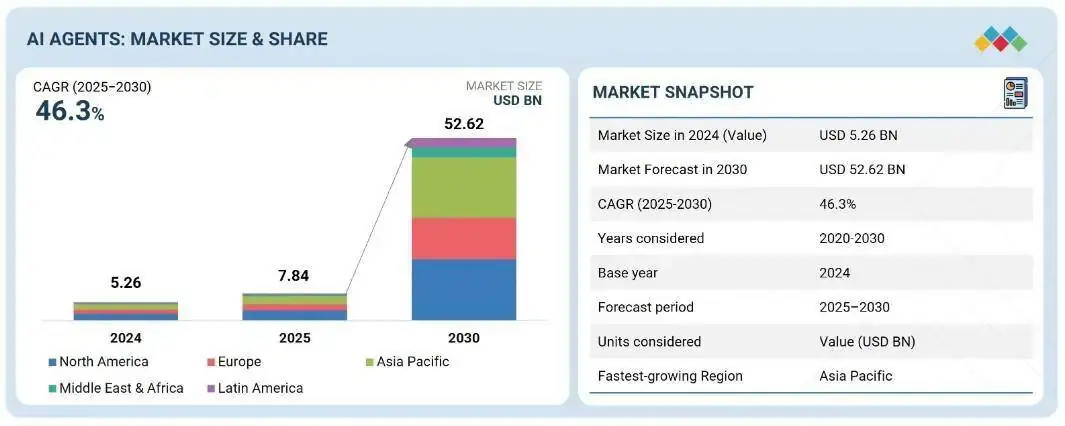
Source: MarketsandMarkets
For you, though, that growth makes tool evaluation harder.
First, you have more AI coding tools competing for your attention. Secondly, many of those tools now claim agentic behavior without proving they can handle real repo work. And most still don’t give you a reliable before-and-after view of delivery performance, so you need separate dashboards to check whether AI coding agents actually made your team faster.
This leads us to the next section.
AI coding agents should be judged by what they change in your delivery workflow, not by how they look in a demo. A useful tool produces work your team can review, test, and merge without adding hidden delays.
The criteria we used to compare each agent:
The best AI coding agent is the one that improves your delivery metrics. Track cycle time, review time, rework rate, and cost per completed task. That ties the comparison to real delivery results rather than generated code volume.
Next, how each tool works in practice.
To compare tools fairly, you need to see where each agent runs, how much work it can handle, and where review risk appears. We use the same criteria across each option, so the table below shows you how each tool fits your repo, CI/CD pipelines, and review process.
| AI coding agent | Best for | Workflow | Autonomy level | Main strength | Main watchout |
| Claude Code | Complex engineering work | Terminal-first, repo-aware work | High | Deep repo reasoning | Cost in long sessions |
| GitHub Copilot Agent Mode | GitHub/Copilot enterprises | IDE agent + cloud agent | Medium-high | Familiar GitHub adoption | Can be confused with autocomplete |
| OpenAI Codex | Cross-surface task execution | IDE, CLI, web, CI/CD, SDK | High | Broad workflow coverage | Costs and governance need testing |
| Devin | Larger delegated work | Cloud AI teammate | High | Multi-repo task delegation | Review effort must be measured |
| Google Jules | Async GitHub tasks | Cloud VM background work | Medium-high | Low-interruption task handoff | No local IDE workflow |
| OpenCode | Open-source control | Terminal, desktop, IDE | Medium | Configurable provider setup | More setup responsibility |
| Aider | Git-native refactoring | Terminal + local git repo | Medium | Diffs and commits | Needs clear task framing |
| Cline | VS Code model flexibility | VS Code with Plan/Act modes | Medium | BYOK and approval control | Token use can rise |
| Kiro | Spec-driven coding | IDE/CLI with specs first | Medium-high | Requirements, design, tasks | Heavier for quick tasks |
| Factory Droid | Workflow automation | CLI, web, Slack/Teams, Jira/Linear | High | Multi-Droid SDLC workflow | Broad rollout may be heavy |
| RooCode | Mode-based VS Code reference | VS Code modes | Legacy/reference | Mode system and model choice | Official extension shut down |
| Gemini CLI | Gemini terminal users | Terminal-first Gemini workflow | Medium | Large free allowance | Less proven for complex delegation |
Now that you have the comparison framework, let’s look at where each agent fits best.
The top 4 AI coding agents are Claude Code, GitHub Copilot Agent Mode, OpenAI Codex, and Devin. We ranked them first because you need agents that handle repo context, multi-step execution, reviewable changes, and architecture decisions without hiding cost or review risk.
Let’s discuss all of them in more depth:
Best for: Senior developers and engineering teams delegating complex tasks, refactoring, bug investigations, and repo exploration.
Claude Code is a terminal-first agent that reads your codebase, edits files, runs commands, and works with git-based workflows. It supports MCP, hooks, and project-level instructions, so agent behavior can be tied to repo rules.
Pros:
Cons:
Pricing: Starting at $20/month.
Pro tip: Are you using this tool? Feel free to check out our other guide on measuring the impact of Claude Code on productivity.
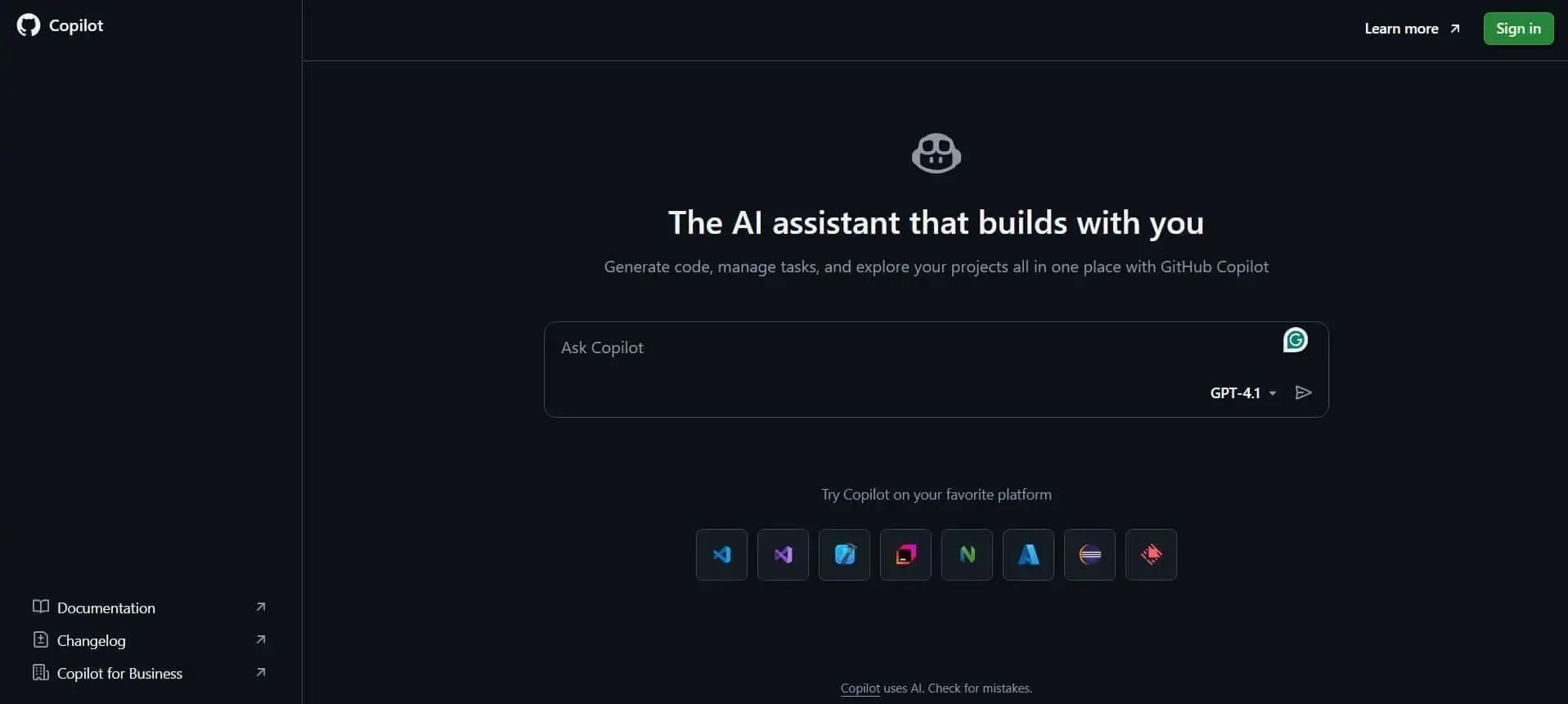
Best for: Enterprises already using GitHub Copilot that want to test agentic workflows without introducing a fully separate tool.
Traditional GitHub Copilot works as a coding assistant. Meanwhile, Copilot Agent Mode moves closer to an agentic workflow because it can make autonomous edits inside the developer’s environment.
As of March 2026, GitHub Copilot Agent Mode is generally available in both VS Code and JetBrains. GitHub also separates this from its Copilot cloud agent. Agent Mode works inside the IDE, while the cloud agent can take assigned GitHub issues, work in the background, and open pull requests for review.
Pros:
Cons:
Pricing: Free tiers available. Paid pricing plans starting at $10/user/month for Copilot Pro.
Pro tip: If you’re using this tool, feel free to check out our guide on the 21 GitHub Copilot metrics that you need to track.

Best for: Use Codex when your team wants one mainstream agent across local work, cloud tasks, and programmable workflows.
Codex covers writing, reviewing, and debugging code across IDE, CLI, web, mobile, and SDK paths, with a Codex SDK that supports CI/CD use.
Pros:
Cons:
Pricing: Free with ChatGPT plans: Plus $20/month, Business $30/user/month, Pro $200/month.
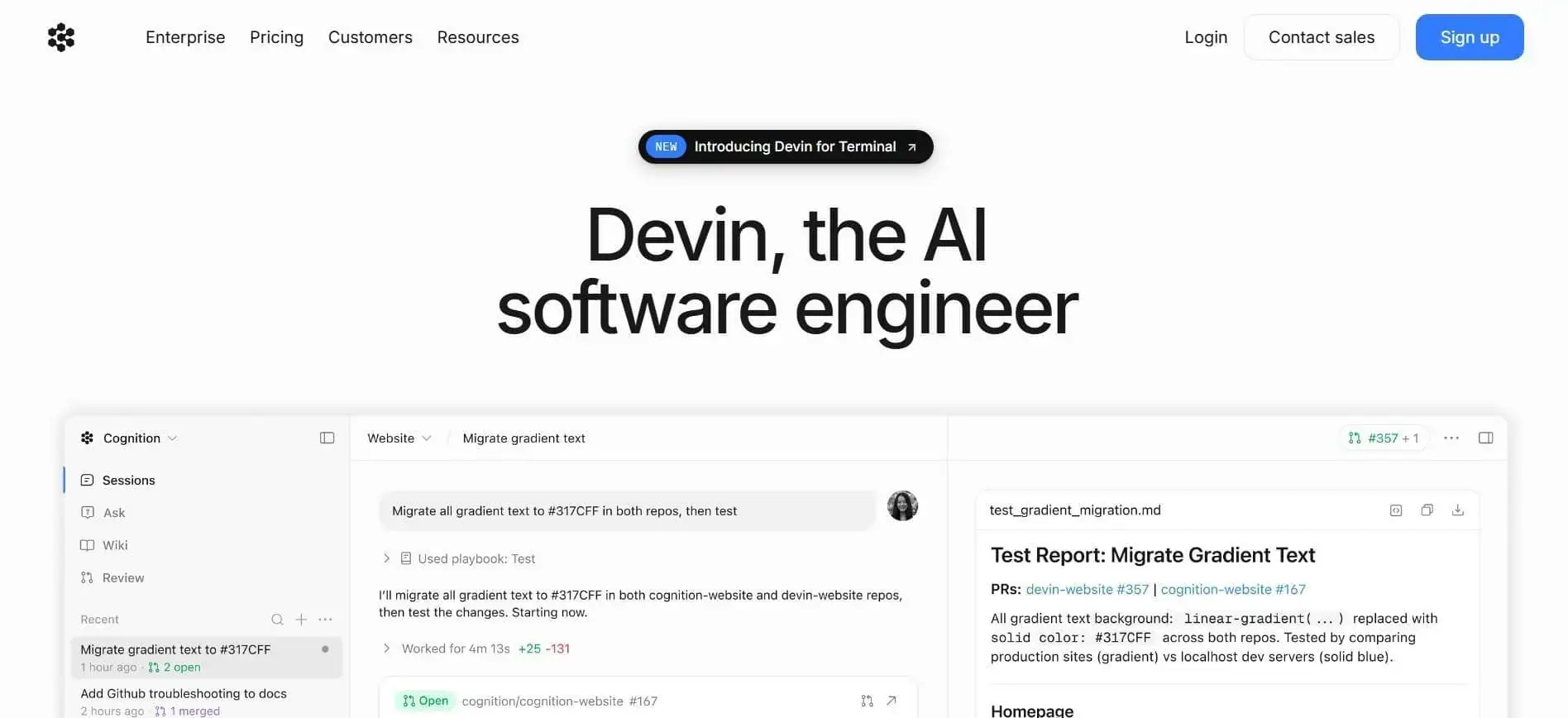
Best for: Larger teams that want an AI teammate for meaningful engineering work.
Devin is built for delegated engineering work across complex and multi-repo projects. Cognition says it can plan and execute tasks, use a shell, code editor, and browser, and accumulate codebase knowledge over time.
Pros:
Cons:
Pricing: Starting at $20/month.
Best for: Teams that want agents to handle defined tasks asynchronously while developers focus elsewhere.
Jules connects to existing repositories, clones code into secure Google Cloud VMs, reads project context, and works on tasks such as tests, bug fixes, features, and dependency updates. For you, the main difference might be the handoff: Jules works in the background and returns changes for review.
Pros:
Cons:
Pricing: Jules is included as a benefit of the Google AI Pro plan (free tier with 15 tasks/day). Higher limits via Google AI Pro at $19.99/month, or Google AI Ultra at $249.99/month.
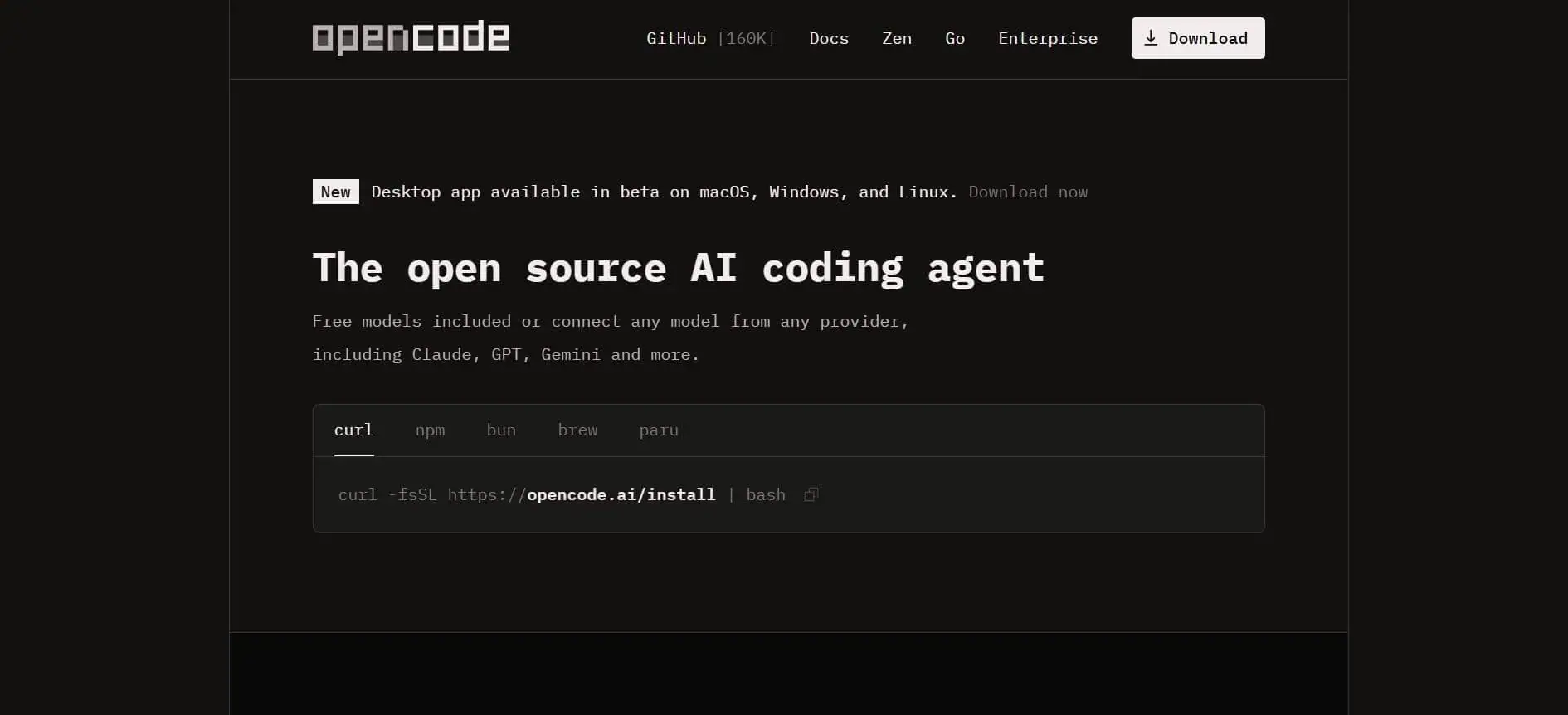
Best for: Developers and teams that want transparency, configurability, and less vendor lock-in.
OpenCode is an open-source AI coding agent available through terminal, desktop app, and an IDE extension. It supports questions, feature work, code changes, undo actions, and specialized agents. That gives you more control over model choice, credentials, and workflow design than closed tools usually allow.
Pros:
Cons:
Pricing: OpenCode itself is free and open source (Apache 2.0). You bring your own API key and pay the provider. An optional OpenCode Go subscription at $10/month bundles access to several open coding models.
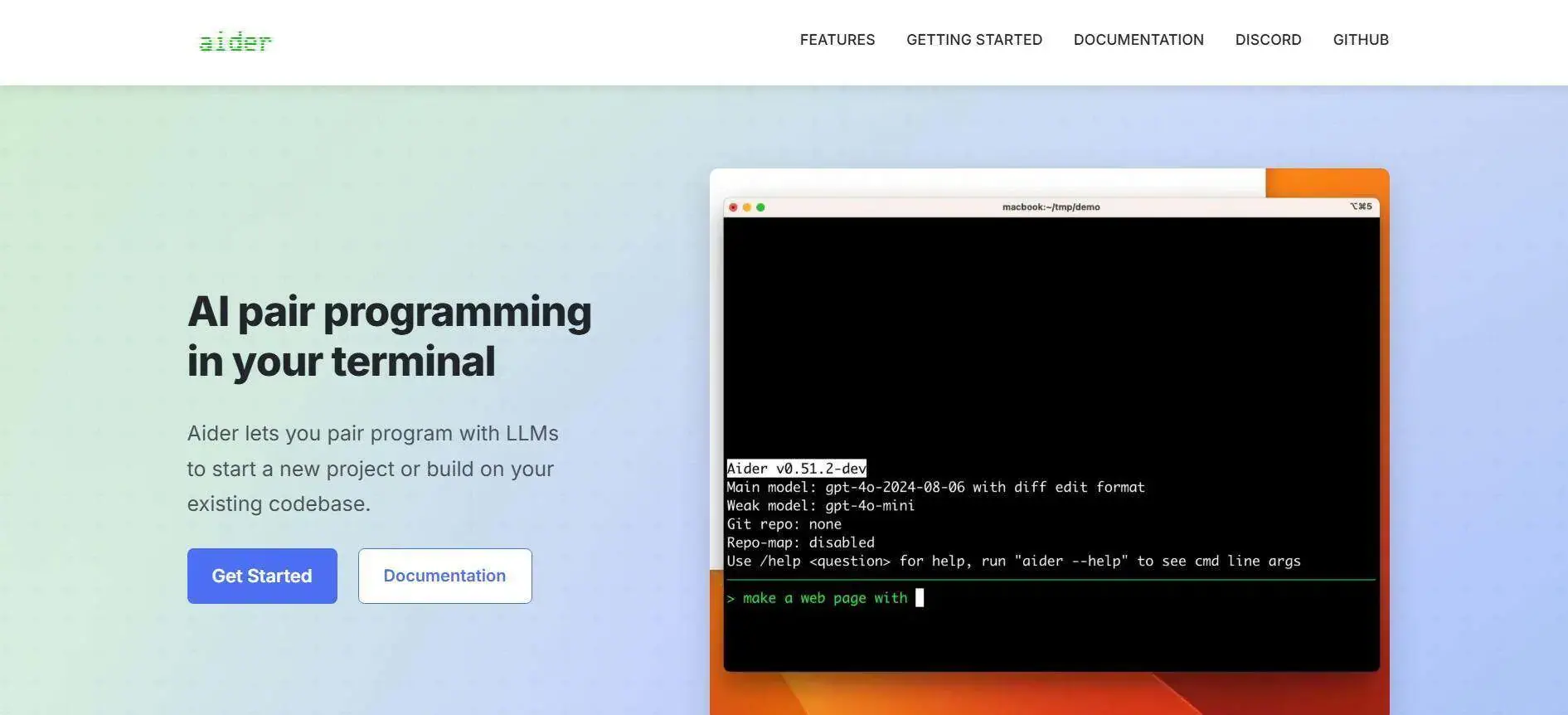
Best for: Experienced developers doing refactors, technical debt cleanup, and controlled multi-file edits.
Aider works inside your terminal and local git repo. It is not a “fully autonomous software engineer,” but it fits this list because you can use it for repo-level, task-oriented CLI work with visible diffs and atomic commits.
Pros:
Cons:
Pricing: Aider itself is free and open source. You bring your own API keys and pay the model provider directly.
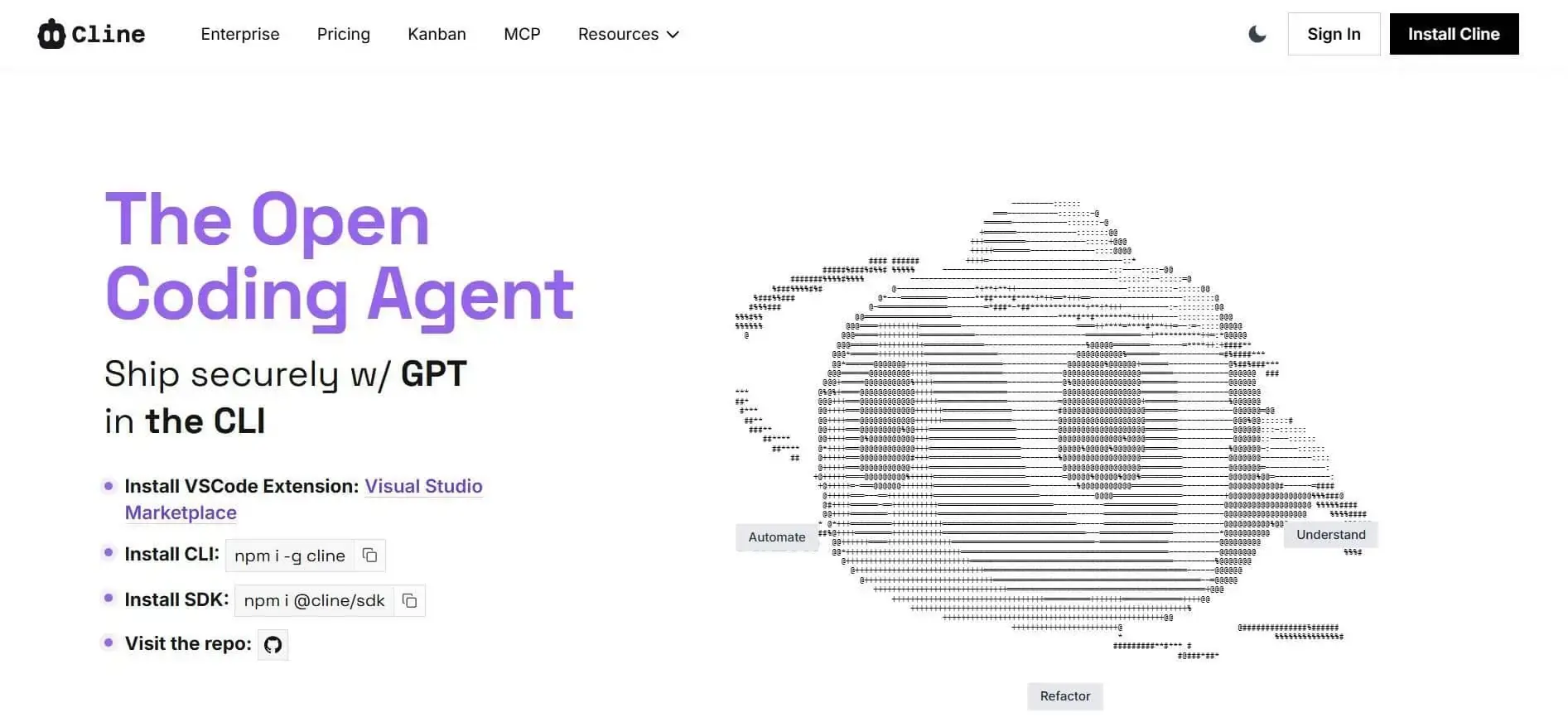
Best for: VS Code users who want a hands-on agent workflow with configurable models.
Cline brings agentic editing, terminal use, and tool approval into VS Code (and now JetBrains and CLI). Plan/Act modes separate planning from execution. BYOK support lets you choose providers across 30+ options.
Pros:
Cons:
Pricing: Free and open source. Team features are $20/month after Q1 2026 (first 10 seats free). Enterprise is custom.
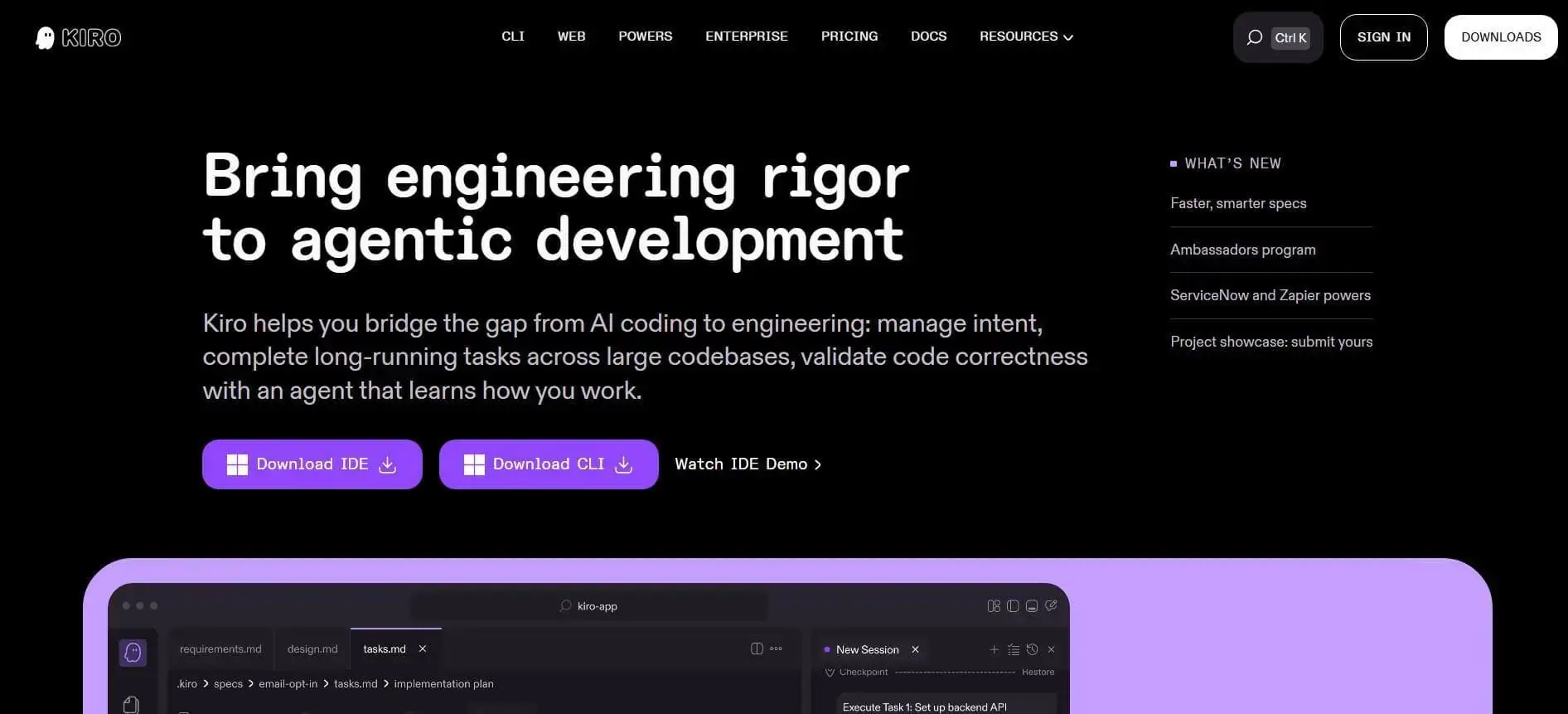
Best for: Teams that want agentic coding with more structure and production-readiness.
Kiro is an agentic AI IDE and CLI from AWS built around spec-driven development. It turns prompts into requirements, design, and tasks before producing code, docs, and tests, so you can review the plan before implementation starts.
Pros:
Cons:
Pricing: Free tier (50 credits/month). Paid pricing plans start at $20/month.

Best for: Engineering teams that want agents connected to project management and delivery workflows.
Factory presents Droid as an AI coding agent for coding, testing, and deployment across CLI, web, Slack/Teams, Linear/Jira, and mobile. Its clearer difference is the “Droid army”: the product splits work across multiple Droids (Code, Knowledge, Reliability, Product) so different agent roles map to different workflow tasks..
Pros:
Cons:
Pricing: Free tier. Paid plans starting at $20/month.
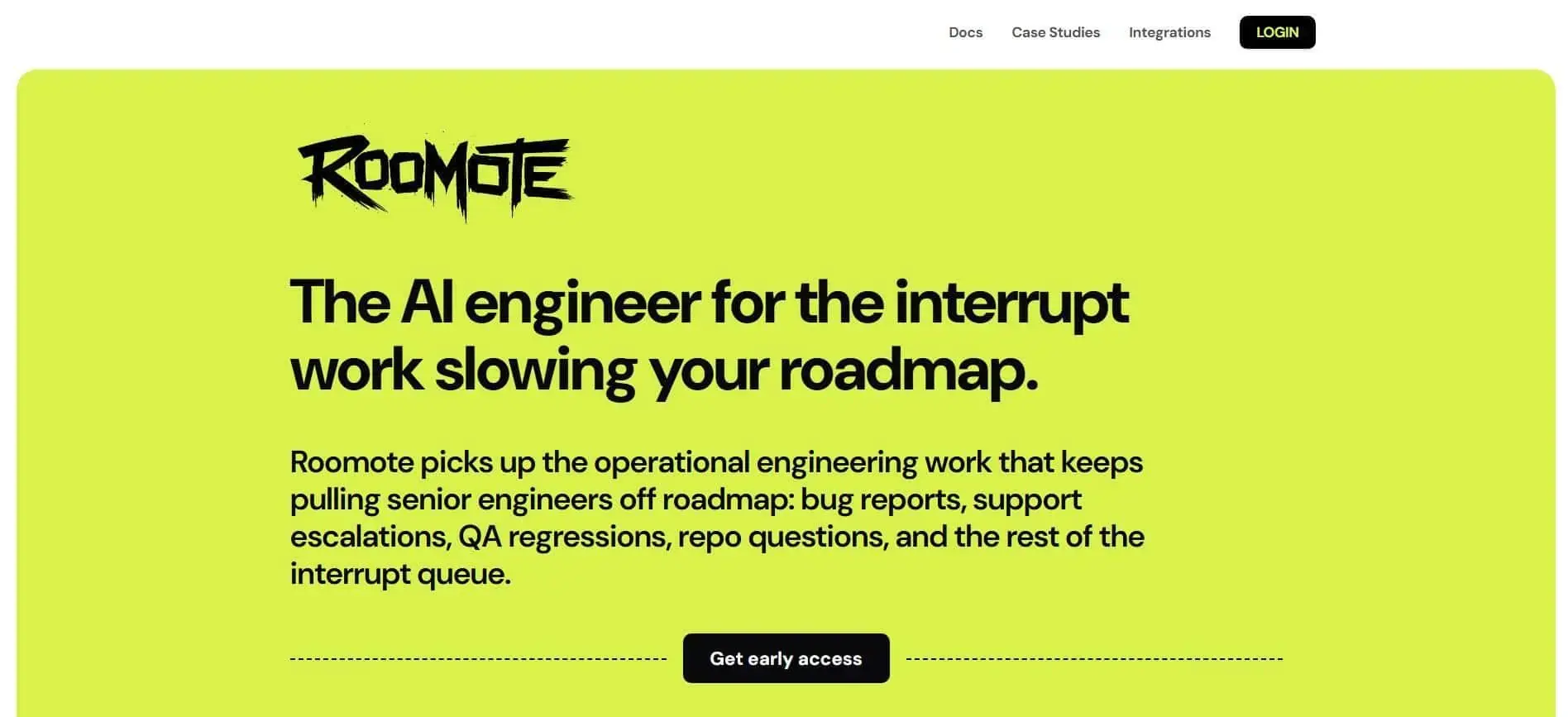
Best for: Teams studying VS Code-based agents for larger multi-file changes.
RooCode is worth including because developers usually compare it with Cline-style workflows. It started as a fork of Cline and became known for its mode system (Code, Architect, Debug, Orchestrator) and model-agnostic execution. It reached 3 million installs.
On April 21, 2026, the original team announced the extension is shutting down on May 15, 2026 to focus on Roomote, their cloud agent. The repo is being archived. A community team has stepped up to maintain the plugin, but the original maintainers are no longer building it.
Pros:
Cons:
Pricing: RooCode is free and open source. You pay model API costs separately. Roomote (the team’s new product) is $20/month plus $5 per agent-hour.
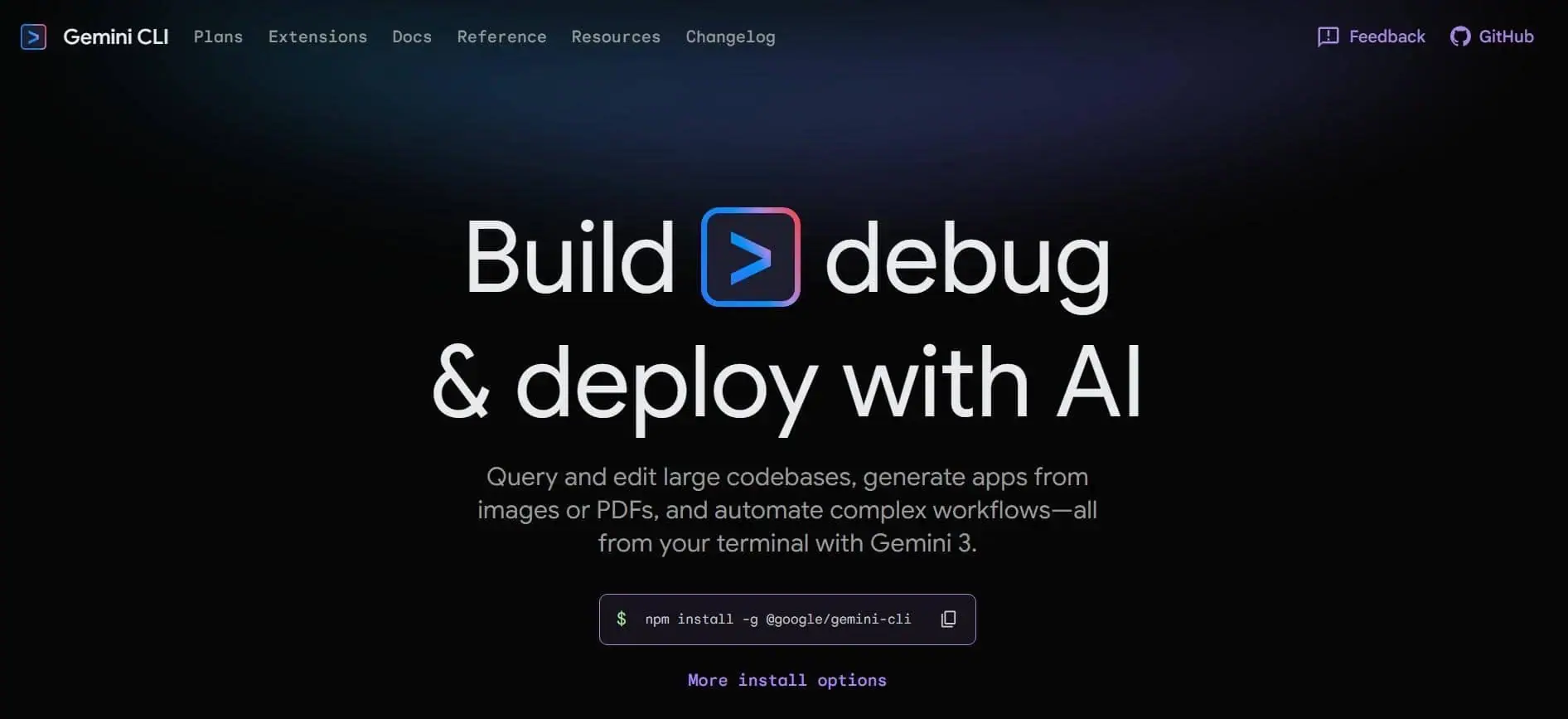
Best for: Developers already using Gemini who want terminal-based coding assistance.
Gemini CLI brings Gemini into local terminal workflows. It supports agentic repo edits, shell commands, MCP, Google Search grounding, and multi-step execution through a ReAct loop.
Its main practical edge is the free tier. The agent offers about 1,000 requests per day with a personal Google account and a 1M-token context window through Gemini 2.5 Pro.
Pros:
Cons:
Pricing: Free with a personal Google account. Paid plans starting at $19.99/month.
Agent adoption can’t be judged by developer anecdotes, license usage, or PR volume alone. Agents can speed up code generation while increasing review time, rework, or tool spend at the same time.
Engineering leaders should track these signals together. Each one shows a different part of the workflow. For more on this, see our AI measurement framework.
Adoption metrics show whether agents are entering daily engineering work. Treat them as input signals, not as evidence of impact.
Track these:
Delivery metrics show whether agent-assisted work reaches production faster after review and validation. This is where you tell the difference between an agent that helps your team ship and an agent that just produces code quickly.
These are the delivery metrics to review:
Quality metrics show whether agents produce usable work or whether they create extra work for the team to fix afterward. This matters because large language models can produce code that looks complete while still missing edge cases, internal patterns, or release constraints.
These are the quality metrics to track:
Cost metrics show whether agent usage is worth what you pay for it. A team may pay the same subscription cost as another team and get very different results, because task scope, retries, context size, and parallel sessions vary across workflows.
Side note: For a deeper look at managing AI spend, see our guide to FinOps for AI.
That said, these are the cost metrics you should compare:
Axify helps you connect these signals instead of reviewing them in separate tools.
Axify AI Adoption and Impact tracks adoption rate, active users, license usage, tool usage, and AI acceptance rate. Its performance comparison view compares your delivery metrics before and after AI implementation.
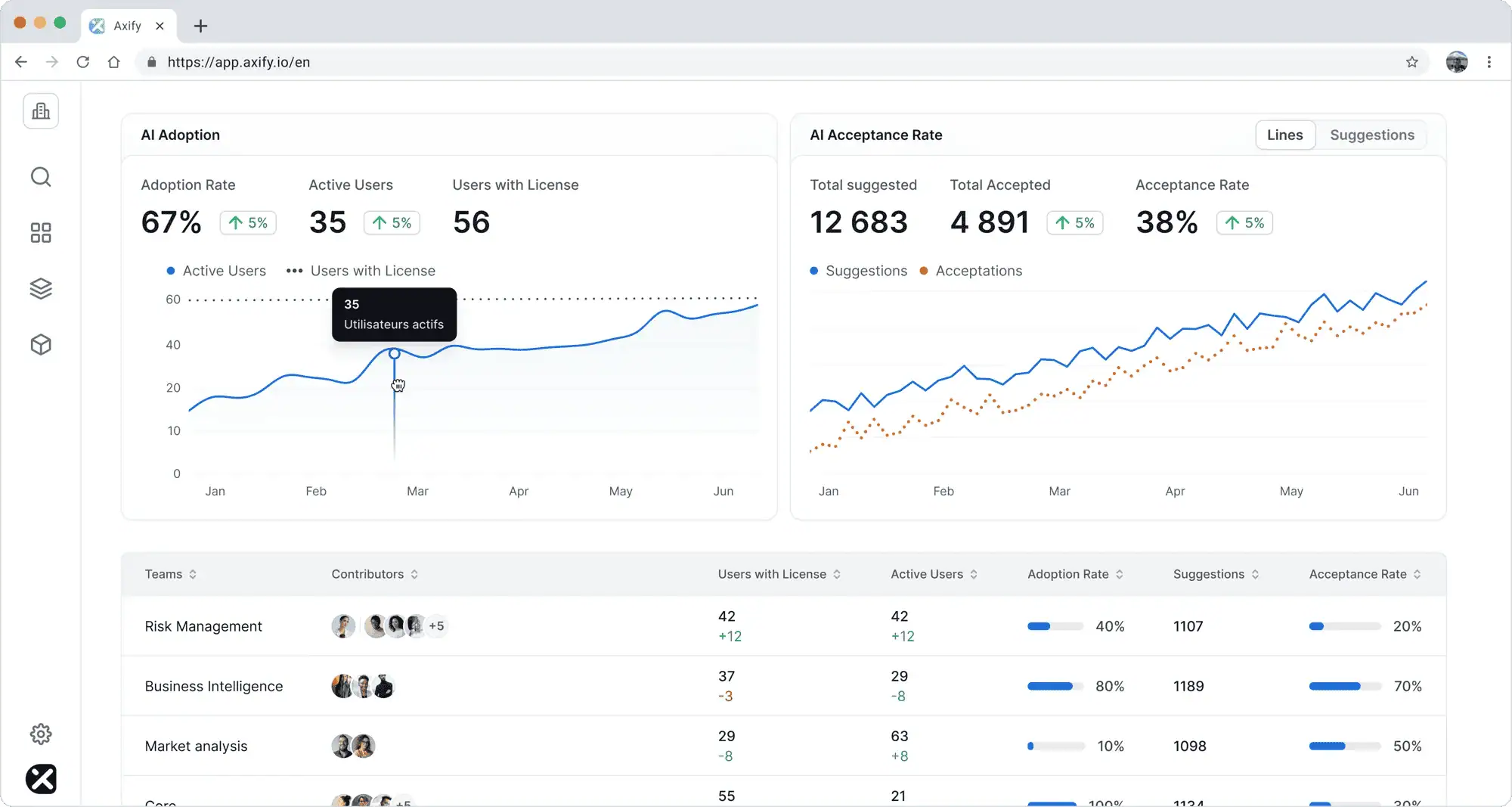
Axify Intelligence analyzes delivery data to show where cycle time increased, which metrics changed and by how much, and which workflow needs review next. You can ask it questions in natural language to identify root causes, and apply its recommended actions directly from the Axify dashboard.
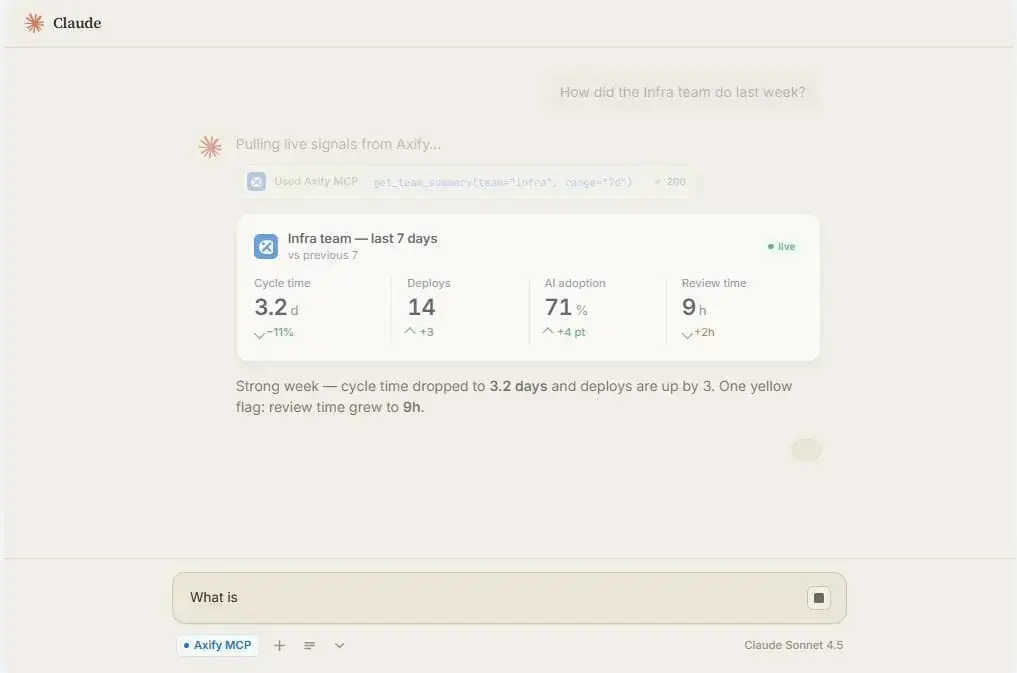
And with Axify MCP, leaders can query Axify from Claude, such as “which team increased AI usage while review time also increased.” The MCP server provides DORA metrics, delivery signals, AI adoption data, and team data through permission-scoped, read-only access.
That way, your answers come from your live Axify data, without having to upload any dashboard screenshots in your AI tool.
With Axify’s AI cost insights inside AI Adoption and Impact, teams can also compare spend by AI tool and forecast cost growth as agent adoption increases. This way, you can periodically reassess whether your AI agents are indeed beneficial for your team (or not).
AI coding agents are worth it when they help your team complete real work faster without creating hidden review, rework, quality, or cost problems. A practical test: does agent-assisted work reach review, testing, and deployment with less total effort than the same work done without an agent?
Agents tend to be strongest for:
The same autonomy creates risk when the task lacks clear boundaries. Agents are riskier for:
The only reliable way to know whether an AI coding agent is worth it is to measure agent-assisted work against actual delivery outcomes.
Comparing AI coding agents by workflow fit, autonomy, review effort, governance, and cost gets you a shortlist. What it doesn’t tell you is whether the agent you pick will earn its cost on your team’s actual work.
That answer only comes from analyzing delivery data, so here’s what we advise you to do:
To compare agent-assisted work against your real delivery baseline, book a demo with Axify today!